Tool 07 · Audio to video · Free · No signup
Audio to video.
Any audio file your browser can decode, as a video file: a song, a podcast, a voice note. Drop it, add a picture or a visualizer, export a 1080p MP4 with the sound as AAC. Converted on your own machine.
01 Audio
Analyzed on your device. Nothing uploads.
02 Style
03 Details
04 Export
Add a track above first.
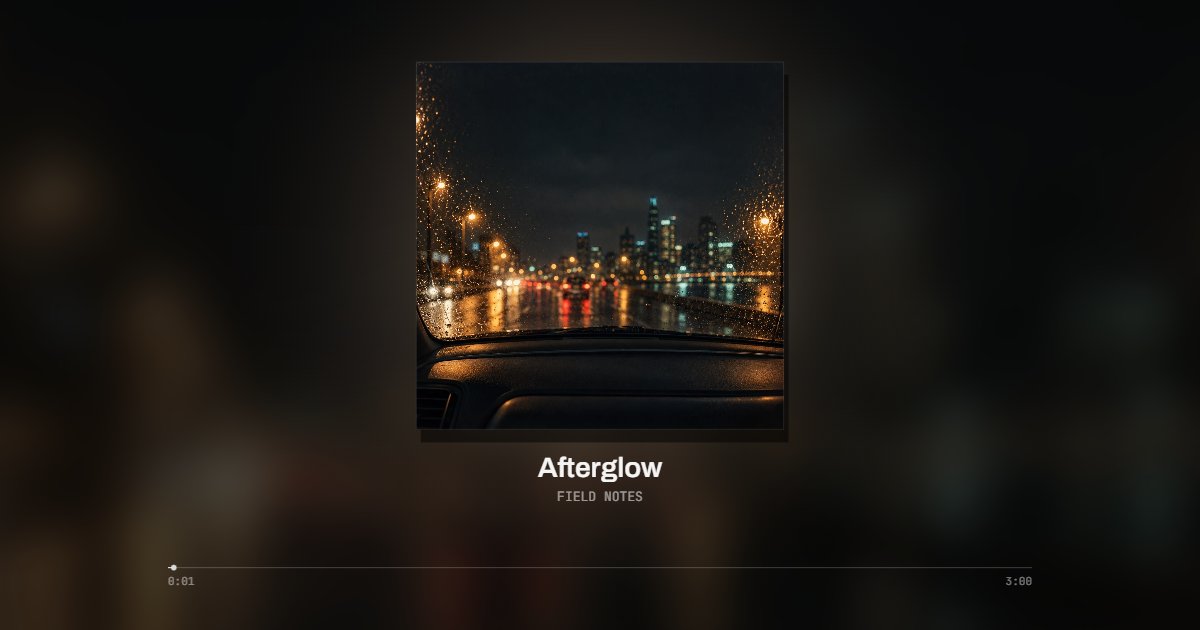
Made with this tool
Formats
| MP3 | Decodes everywhere. The cover inside the file is used. |
|---|---|
| M4A (AAC) | Decodes everywhere. The cover inside the file is used. Apple Lossless inside an M4A decodes in Safari only. |
| WAV | Decodes everywhere, at full resolution. No cover inside; upload one. The MP4 is usually smaller than the WAV. |
| FLAC | Decodes in Chrome, Edge, Firefox and Safari. The cover inside is not read yet; upload one. |
| OGG, Opus | Vorbis and Opus decode in Chrome, Edge and Firefox; Safari is partial. Upload the cover. |
| AAC (.aac) | The raw stream decodes in Chrome, Edge and Safari. No cover inside; upload one. |
| AIFF, WMA, ALAC | Not decoded by Chrome or Edge. Convert to WAV or FLAC first. |
How to convert audio to video
Every video platform, and a good share of chat apps, accept video and not audio. Converting audio to video means giving the sound a picture: the cover, a title and, if you want, a visualizer that moves with it. This converter takes every format the browser decodes and renders the video on your machine, so the file never uploads and nothing is watermarked. The table below says what each format does here; each one also has its own page.
- Drop the audio file on the page: MP3, M4A, WAV, FLAC, OGG, Opus or AAC. It is decoded on your device; the cover inside an MP3 or M4A is picked up.
- Pick the picture: Still holds the cover; Bars, Halo and Line move with the sound; Vinyl and Film put the cover on a record or on film. For speech, Line draws the waveform.
- Type the title and the artist or the show, upload a cover if the file had none, and choose 16:9 for YouTube, 9:16 for Reels and TikTok, 1:1 for feeds.
- Choose the whole file (up to ten minutes) or a clip and press Export. The MP4 downloads with the audio as AAC.
Related
- MP3 to MP4The same converter for a MP3 file.
- M4A to MP4The same converter for a M4A file.
- WAV to MP4The same converter for a WAV file.
- FLAC to MP4The same converter for a FLAC file.
- OGG to MP4The same converter for a OGG file.
- AAC to MP4The same converter for a AAC file.
- MP3 to videoThe same converter with the visualizer first.
- Music visualizerFor songs: nineteen styles that follow the beat.
- Waveform video makerFor a podcast or a voice note: a waveform that moves with the voice.
- Album cover makerNo cover at all? Make one from the title and artist.
- Audio converterNeed the audio as MP3 or WAV, not a video? Convert it here.
Questions
Which audio formats can it convert?+
MP3, M4A (AAC), WAV, FLAC, OGG Vorbis, Opus (.opus or WebM) and raw AAC, all tested in Chrome. Each has its own page with the details that matter for that format: what gets encoded again, where the cover comes from, which browsers decode it.
What about AIFF, WMA or Apple Lossless?+
Chrome and Edge do not decode them, tested, so the file is refused. Convert to WAV or FLAC first (Apple Music, Audacity and ffmpeg all do it) and drop that. Safari decodes Apple Lossless, so an ALAC M4A works there.
It is a podcast or a voice note. Which style?+
Line draws the waveform of the voice under the cover and the title. The waveform video maker on this site is the same tool with the speech styles first, including the podcast layouts.
Does anything upload?+
No. The file is decoded, drawn and encoded in your browser with the WebCodecs API. There is no queue and no watermark; a four minute file takes about a minute on a laptop.
Does my file get uploaded?+
No. The file is decoded, drawn and encoded in your browser with the WebCodecs API. Nothing leaves your machine, there is no queue and no watermark.
How long can the file be?+
Up to ten minutes per export, at 1080p, free. A longer file, a full album side or a podcast episode, goes out in parts for now: set the start, export ten minutes, set the next start. Pro, which is coming, renders the whole file in one piece on our servers.
Which frame for YouTube, and which for Reels?+
16:9 for YouTube, the whole file. 9:16 for Reels, Shorts and TikTok, usually a 15, 30 or 60 second clip from the best part. 1:1 for feeds. The frame switch sits beside the player and every style has its own layout for each.