Tool 02 · Free · No signup
Lyric video maker.
Search the song or drop the file, pick the first line you hear, and the words fall into place. A 1080p video, rendered by your own machine, nothing uploads.
01 Audio
Analyzed on your device. Nothing uploads.
02 Style
Words · how each line comes in
Scene · what plays behind the words: the cover, the Poster paper, or one of the visualizer scenes
03 Lyrics
04 Timing
The space bar taps too. Click a time in the list to jump there.
05 Details
06 Export
Add a track above first.
Made with this tool
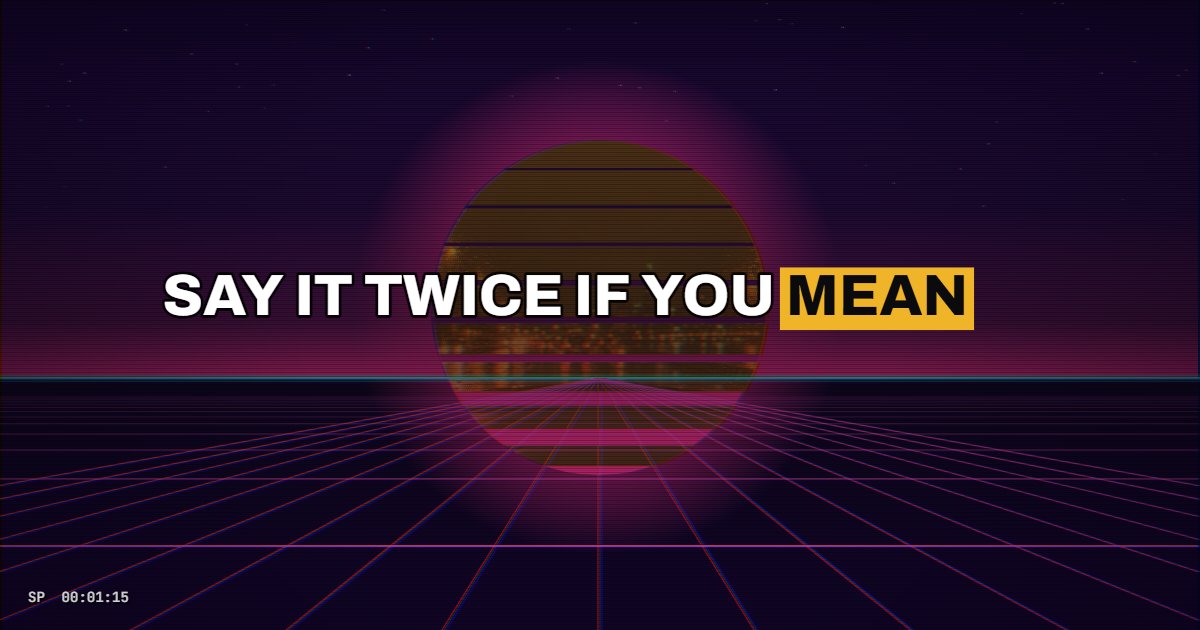
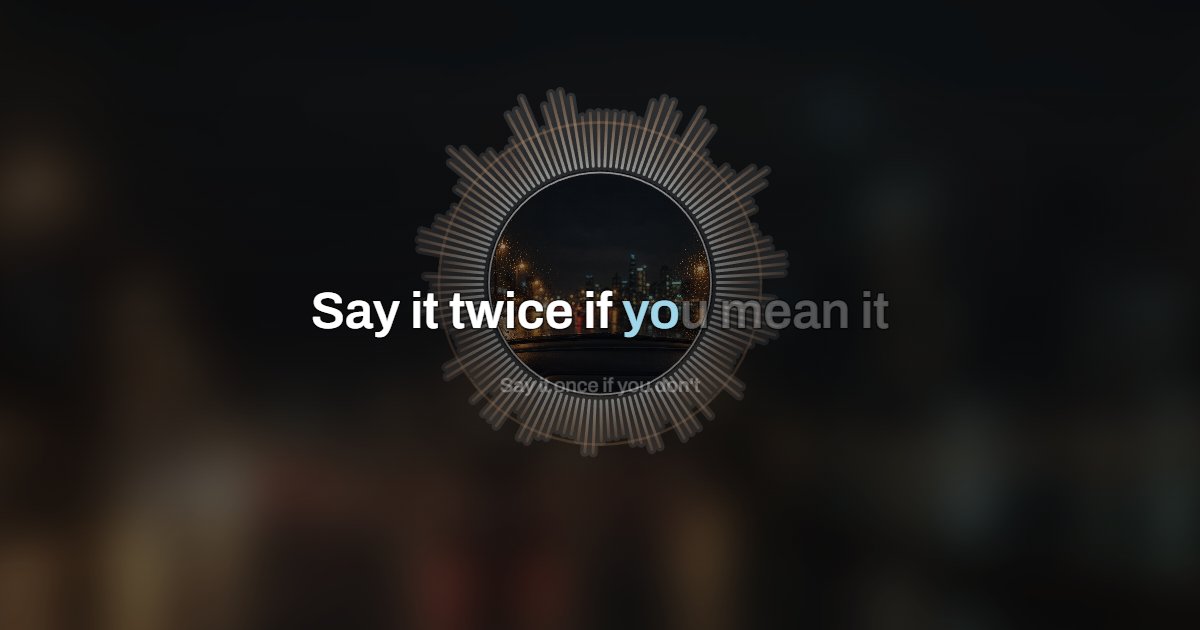
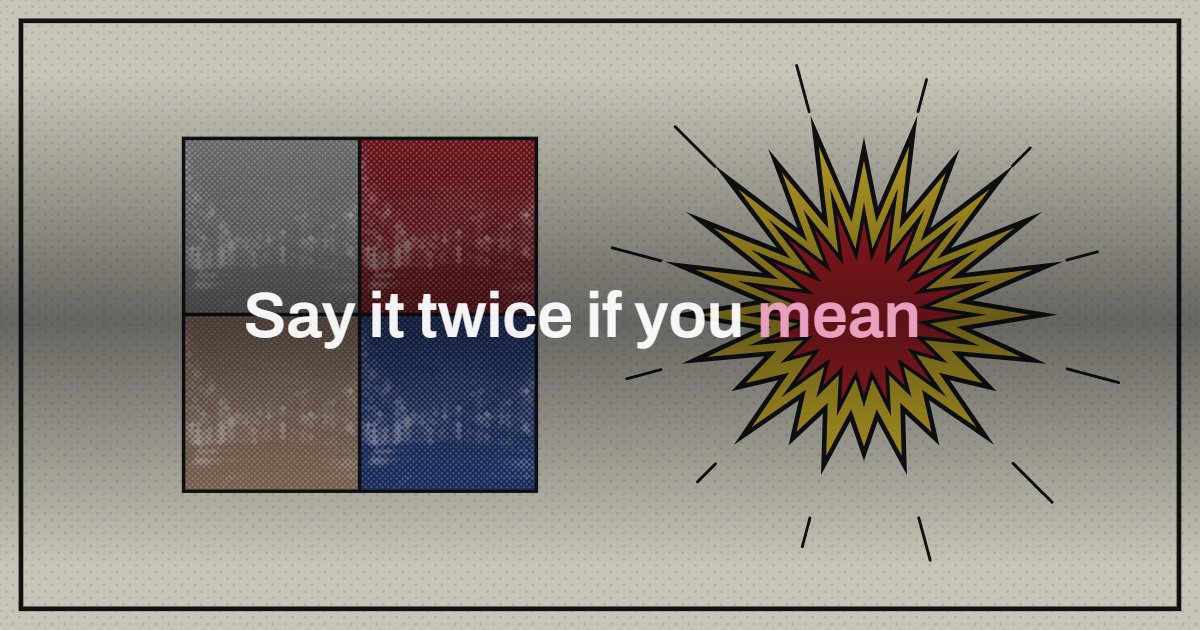
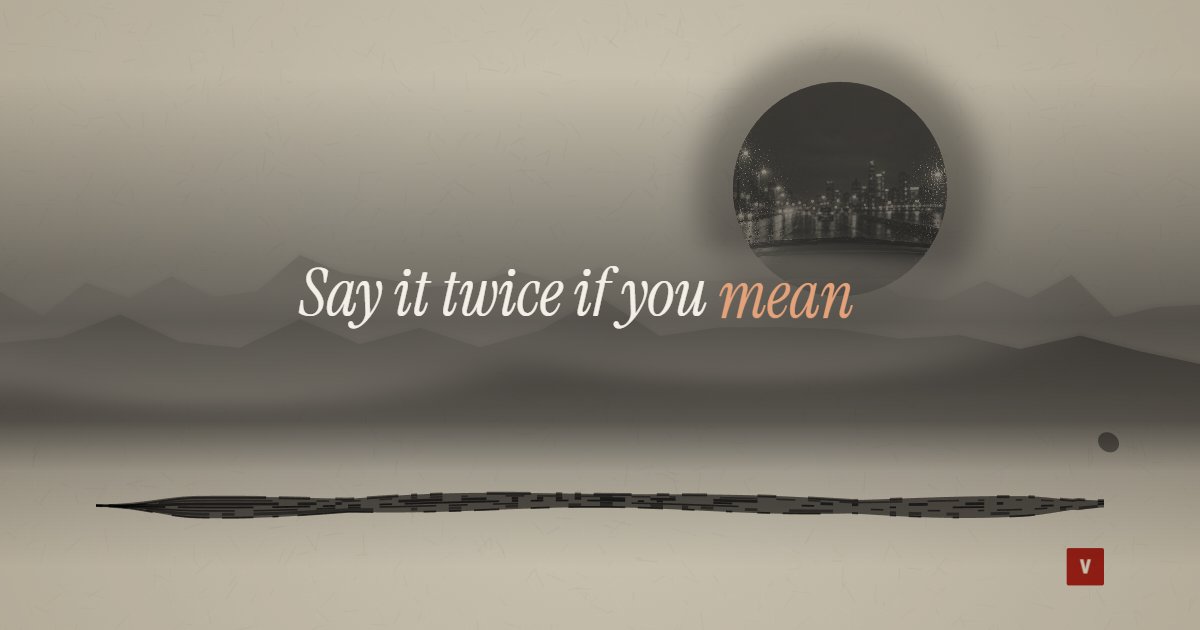
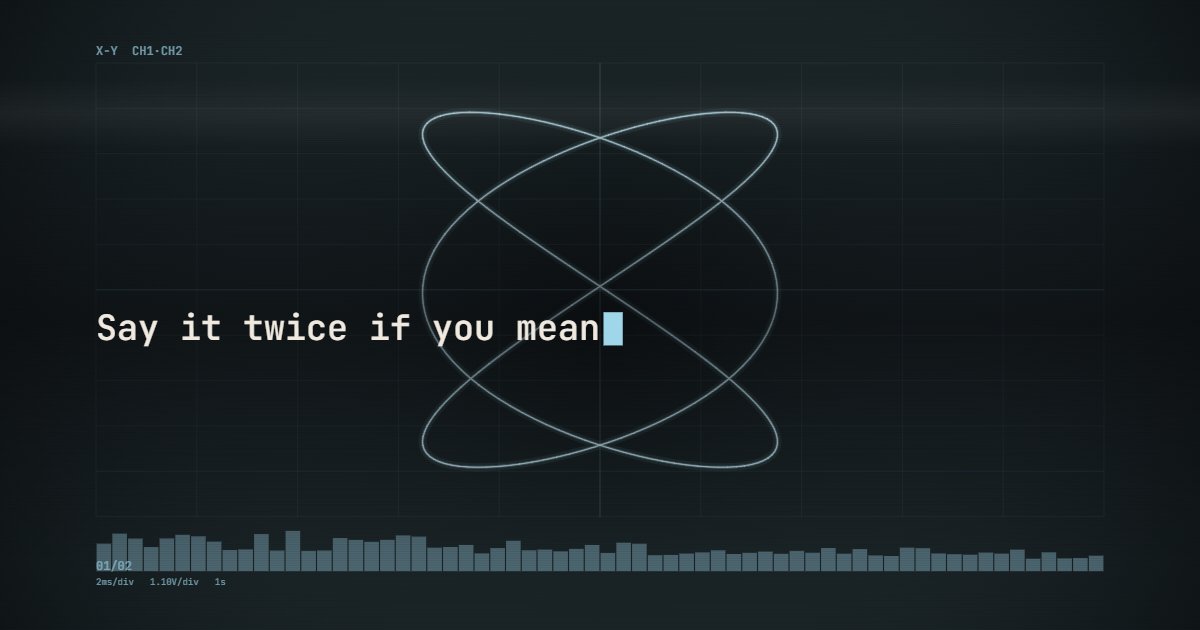

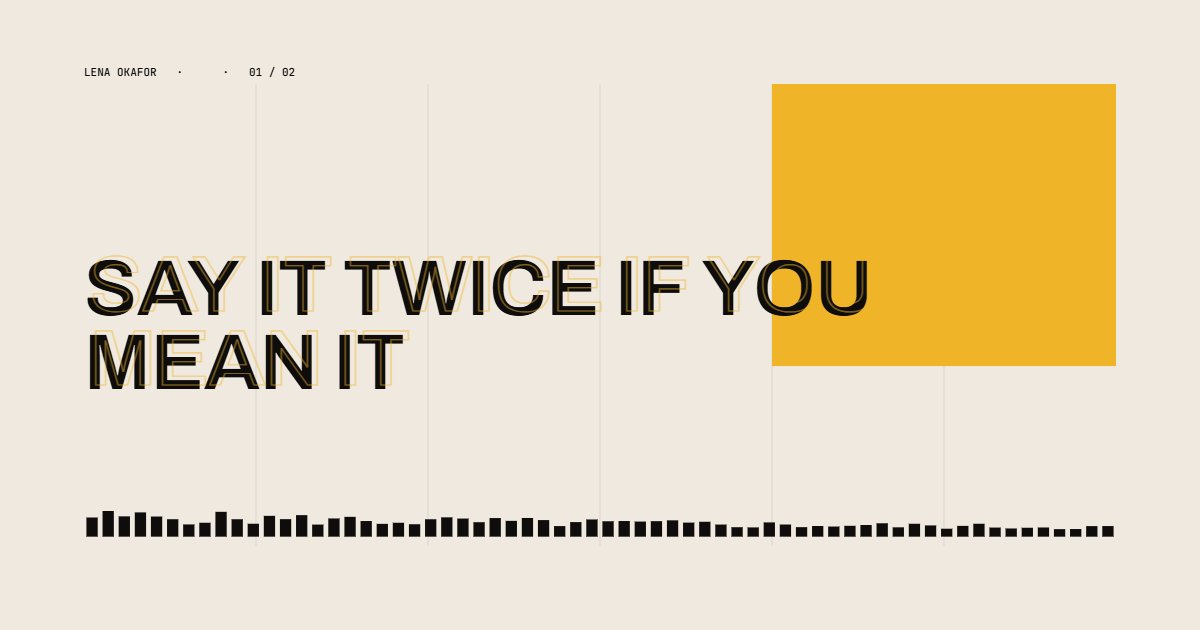
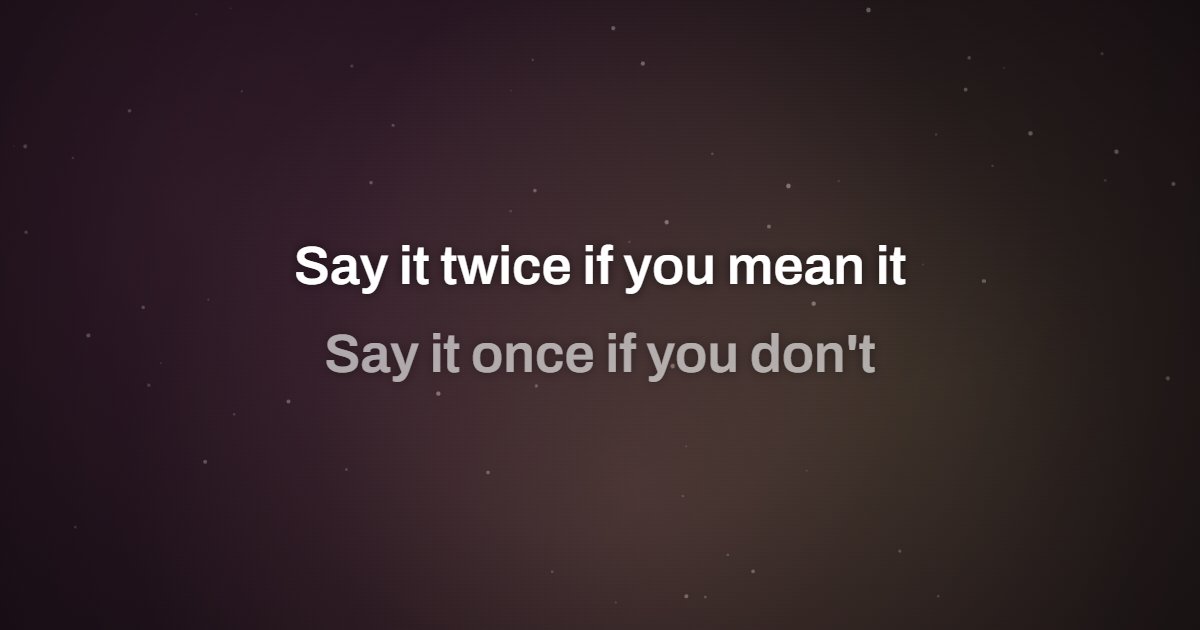
How to make a lyric video
A lyric video is the song plus its words on screen, timed so each line appears when it is sung. The hard part has always been the timing. Here it is one choice: search the song, pick the first line you hear, and the timed lyrics do the rest. With your own file it is one listen: press play, tap when a line starts. Everything else, the layout, the motion, the encoding, happens in your browser.
- Upload the song, MP3, M4A or WAV, or search it by name if you do not have the file. It is analyzed on your device, never uploaded.
- Searched the song? The lyrics arrive already timed. Your own file? Paste the lyrics, one line per line. Blank lines are ignored, so you can keep verse breaks for your own reading.
- Timed lyrics: pick the first line you hear in the clip, say whether it starts cut off, and drag the slider until the words sit on the voice. Every change plays the first seconds so you can hear it. Your own file: press play and tap the button, or the space bar, when each line starts. In a hurry, spread the lines evenly and fix the ones that matter.
- Pick a style, Caption, Karaoke, Kinetic, Rise, Typewriter, Editorial, Poster or Worship, set the title and cover, choose where it goes, TikTok, YouTube or a square feed, and export. A four minute song takes about a minute on a laptop.
Related
- How to make a lyric videoLyrics, timing, style, platform specs.
- Best lyric video makersFree and paid tools compared.
- Karaoke video makerThe same tool opened on Karaoke: each line fills as it is sung.
- Worship lyric video makerOpened on Worship: two lines to a slide, the way a church projects them.
- Music visualizerThe same song, no words, nineteen styles.
- A video for a Suno songLyrics and visuals for AI-made songs.
Questions
How do I sync the lyrics?+
Search the song by name and the tool fetches timed lyrics from the open LRCLIB database: pick the first line you hear in the clip, drag the slider until the words land on the voice, and every other line follows. With your own file, press play and tap the button, or the space bar, when each line starts; every tap stamps the current time on the next line. In a hurry, spread the lines evenly and fix the ones that matter.
Can it sync automatically?+
Partly, for a searched song: the timed lyrics come from LRCLIB, and you tell the tool which line you hear first by picking it from a short list. Every other line follows it. Store previews start at different points in the song, often partway through a line, so the first placement can be a second or two out: you move the words by ear, in 1 second or quarter second steps, until they sit on the voice. For your own files, tap the lines in; automatic alignment from the vocal is planned for Pro.
I do not have the song file. Can I still make a lyric video for a TikTok sound?+
Yes. Switch Audio to Search a song and type the title. The tool renders a vertical clip to the 30 second preview and fetches the timed lyrics; you pick the first line you hear. Export it with the preview audio, or silent and add the official sound in TikTok, which is what puts your video on that sound's page.
Is it really free?+
Yes. 1080p, the whole song (up to ten minutes per export), no account, no watermark, no upload.
Which formats?+
Upload MP3, M4A or WAV. The export is an MP4 with H.264 video and AAC audio in 16:9, 9:16 or 1:1, which uploads directly to YouTube, Reels, Shorts and TikTok.
What is a lyric video?+
A lyric video shows the words of a song on screen as they are sung, usually over the cover art or a simple moving background. Labels post them on YouTube the day a single drops, and on TikTok a lyric clip is the common way to post a song with the official sound. The hard part is the timing: each line has to appear when the voice reaches it.
Do I need a lyric video template or a background?+
No. The eight styles are the templates, and behind the words you choose the background: the cover, blurred and colored so every song brings its own, or one of the nineteen music visualizer scenes (a turning record, a VHS sunset, a 1930s cartoon, an ink painting) with the words on top. Upload any image as the cover for a different background, or leave it off and a typographic cover is made from the title.
Can I add lyrics to a video I already have?+
Not here. This tool renders the whole video from the song, the cover and the words; it does not overlay text on your own footage. If you have a clip of your own, export the lyric video silent and layer it in your editor, or use the editor's caption tool.