Tool 20 · Audio reverser · Free · No signup
Reverse audio.
Drop a song, a voice note or a sound and hear it backwards, the whole file or only the part you mark. Switch to the original at the same moment to compare, then download one MP3 or WAV. It all runs in your browser.
01 Audio
MP3, WAV, M4A, AAC, FLAC, OGG or Opus. The file is read on your device and never uploads.
02 Reverse
03 Download
About 1 KB. 192 kbps is transparent for most music; 320 if it is going back into an editor. One file: audio-reversed.mp3.
Backwards, then a video
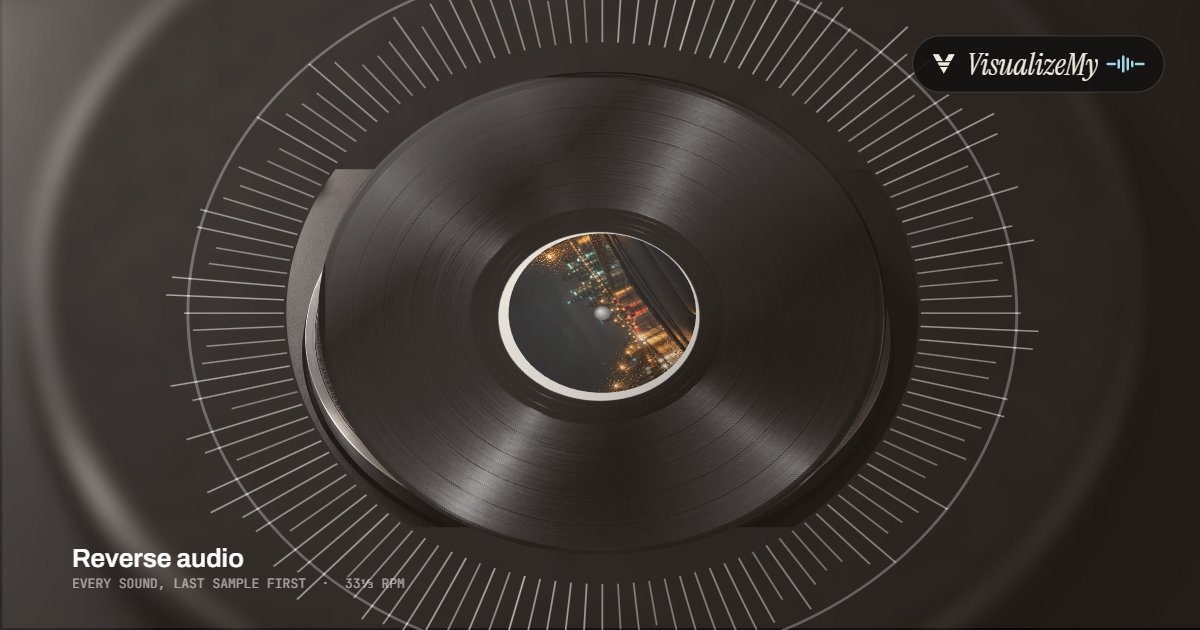
A reversed clip for TikTok, Reels or YouTube still needs a picture there. Above, a frame in the Vinyl style of our music visualizer, where the cover turns on a record. Drop the download on it for a video that moves with the sound, or on MP3 to MP4 for a still cover.
How to reverse audio
Digital audio is a long list of numbers, one for each moment of the sound, forty-four thousand a second. Reversing it means reading that list from the end. Nothing is resampled, stretched or filtered, which is why the length and the pitch stay exactly where they were and only time runs the other way. The file is decoded, turned around and encoded on your device, and nothing is uploaded.
- Drop the file anywhere on the page, or click to choose it. Or try the sample track.
- Keep The whole file to reverse all of it, or pick Only a part and drag the handles around the stretch to reverse.
- Press Play to hear it backwards, and switch to Original to hear the same moment forwards.
- Pick MP3 or WAV and press Reverse and download. The file is named after yours, with reversed on the end.
Related
- Audio trimmerCut the reversed file down to the part you want.
- Audio speed changerSlow the backwards version down, with or without the pitch.
- Audio looperLoop a reversed phrase as many times as you like.
- Music visualizerThe backwards song as a video that moves with it.
- Audio converterThe original in another format: MP3, WAV or M4A.
Questions
How do I reverse a song?+
Drop the file on the page, keep The whole file, and press Play to hear it backwards, then Download. Reversing turns the order of the samples around, so the last moment of the song comes first: words run backwards, a piano note swells up out of nothing and stops dead, and a drum hit becomes a whoosh into a click. The tempo, the pitch and the length stay exactly as they were.
Can I reverse only part of a file?+
Yes: pick Only a part and drag the handles, or type the start and end to the millisecond. That stretch plays backwards in place and the rest plays forwards, which is how producers make a reversed cymbal or a vocal swell that leads into a drop. Each edge of the reversed part gets a 5 ms fade so the jump does not click. Switch between Reversed and Original to hear the same moment both ways.
How does the reverse singing challenge work?+
Take a clip, reverse it, and learn to sing the backwards version as closely as you can. Record yourself singing it, drop that recording here and reverse it: what comes out is the original line, a little strange, because every vowel and consonant you sang backwards turns forwards again. Short phrases work best; reverse them here as often as you like.
Are there hidden messages when you play a song backwards?+
Some are real: musicians have put reversed vocals and sounds into records on purpose since the 1960s; the end of the Beatles' Rain (1966) is a well known early case. Most "hidden messages" people report are not. Reversed speech is a stream of unfamiliar syllables, and the ear readily hears words in it, especially when it has been told which words to listen for. Reverse the file yourself and judge.
Does reversing change the quality?+
The reversal itself loses nothing: the same samples, in the opposite order. The download is a WAV, which keeps them as they are, or an MP3, which is encoded once (192 or 320 kbps is not something you will hear). Reverse the download a second time and you get the original sound back.
Which formats does it take, and how long can a file be?+
Anything your browser can play: MP3, WAV, M4A and AAC, FLAC, OGG Vorbis and Opus in current Chrome, Edge and Firefox. The download is an MP3 at 128, 192 or 320 kbps or a 16-bit, 44.1 kHz WAV, the same length as the original. We set no length limit. The file is held uncompressed while you work, about 20 MB a minute in stereo, and a reversed copy is made for the preview up to fifteen minutes; longer files are reversed only for the download.
Is my audio uploaded?+
No. The file is decoded, reversed and encoded on your device, and the download is made there. The page only counts that a file was saved, with the format and whether all or part was reversed, never a name or the audio.