Tool 08 · Sound wave generator · Free · No signup
Waveform image.
The whole song as one shape. Drop the file, pick bars, fill or line and a color, download a PNG at the size you need or an SVG you can scale. Nothing uploads.
01 Audio
Analyzed on your device. Nothing uploads.
02 Look
03 Size
The PNG is the picture at that size. The SVG is the same shape as vectors: open it in Figma, Illustrator or Cricut Design Space and scale it to any size, or change the color there. Want it to move? The waveform video maker draws the same file as a 1080p MP4 with the audio.
Made with this tool
How to make a sound wave image from audio
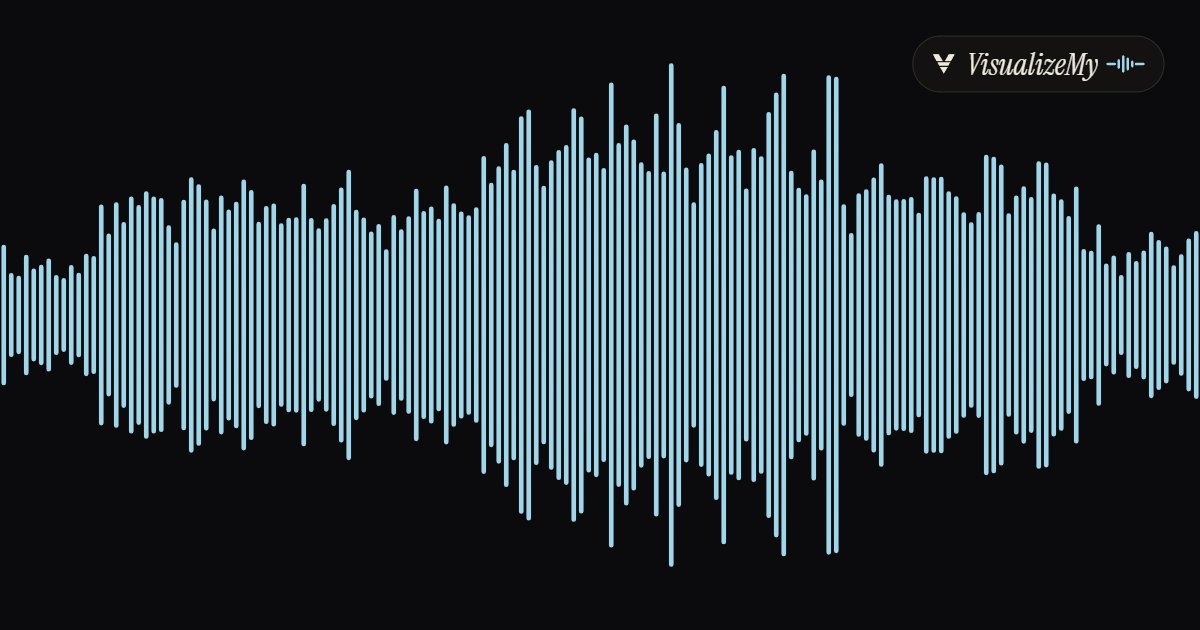
A waveform is the honest portrait of a recording: where it breathes, where it peaks, how long the quiet lasts. It goes on a podcast cover, under a player in a video, on a wedding print of the vows, on a card with a voice message. The picture here is made from the actual peaks of your file, in your browser, and comes out as a PNG for placing or an SVG for scaling.
- Drop the MP3, M4A or WAV on the page, or click to choose it. The file is read on your device.
- Pick the look: Bars, Fill or Line, one of the swatches or a custom color, and a dark, white or transparent background.
- Pick the size, Wide, Banner, Square or Story, and the detail, 64 to 512 slices.
- Download the PNG, or the SVG if you will scale, cut or recolor it elsewhere.
Related
Questions
What is a waveform image?+
A picture of a whole recording: the file is cut into slices, the loudest moment of each slice becomes the height of a bar or a point on an outline, and the result is the shape of the sound, quiet parts low, the chorus high. It is what audio players and SoundCloud draw above the play button, and what people print as sound wave art.
PNG or SVG?+
PNG is a picture at a fixed size: 1920 × 600, 1500 × 500, 1080 × 1080 or 1080 × 1920, ready to place in a video, a post or a slide. SVG is the same shape as vectors, with no size: open it in Figma, Illustrator, Inkscape or Cricut Design Space, scale it to a wall or a ring, and recolor it there.
Can the background be transparent?+
Yes. Choose Transparent and the PNG has an alpha channel and the SVG has no background rectangle, so the waveform sits on whatever is behind it. Dark and White are there for a picture that stands on its own.
Is this a sound wave generator for sound wave art?+
Yes, it is the usual first step. A voice message, a song, a heartbeat recording: drop the file, pick Bars or Line, download the SVG and send it to the cutter or the printer. The shape comes from the real audio, slice by slice, not from a drawing.
What do the bars mean?+
Each bar is one slice of the file, from left to right in time, and its height is the loudest sample in that slice, scaled so the loudest slice fills the frame. Detail sets how many slices: 64 for a bold shape, 512 for the texture of every note.
Does the audio get uploaded?+
No. The file is read in your browser and never sent anywhere. A two hour recording works; the picture only needs the peaks.
Which audio formats work?+
MP3, M4A and AAC, WAV, and whatever else your browser decodes, which in Chrome includes FLAC and OGG.
Can I get the waveform as a video instead?+
Yes: the waveform video maker draws the same file as a 1080p MP4 with the audio, the line moving with the voice, for a podcast clip or a voice note on Reels and Shorts.