Tool 11 · BPM and key finder · Free · No signup
BPM and key finder.
Drop a song, or search one by name, and get its tempo and key in a few seconds. Half and double time, the Camelot code for mixing, and a click over the song to check the number by ear. Nothing uploads.
01 Audio
Analyzed on your device. Nothing uploads.
02 Tempo and key
BPM
--
Drop a song above
Key
--
Half time
--
if the song feels slower
Double time
--
if the song feels faster
Runner-up key
--
Bar of four
--
for loops and cuts
The click starts on the first beat found and keeps a fixed tempo. If it stays on the drums, the number is right; if it lands between them, try half or double; if it slowly drifts, the song speeds up or slows down (a live band, usually) and the number is its average.
Read from the song
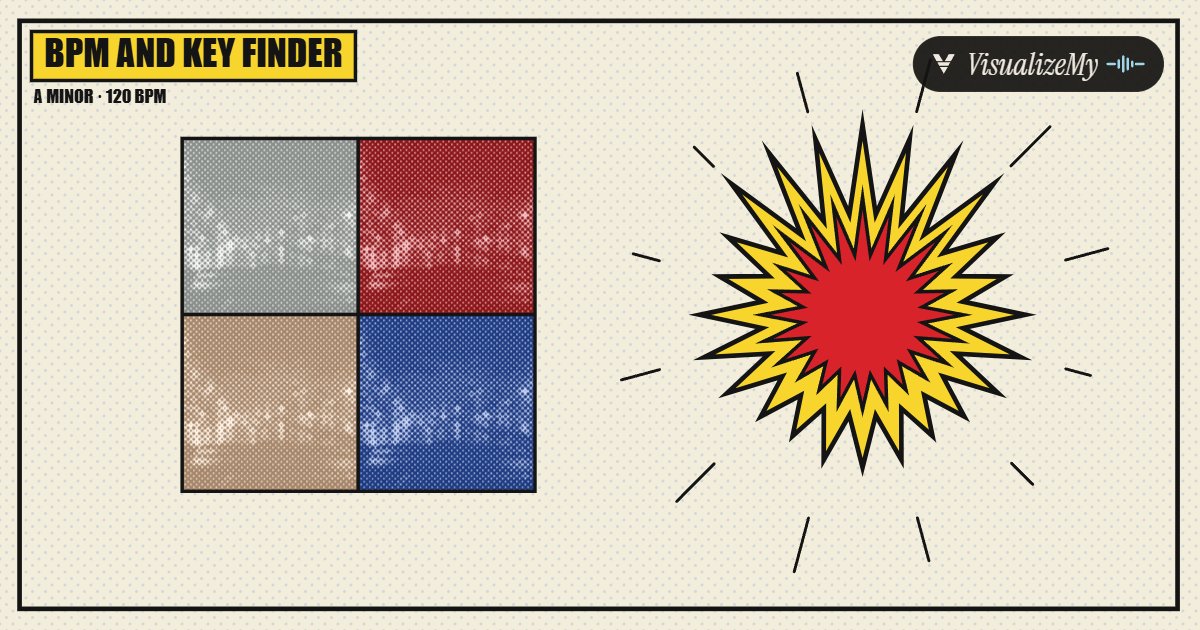
The frame above is the Pop style of our music visualizer, which reads the tempo of your file the same way: the panels change color on the bar and the starburst kicks on the beat. Every style there moves on the beat this page finds.
How to find the BPM and key of a song
The tempo comes from the moments the sound gets suddenly louder in some part of the spectrum, a kick, a snare, a strummed chord, laid out as a curve and compared with itself at every possible beat length; the length where the curve repeats best, and keeps repeating two, four and eight beats on, is the beat. The key comes from folding every note in the song into the twelve pitch names and matching that shape against the classic major and minor key profiles from music psychology research. Both are the methods most BPM and key software uses, run on your device, and both have the same honest limits: tempo can come out at half or double, and the key can come out as its relative. The page shows you both alternatives instead of hiding them.
- Drop an MP3, M4A or WAV on the page, or search the song by name to use its 30 second store preview.
- Wait a few seconds while the whole file is read: the tempo from where the drums and notes start, the key from which notes it holds.
- Read the BPM, and the half time and double time underneath if the big number feels too slow or too fast for the song.
- Read the key and its Camelot code; the relative key next to it has the same notes, so pick whichever chord sounds like home.
- Press play with the click on. If the click stays on the drums all the way through, the tempo is right.
Related
- Tap tempoNo file, or the reading feels off: tap the beat on any key and settle it by ear.
- Key detectorThe key first: the keys that mix with it, several songs at once, and a drone to check it by ear.
- MetronomePlay along at the tempo this page reads, with any meter, or save a click track at it.
- Music visualizerNineteen styles that move on the tempo this page reads.
- Spotify Canvas makerA 3 to 8 second loop cut on the beat.
- MP3 tag editorWrite the title, artist and cover into the same file.
- Waveform imageThe same file as a still sound wave, PNG or SVG.
- Audio speed changerTake the song to the tempo you need, in its own key, or move the key.
- All guidesHow-tos and comparisons from the people who build the tools.
Questions
How accurate is the BPM?+
On a studio track with a steady beat it lands within a few tenths of a BPM of the published tempo, and the decimal shows how close. The usual miss is not a wrong number but the wrong octave: half or double the listed tempo. That is why both are shown, and why the click is there: if it sits on the drums, the number is right.
Why does it show 127.9 and not 128?+
Because that is what the audio measures. Producers set a whole-number tempo in their software, so a reading a few tenths off a round number almost always means the round number; take 128. A reading that sits between two whole numbers on a full file usually means the song was played live and its tempo moves, and the number is its average.
Why is the BPM half or double what another site says?+
A beat can be felt at two speeds, and the listed tempo is a convention of the genre. Trap and dubstep are listed at 140 to 150 but felt at 70 to 75; drum and bass at 174 is often read as 87; a slow ballad can read as double if its hi-hats are busy. The big number is our best guess at the convention; half time and double time are underneath, and the tap tempo page settles it by ear.
It says B major, another site says G sharp minor. Which is right?+
Often both describe the same notes. Every major key has a relative minor that uses exactly the same seven notes (B major and G sharp minor, C major and A minor), and the difference is only which chord feels like home. Software is good at finding the notes and less sure about the home chord, so the relative key is always shown next to the reading. Trust your ear on which chord the song resolves to.
What is the Camelot code for?+
Harmonic mixing. The Camelot wheel numbers the 24 keys so that songs that blend well sit next to each other: the same code, one number up or down, or the same number with A swapped for B (a key and its relative). A DJ going from 8A to 9A or 8B keeps the mix in tune without thinking about sharps and flats.
Can I find the BPM of a song without the file?+
Yes. Search it by name and the 30 second preview that music stores publish is read instead. Thirty seconds is plenty for the tempo. For the key it is usually enough too, but a preview is often the chorus, and a song that changes key or leans on one chord for the hook reads more surely from the whole file.
Is my song uploaded?+
No. The file is decoded and analyzed in your browser and never leaves your device. Only a song search goes through our server, and what it sends is the title you typed, to fetch the store preview.
What about songs that change tempo or key?+
The reading is one tempo and one key for the whole file, the ones that fit most of it. A song that modulates for the last chorus reads as its main key; a live recording that speeds up reads as its average tempo, and the click will drift against it toward the end. For a song that changes a lot, cut out the part you need and read that.