Tool 15 · Audio trimmer · Free · No signup
Audio trimmer and clipper.
Drop an audio file and mark the clip you want: drag the handles, type the times to the millisecond, or press Start here and End here as it plays. Keep it with a fade in and out, or cut it out and close the gap. Download one MP3 or WAV. It all runs in your browser.
01 Audio
MP3, WAV, M4A, AAC, FLAC, OGG or Opus. The file is read on your device and never uploads.
02 Trim
03 Download
About 1 KB. 192 kbps is transparent for most music; 320 if it is going back into an editor. One file: audio-trimmed.mp3.
Trimmed, then a video
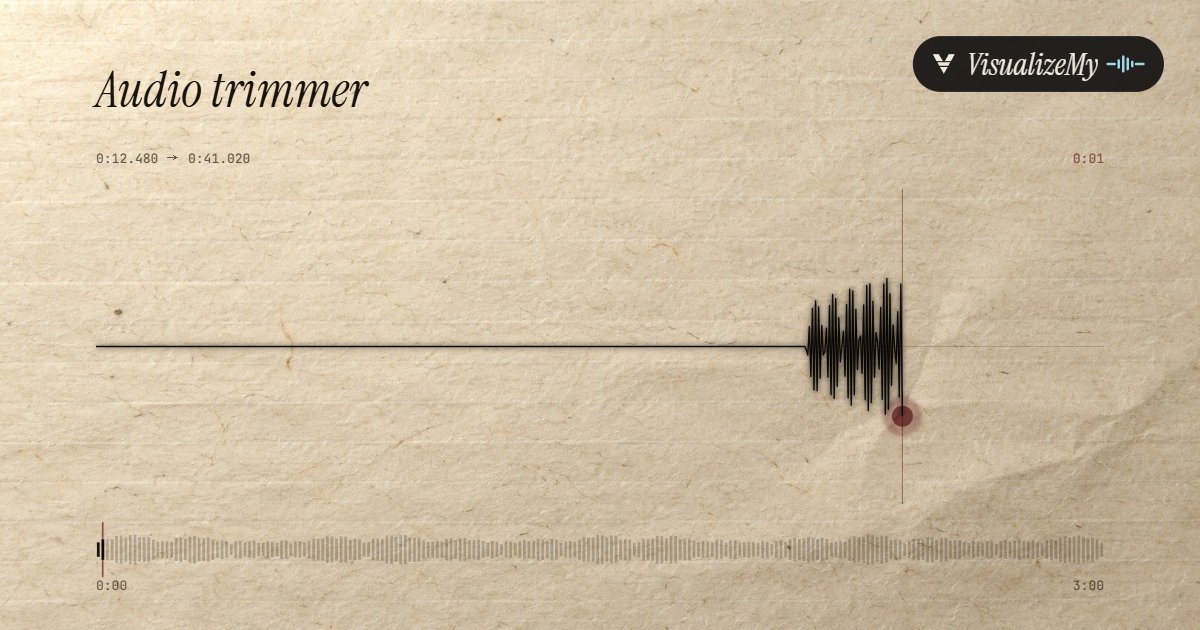
Most trims are the first step of something: the best 30 seconds of a song for TikTok, a quote from an interview, a podcast moment for Reels. Above, a trimmed clip in the Paper style of our waveform video maker. Drop the download on the music visualizer for something that moves with it, or on MP3 to MP4 for a still cover with the sound.
How to trim audio
Most online audio cutters upload the file, cut it on a server and send it back. This one decodes the file in your browser, cuts at the sample you chose, applies the fades on an equal-power curve and encodes the result once, on your device. Cutting a part out joins the two sides with a 10 ms crossfade, short enough to be inaudible and long enough to stop the click a bare cut makes mid-wave.
- Drop the file anywhere on the page, or click to choose it. Or try the sample track.
- Mark the part: drag the two handles, type the start and end, or press Play and use Start here and End here.
- Press Play selection to hear exactly what will be kept.
- Choose Keep the selection and add a fade in or out, or choose Cut it out to remove that part and close the gap.
- Pick MP3 or WAV and press the download button. The file is named after yours, with -trimmed or -cut on the end.
Related
- MP3 to MP4The trimmed clip with a cover as a 1080p video.
- Music visualizerThe clip as a video that moves with the beat, for TikTok or Reels.
- Waveform video makerA trimmed podcast moment as a clip with a moving waveform.
- Audio joinerPut trimmed clips back together, with a gap or a crossfade.
- Audio splitterMany parts out of one file at once, at the silences or every few minutes.
- Audio looperRepeat the trimmed part, or stretch it to fill an hour.
- MP3 tag editorA title, an artist and a cover for the new MP3.
- Audio speed changerThe trimmed part slowed down or sped up, with or without the pitch.
- Bass boosterThe trimmed part with the bass turned up.
- Volume boosterA quiet recording brought up to a normal level, with a limiter rather than a clipper.
- Reverse audioPlay the cut part backwards, or all of it.
Questions
How do I trim to an exact point?+
Three ways, and they work together. Drag the handles on the waveform. Type the start and end as minutes, seconds and milliseconds, for example 1:23.450, and press Enter. Or press Play, and press Start here or End here at the moment you hear it, then nudge: Tab to a handle and the arrow keys move it 0.1 s, or 1 s with Shift. Play selection plays exactly what will be kept.
Does cutting an MP3 lower the quality?+
It is decoded and encoded once, which at 192 kbps or 320 kbps is not something you can hear; pick WAV for no loss at all. Tools that cut an MP3 without re-encoding can only cut on MP3 frame edges, every 1,152 samples or about 26 ms at 44.1 kHz, and cannot fade. Re-encoding is what lets this one cut to the millisecond and fade.
How do I remove a part from the middle?+
Select the part, then choose Cut it out. Everything before and after the handles is joined, with a 10 ms crossfade at the join so it does not click. Hear the join plays three seconds either side of the cut as it will sound. To remove several parts, download, open the result and cut again.
How long should a fade be?+
Half a second to one second takes the click off a cut that lands mid-note. Two to three seconds is a natural end for a song cut short; five to ten seconds is a radio-style fade. Fades follow an equal-power curve, which sounds even to the ear rather than dropping away early the way a straight line does.
Is an audio clipper the same thing?+
In the sense most people search for, yes: clipping audio means taking a clip out of a longer file, the 20 seconds of a song for a story or a quote from a recording, which is what this page does. Engineers use the word for something else too. A clipper in a mixing or mastering chain flattens the tops of peaks so the track can be turned up, and a recording that clips is one whose loudest moments hit the ceiling and distorted. If that is what you are after, the volume booster turns a file up with a limiter, which rounds the peaks off instead of flattening them.
Which formats can I trim?+
Anything your browser can play: MP3, WAV, M4A and AAC, FLAC, OGG Vorbis and Opus in current Chrome, Edge and Firefox. Chrome cannot decode WMA, AIFF or Apple Lossless. The download is an MP3 at 128, 192 or 320 kbps, or a 16-bit, 44.1 kHz WAV, so trimming an M4A also converts it to MP3.
How long can the file be?+
There is no limit we set. The whole file is held uncompressed while you work, about 20 MB a minute in stereo, so an hour-long podcast needs over a gigabyte of memory: fine on a laptop, too much for most phones, where half an hour is a safe size. Encoding the MP3 runs at many times real speed and shows its progress.
Is my audio uploaded?+
No. The file is decoded, cut and encoded on your device and the download is made there. The page only counts that a trim was saved, with the format and whether it kept or cut, never a name or the audio.