Tool 16 · Audio speed changer · Free · No signup
Audio speed changer.
Drop an audio file and set the speed anywhere from 0.5x to 2x. Keep the pitch, so only the tempo changes, or let it follow the speed like a record for the slowed and sped-up sound. Shift the key by semitones on its own. Hear it, then download one MP3 or WAV. It all runs in your browser.
01 Audio
MP3, WAV, M4A, AAC, FLAC, OGG or Opus. The file is read on your device and never uploads.
02 Speed and pitch
03 Download
About 1 KB. 192 kbps is transparent for most music; 320 if it is going back into an editor. One file: audio-1x.mp3.
Slowed down, then a video
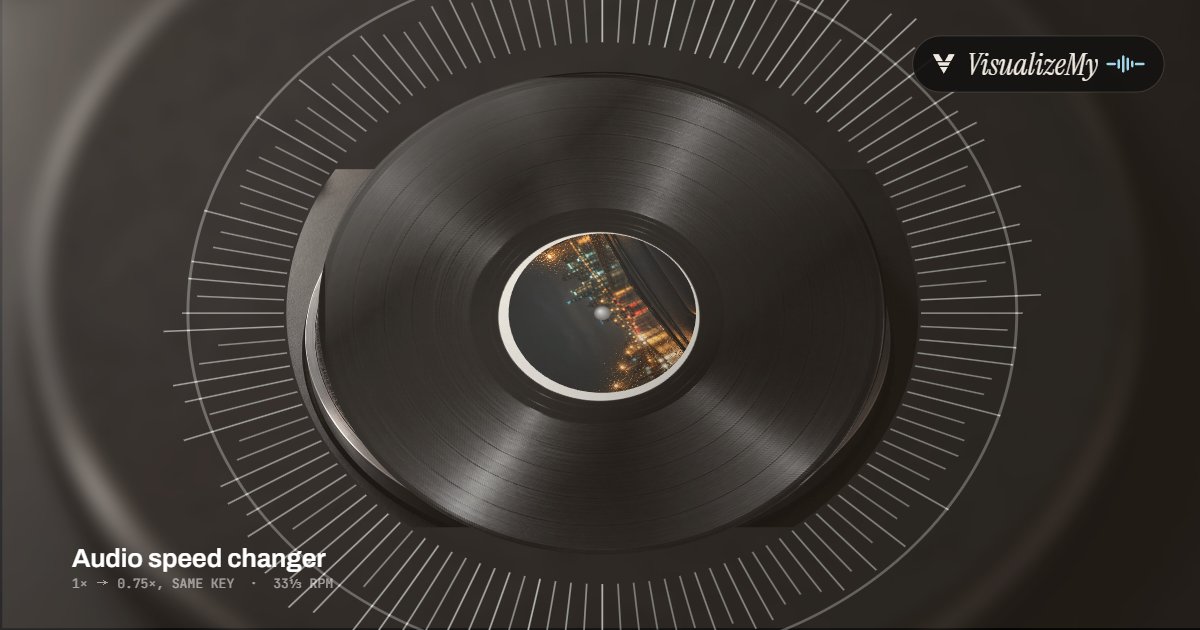
A slowed or sped-up version usually ends up on TikTok, Reels or YouTube, and a song needs a picture there. Above, a frame in the Vinyl style of our music visualizer, where the record turns at a real 33⅓ rpm and swells on every kick. Drop the download on it for a video that moves with the new tempo, or on MP3 to MP4 for a still cover with the sound.
How to change the speed of audio
A media player can play a file faster or slower, but it does not give you a new file. This tool writes one. With the pitch kept, the tempo and the key are two separate controls: the sound is stretched or squeezed in time without changing its notes, then moved by the semitones you set. With the pitch following the speed, it is read faster or slower like a record, the way slowed and sped-up versions are made. Either way the work happens on your device, as the file is encoded, and nothing is uploaded.
- Drop the file anywhere on the page, or click to choose it. Or try the sample track.
- Set the speed with the slider, a preset, or by typing it, for example 0.833 to take 120 BPM down to 100.
- Choose Keep the pitch to change only the tempo, or Pitch follows speed for the record-style slowed or sped-up sound.
- With the pitch kept, move it by semitones if you want another key. Press Play to hear the result from the playhead.
- Pick MP3 or WAV and press Download. The file is named after yours, with the speed on the end.
Related
- BPM and key finderThe tempo and key of the file, to work out the speed you need.
- Music visualizerThe slowed or sped-up version as a video that moves with the beat.
- MP3 to MP4The new version with a cover as a 1080p video.
- Audio trimmerCut the result down to the part you want.
- Audio looperA slowed practice section repeated as long as you need.
- Audio joinerPut the changed file together with others, with a crossfade.
- Bass boosterMore low end on the slowed version, clean or distorted.
- Reverse audioThe same file played backwards, all of it or a part.
Questions
Does changing the speed change the pitch?+
Only if you want it to. Keep the pitch changes the tempo and leaves every note where it was, so a song at 0.75x is slower but in the same key. Pitch follows speed does what a record or a tape does: faster is higher and slower is lower, by 12 semitones for every doubling, so 2x is an octave up, 1.25x about 3.9 semitones up and 0.8x about 3.9 down.
How do I make a slowed or sped-up version of a song?+
Choose Pitch follows speed. The slowed sound is 0.8x to 0.85x, deeper and heavier; the sped-up and nightcore sound is 1.2x to 1.35x, brighter and higher. Press Play to hear it before you download. The reverb that usually goes with a slowed version is not part of this tool, so add it in an editor if you want it.
How do I change a song to a different BPM?+
Divide the tempo you want by the tempo it is: 120 BPM to 100 BPM is 100 / 120 = 0.833, so type 0.833 in the speed box, keep the pitch, and the song comes out at 100 BPM in its own key. The note under the slider shows what 120 BPM becomes at the current speed. If you do not know the tempo, our BPM finder reads it from the file.
How do I change the key without changing the speed?+
Leave the speed at 1x, keep the pitch, and move the pitch by semitones, up to 12 either way. Each semitone is one key step: a song in A moved down 2 is in G, which is how singers move a backing track into their range. Speed and pitch can also be changed together, for example a practice track at 0.8x and 1 semitone down.
How good does it sound?+
Pitch follows speed is the cleanest change there is: the sound is only resampled, as a turntable would play it. Keep the pitch has to rebuild the sound from overlapping 46 ms slices, each lined up with the one before. Speech stays clear across the whole range, and music holds up best between about 0.75x and 1.5x; past that, drum hits can sound slightly doubled when slowed or clipped when sped up. A voice moved more than a few semitones sounds smaller or bigger as well as higher or lower, because its whole tone moves with it. Press Play to hear any setting before you download.
Which formats does it take, and how long can a file be?+
Anything your browser can play: MP3, WAV, M4A and AAC, FLAC, OGG Vorbis and Opus in current Chrome, Edge and Firefox. The download is an MP3 at 128, 192 or 320 kbps, or a 16-bit, 44.1 kHz WAV. We set no length limit; the whole file is held uncompressed while you work, about 20 MB a minute in stereo, so an hour is fine on a laptop and half an hour is a safe size on a phone. A two-minute song slowed to 0.75x was changed and encoded as a 192 kbps MP3 in under four seconds in Chrome on a laptop; an MP3 shows its progress as it goes.
Is my audio uploaded?+
No. The file is decoded, changed and encoded on your device, and the download is made there. The page only counts that a file was saved, with the format, the speed and whether the pitch was kept, never a name or the audio.