Tool 03 · Waveform animation · Free · No signup
Waveform video.
A podcast, an interview, a voice note: cover, title and a waveform that moves with the voice, rendered as a 1080p MP4 by your own machine.
01 Audio
Analyzed on your device. Nothing uploads.
02 Style
03 Details
04 Export
Add a track above first.
Made with this tool
How to turn audio into a video
Audio platforms do not travel. A clip on Reels, Shorts, TikTok or LinkedIn has to be a video, so the audio needs a picture: this tool draws one from the voice itself. The analysis and the encoding run in your browser with the WebCodecs API, so a long episode never leaves your machine and there is no queue and no watermark.
- Upload the MP3, M4A or WAV. A one hour episode is analyzed in a couple of seconds: one spectrum and one loudness reading per video frame.
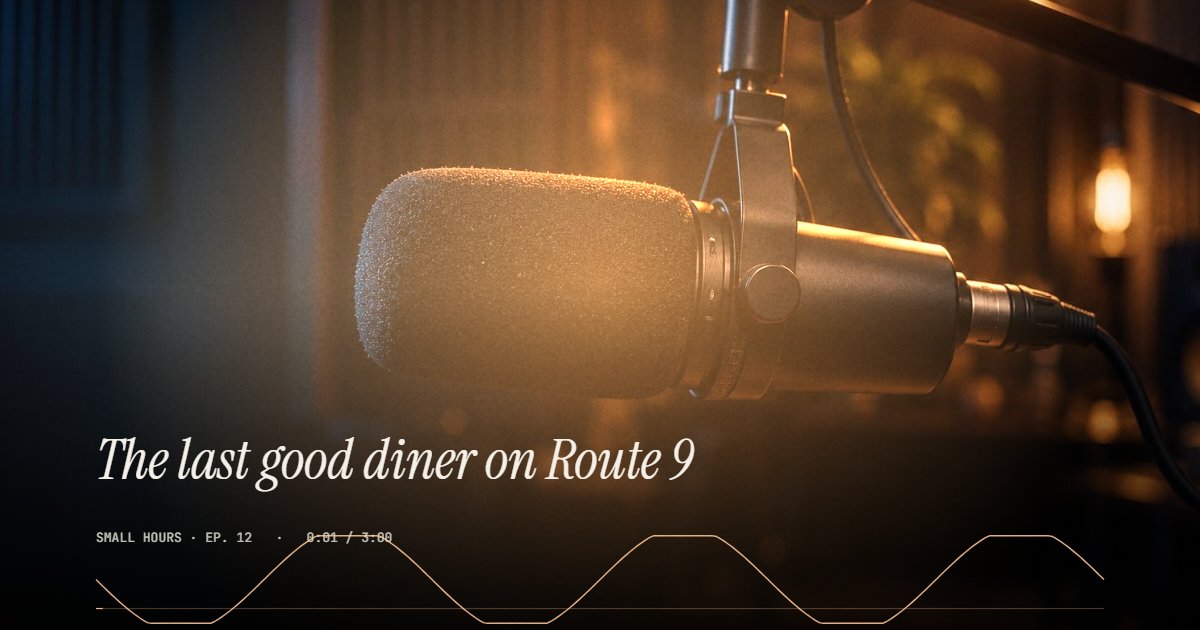
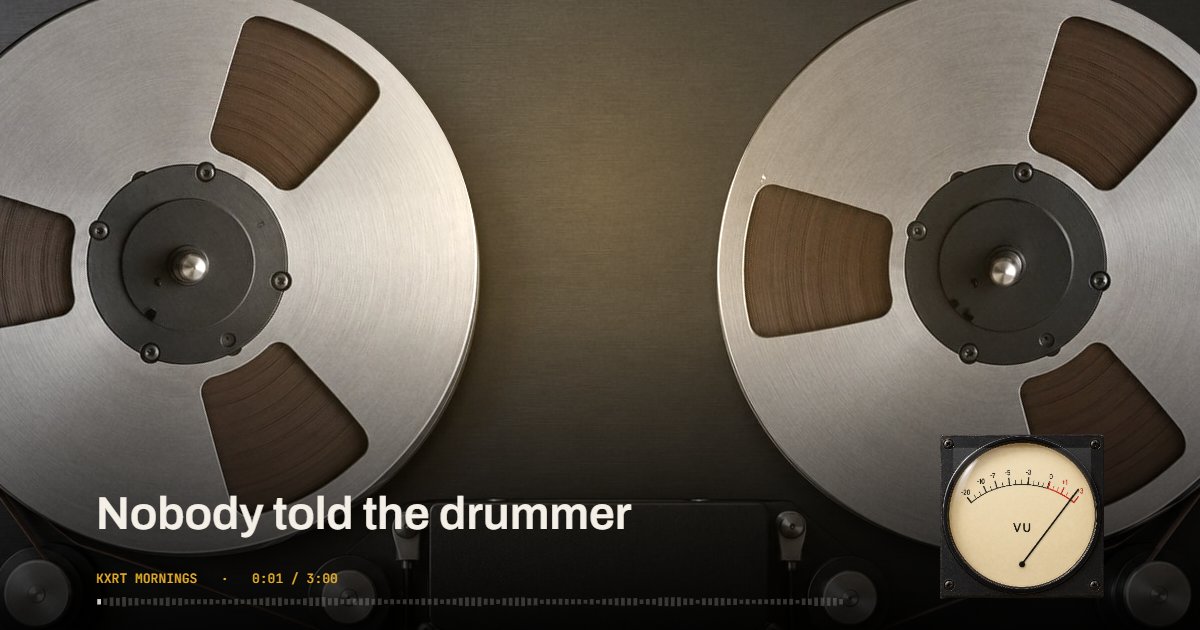
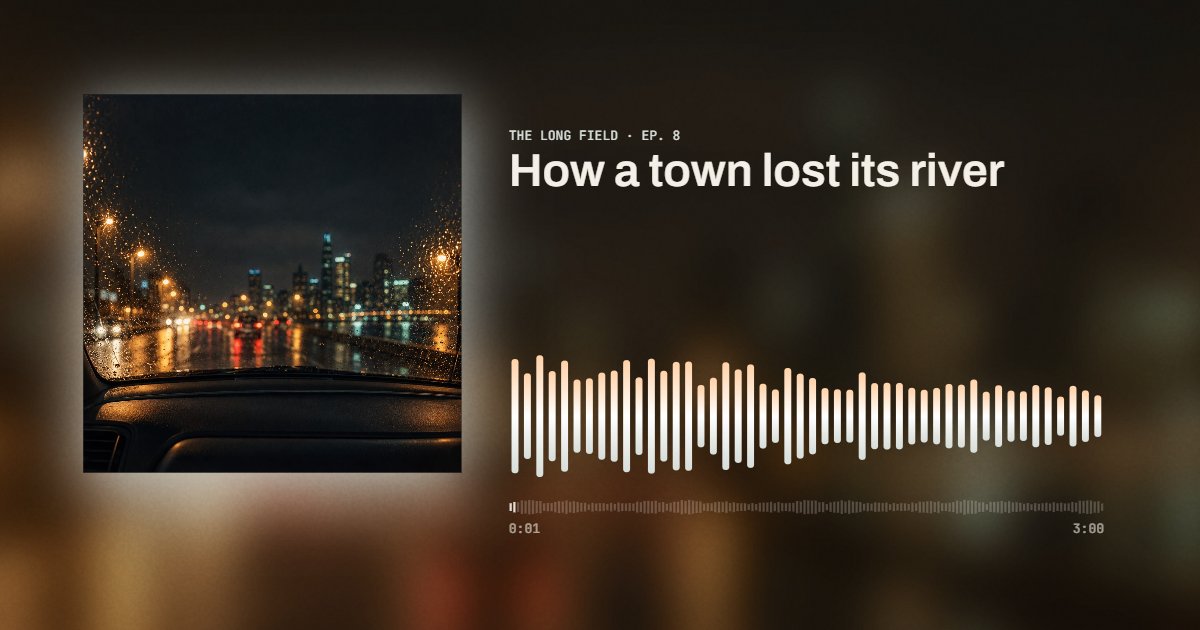
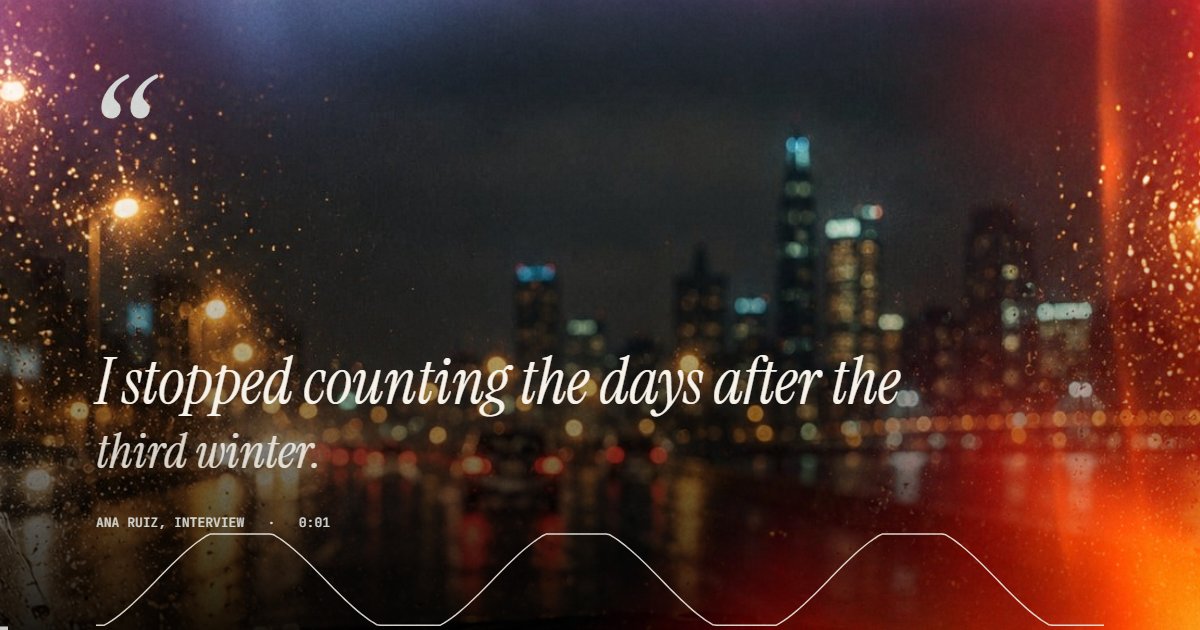
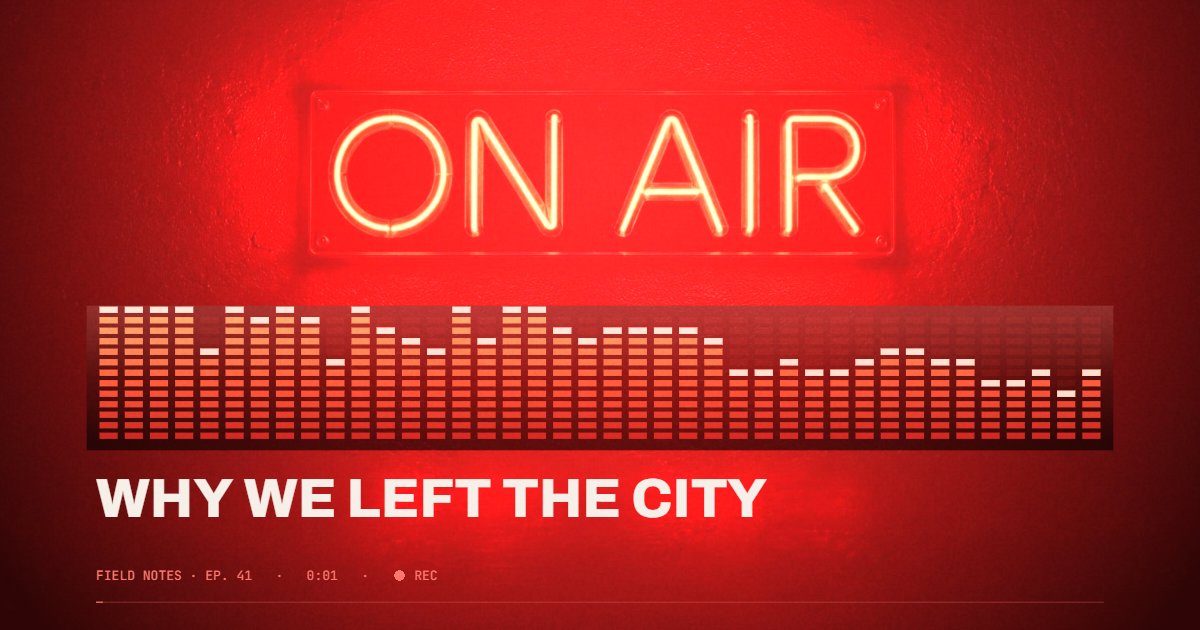
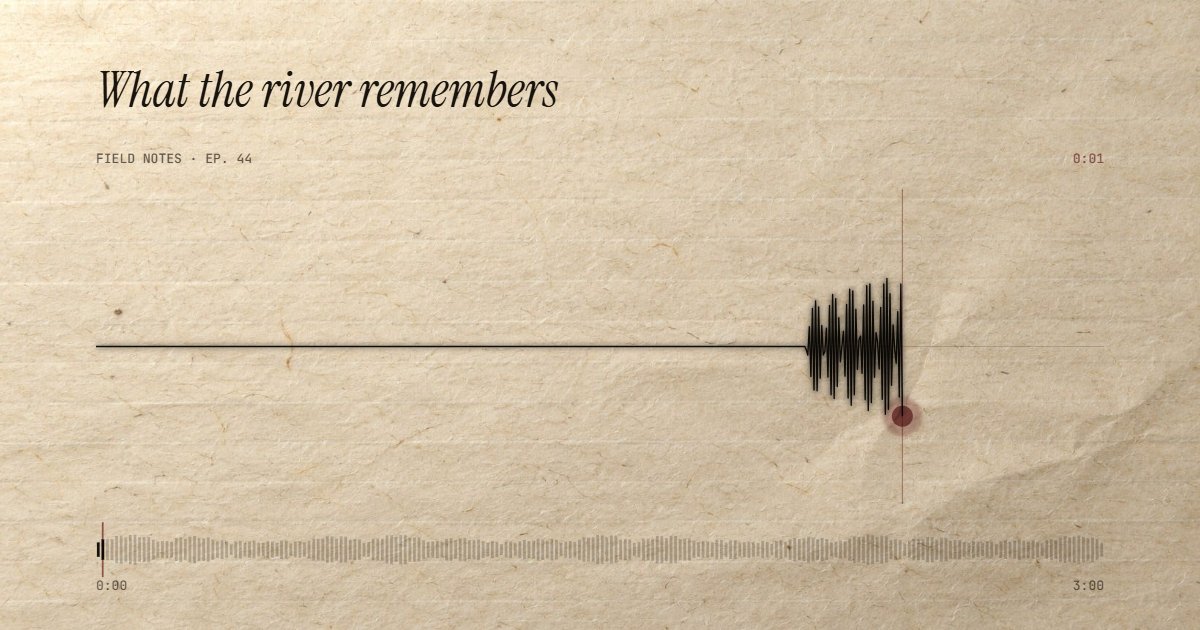
- Pick a style. Studio is a broadcast microphone with the voice as light. Reel is a tape deck, reels turning, a VU meter on the signal. Card is the familiar cover-and-bars layout on the cover's own light. Quote makes the cover the whole frame and the title a pull quote. Neon is the ON AIR sign and a strip of red lamps. Paper writes the voice across laid paper like a seismograph.
- Set the title (for a quote clip, the quote itself), the show or speaker, and a cover: the episode art, a portrait of the guest, or nothing, and a typographic cover is made from the title. Choose 9:16 for Reels, Shorts and TikTok, 16:9 for YouTube, 1:1 for feeds.
- Choose where it goes, Reels, Shorts and TikTok (9:16), YouTube (16:9) or a square feed, then the length: 15, 30 or 60 seconds from any point (scrub to the moment and press "Use playhead"), or the whole file up to ten minutes. Export a 1080p MP4 with the audio in AAC.
Related
- Waveform imageThe same file as a still PNG or SVG.
- MP3 to MP4The audio and a cover as a video file.
- Music visualizerFor songs: nineteen styles that follow the beat.
- Lyric video makerThe words on screen, timed to the song.
- Best music visualizersFree, online and desktop tools compared.
- All guidesHow-tos and comparisons from the people who build the tools.
Questions
What is this for?+
Anything that is only audio but needs to live on a video platform: a podcast clip for Reels or Shorts, an interview quote for LinkedIn, a voice note for a story, an audiobook sample, a radio segment. The picture gives people something to watch while the voice plays.
Is it really free?+
Yes. 1080p, up to ten minutes per export, no account, no watermark. Pro, which is coming later, adds 4K, transparent backgrounds and batch export rendered on our servers.
Does the audio get uploaded?+
No. Decoding, analysis and video encoding all happen in your browser with the WebCodecs API. A two hour episode stays on your machine.
Can I add captions?+
Not yet in the free tool. Captions need a transcript lined up to the voice, which is the server-side part of Pro. Until then, put the quote in the title: the Quote and Studio styles are built around a long title.
Which styles move with the voice?+
All six. Studio blooms light behind the microphone, Reel turns the tape and drives a VU meter from the real signal, Card and Neon draw the live spectrum, Quote lets light leak in with every word, and Paper writes the waveform across the page like a seismograph. Every style also shows the whole file so the viewer knows where they are.
What formats can I upload?+
MP3, M4A/AAC, WAV and anything else your browser can decode. The export is an MP4 with H.264 video and AAC audio, ready for YouTube, Instagram, TikTok and LinkedIn.
Is this an audio waveform generator?+
For video, yes. The waveform is drawn from the real signal of your file, frame by frame, and comes out as a 1080p MP4 with the audio: Paper draws it as one moving ink line, Card and Neon as live bars, and every style shows the whole file as a progress strip. It makes video; for a still waveform image as PNG or SVG, use the waveform image generator.
Is this a sound wave visualizer?+
Yes: a waveform animation drawn from your audio, frame by frame. Paper writes the sound wave across the page as it plays, Card and Neon show the live spectrum, Studio turns the voice into light. Every style visualizes the real signal, nothing is a stock animation, and the result is a 1080p video with the audio.
What is an audiogram?+
In podcasting, an audiogram is a short video made from an audio clip: the cover or a photo, a title, and a waveform or progress bar that moves with the voice, so a piece of audio can be posted where only video plays. The medical audiogram, a hearing test chart, is a different thing with the same name.
How do I convert audio to video for YouTube?+
Drop the MP3 here, pick a style, keep the frame at 16:9, choose the whole file or a clip, and export. The MP4 has the audio in AAC and uploads to YouTube as it is. For a full episode longer than ten minutes, export it in parts or wait for Pro, which renders on our servers.