Tool 17 · Bass booster · Free · No signup
Bass booster.
Drop a song or any audio file and turn the bass up by as much as 18 dB, from a light lift to the full bass boosted sound. Choose how low it reaches, keep it clean with a limiter or let it distort, and flip between the boosted and the original while it plays. Download one MP3 or WAV. It all runs in your browser.
01 Audio
MP3, WAV, M4A, AAC, FLAC, OGG or Opus. The file is read on your device and never uploads.
02 Bass
03 Download
About 1 KB. 192 kbps is transparent for most music; 320 if it is going back into an editor. One file: audio-bass-boosted.mp3.
Boosted, then a video
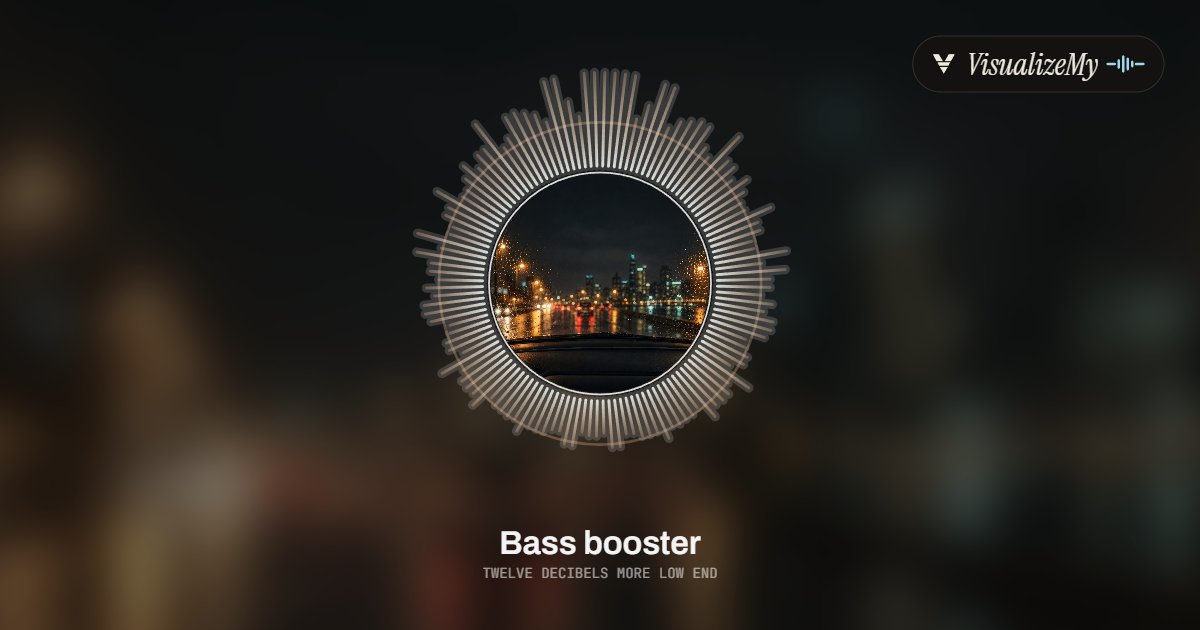
A bass boosted song usually ends up on TikTok, Reels or YouTube, and it needs a picture there. Above, a frame in the Halo style of our music visualizer, where the bass sits at the top of the ring of bars and a shockwave goes out on every kick. Drop the download on it for a video that moves with the bass, or on MP3 to MP4 for a still cover with the sound.
How to bass boost a song
A bass boost is a low shelf: everything under the frequency you choose is raised by the same amount, and the lift fades out above it, so the vocal and the top of the mix stay as they were. The catch is headroom. A finished song already peaks close to full scale, so a few more decibels in the bass would push it over and clip. That is why the clean setting has a limiter after the boost, and why the curve next to the sliders shows exactly what is being raised. The work happens on your device as the file is encoded, and nothing is uploaded.
- Drop the file anywhere on the page, or click to choose it. Or try the sample beat.
- Pick a level, from Light +4 dB to Max +18 dB, or set it with the slider.
- Choose how low the boost reaches: Sub 60 Hz for the deep end, Kick 100 Hz for the usual boost, Warm 160 Hz for a fuller bass that phones can play.
- Press Play and switch between Boosted and Original to hear the difference at the same spot. Keep it clean, or let it distort for the crunch.
- Pick MP3 or WAV and press Download. The file is named after yours, with bass-boosted on the end.
Related
- Music visualizerThe boosted song as a video that hits harder on every kick.
- MP3 to MP4The boosted file with a cover as a 1080p video.
- Volume boosterThe whole file louder, not just the bass.
- Audio equalizerTen bands, for the mids and treble as well as the bass.
- Audio speed changerSlow it down as well, for the slowed and bass boosted sound.
- Audio trimmerCut the result down to the part you want.
- BPM and key finderThe tempo and key of the song.
- Sound testHow low your speakers or headphones actually go, with a 20 to 120 Hz sweep.
Questions
How much bass boost should I use?+
Light, +4 dB, is a fuller version of the same mix and is hard to notice until you switch back to the original. Medium, +8 dB, is what most people mean by bass boosted: the kick and bass line clearly bigger, the vocal still in front. Heavy, +12 dB, puts the bass ahead of everything else, which suits car stereos and headphones. Max, +18 dB, is the meme end of the scale, all bass. Use the Boosted and Original buttons while it plays to compare at the same spot.
Which frequency should I boost?+
The slider sets where the boost fades out: the full amount below it, half of it at that frequency, almost none an octave or two above, as the curve shows. Sub, 60 Hz, lifts the deep rumble of an 808 or a sub bass and leaves the kick drum alone. Kick, 100 Hz, the default, lifts both and is the usual bass boost. Warm, 160 Hz, reaches into the body of the bass guitar and the low end of voices, which sounds fuller but turns muddy quickly above about +8 dB.
Why can I not hear the boost on my phone?+
Phone and laptop speakers are small and play very little of the lowest octave, so a boost at 60 Hz is mostly lost on them. Listen on headphones or a proper speaker to judge it, or, if the file is meant for phones, set the frequency to 120 to 160 Hz, where those speakers still make sound.
Why does a bass boosted song distort, and how do I stop it?+
Raising the bass raises the loudest moments too, and a file cannot go past full scale, so the peaks are cut flat, which is the crunch you hear in most bass boosted videos. Keep it clean puts a limiter after the boost: it looks 5 ms ahead and turns the whole sound down just enough, just in time, to keep every peak under −1 dB, then lets it back up over 150 ms. Let it distort leaves the limiter out, for when the crunch is the point. The boost also filters out everything below 20 Hz, which nobody hears but which would use up the headroom.
Which formats does it take, and how long can a file be?+
Anything your browser can play: MP3, WAV, M4A and AAC, FLAC, OGG Vorbis and Opus in current Chrome, Edge and Firefox. The download is an MP3 at 128, 192 or 320 kbps, or a 16-bit, 44.1 kHz WAV, the same length as the original. We set no length limit; the whole file is held uncompressed while you work, about 20 MB a minute in stereo, so an hour is fine on a laptop and half an hour is a safe size on a phone. A two-minute song boosted by 12 dB was filtered in a quarter of a second and encoded as a 192 kbps MP3 in under two seconds in Chrome on a laptop; an MP3 shows its progress as it goes.
Can it turn the bass down instead?+
No, this tool only raises it. To make bass quieter, use the equalizer in your editor or player and lower its low band.
Is my audio uploaded?+
No. The file is decoded, boosted and encoded on your device, and the download is made there. The page only counts that a file was saved, with the format and the settings, never a name or the audio.