Tool 01 · Free · No signup
Music visualizer.
A free online music visualizer. The whole song becomes a 1080p video, rendered by your own machine: nothing uploads, nothing watermarks, nothing to sign up for.
01 Audio
Analyzed on your device. Nothing uploads.
02 Style
03 Details
04 Export
Add a track above first.
Made with this tool

How to make a music visualizer video
Drop your audio, pick a style, set the title and colors, export. The whole thing runs in your browser with the WebCodecs API, which is why there is no upload, no queue and no watermark: the file is encoded by your own machine's video encoder, the same one that handles your video calls.
- Upload an MP3, M4A or WAV, or search a song by name if you do not have the file: the tool then works from the 30 second preview. A four minute song is analyzed in under a second: one spectrum per video frame, so the picture follows the music exactly, not a loop.
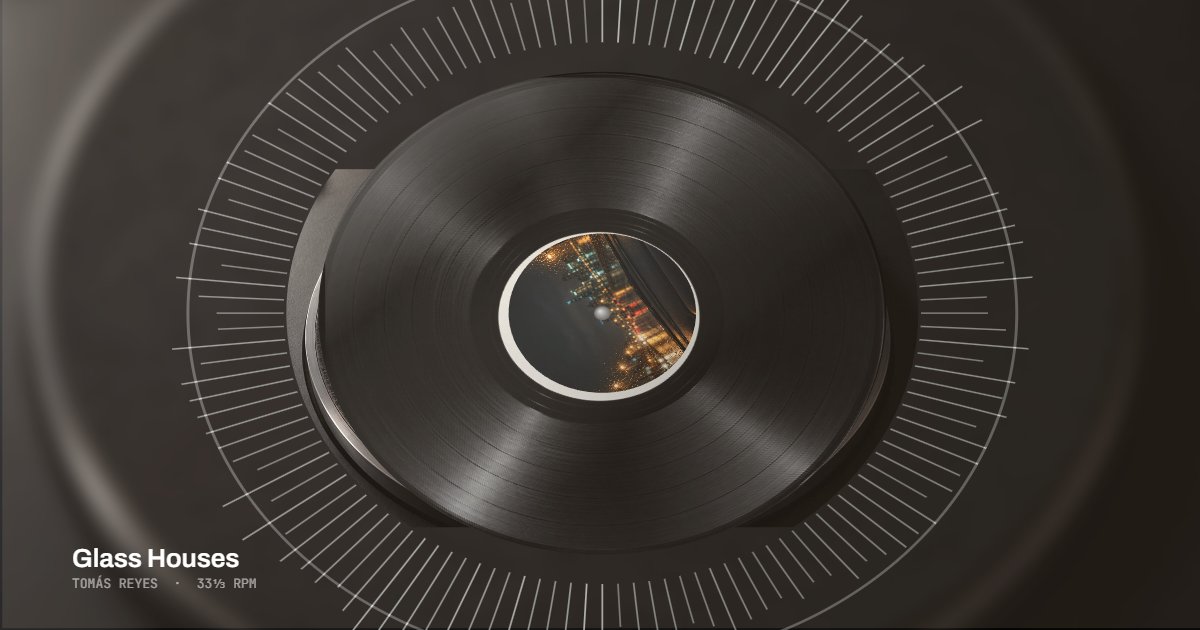
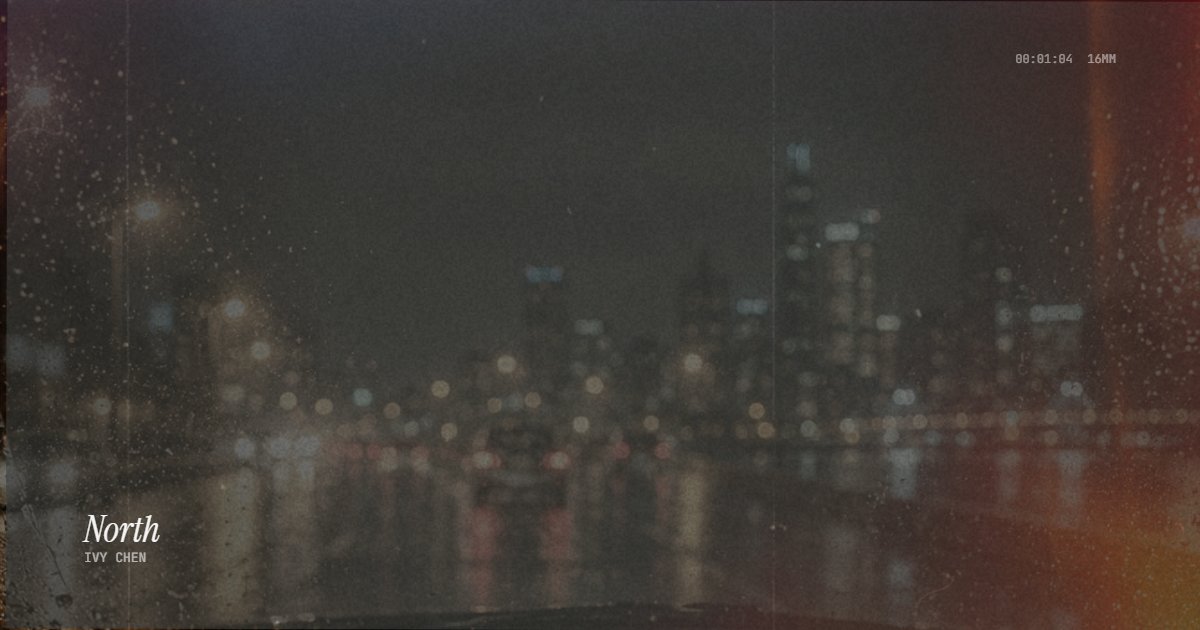
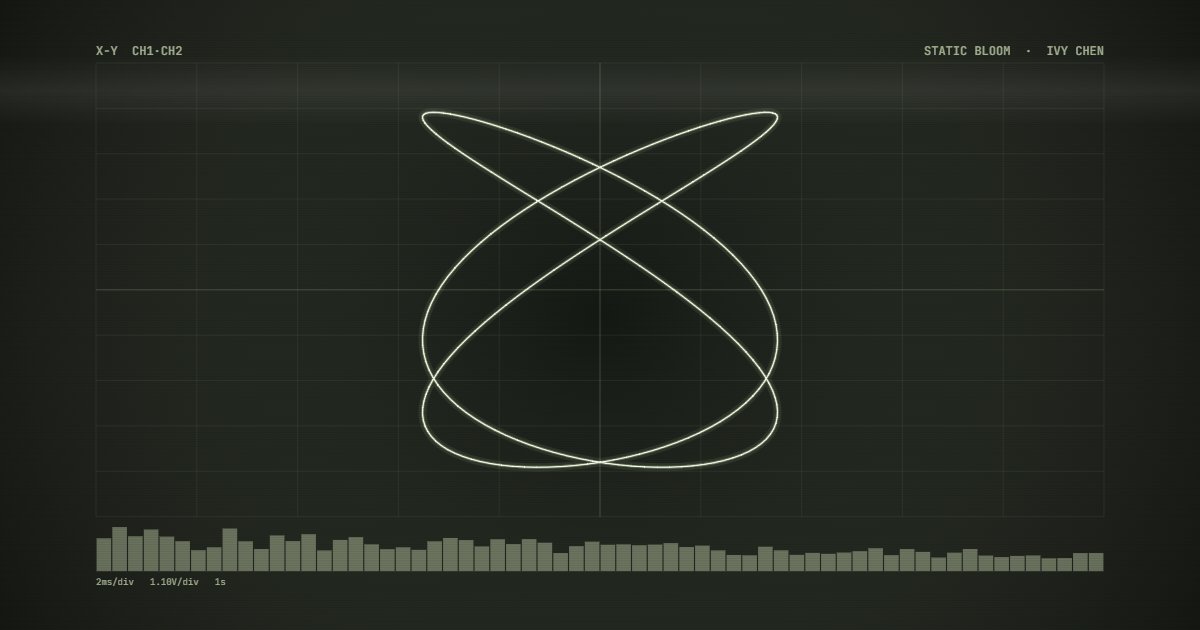
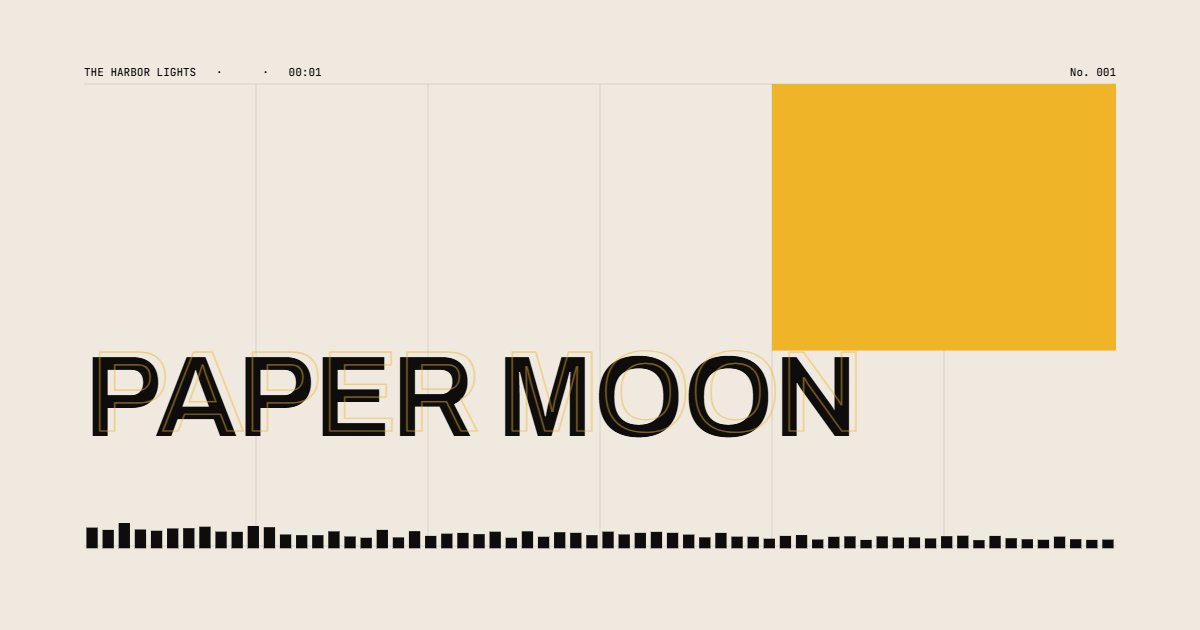
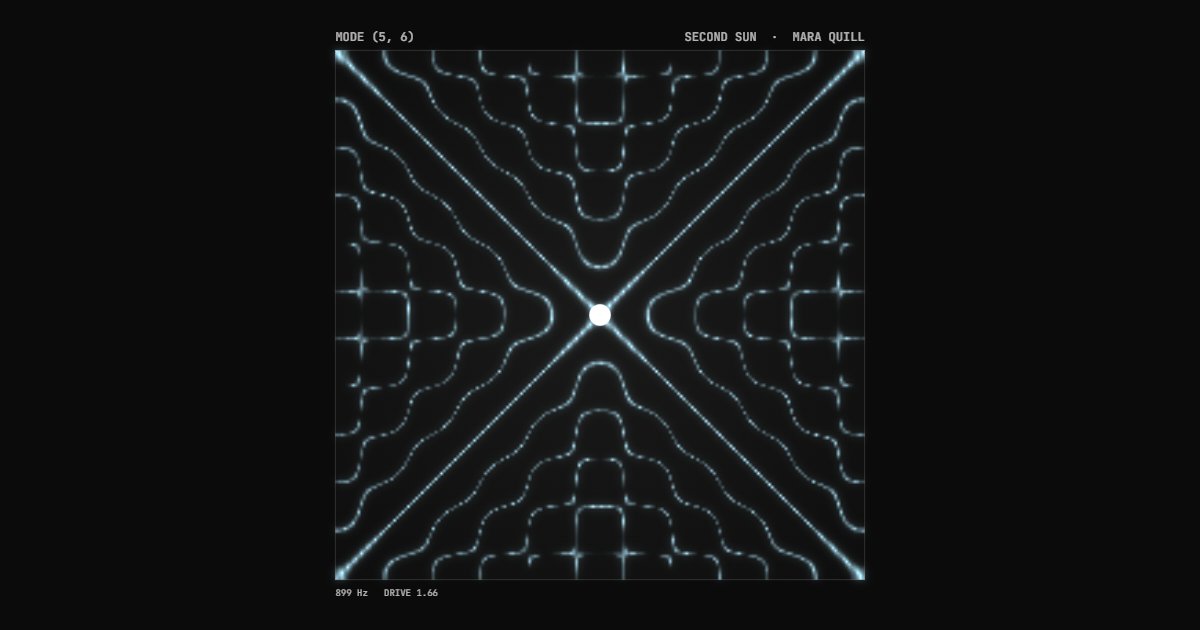
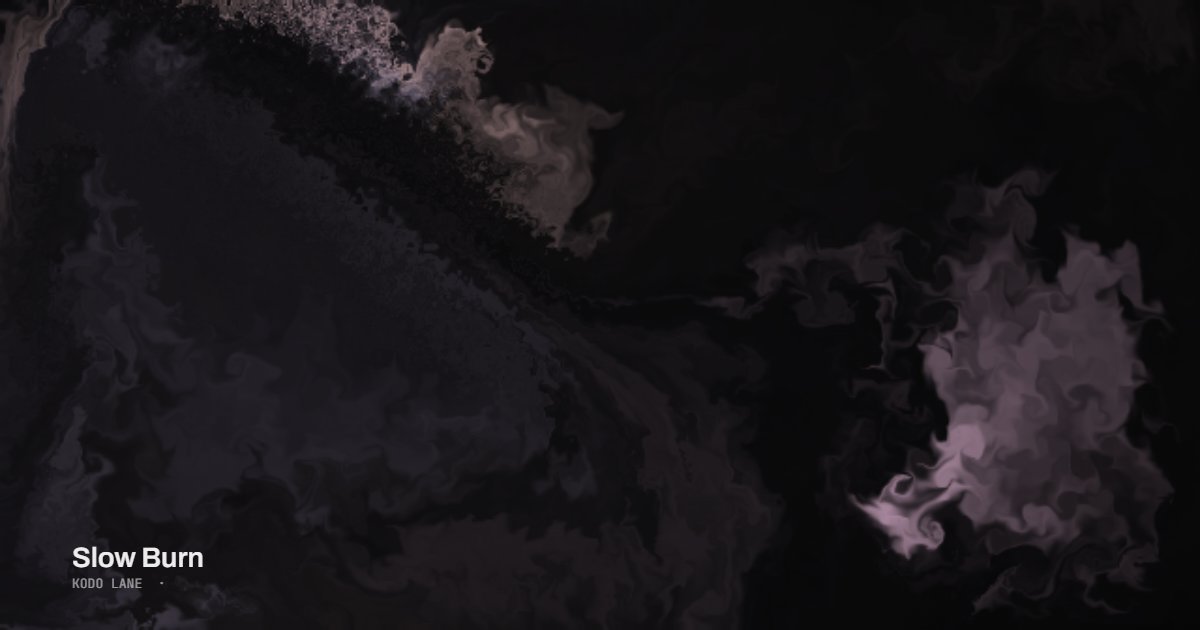
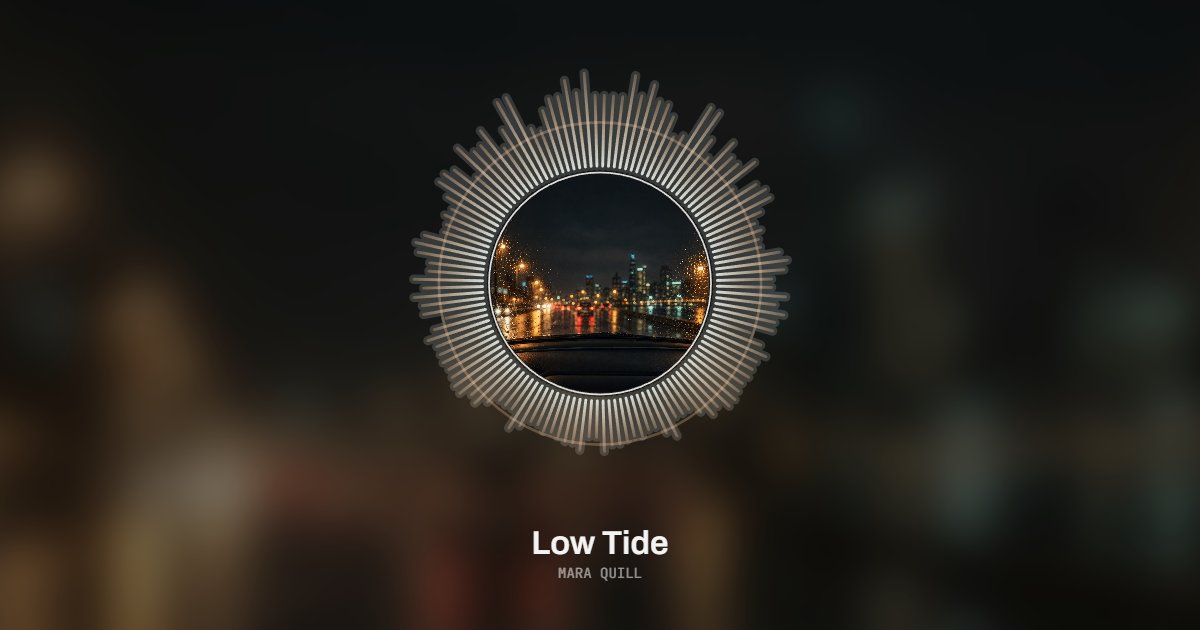
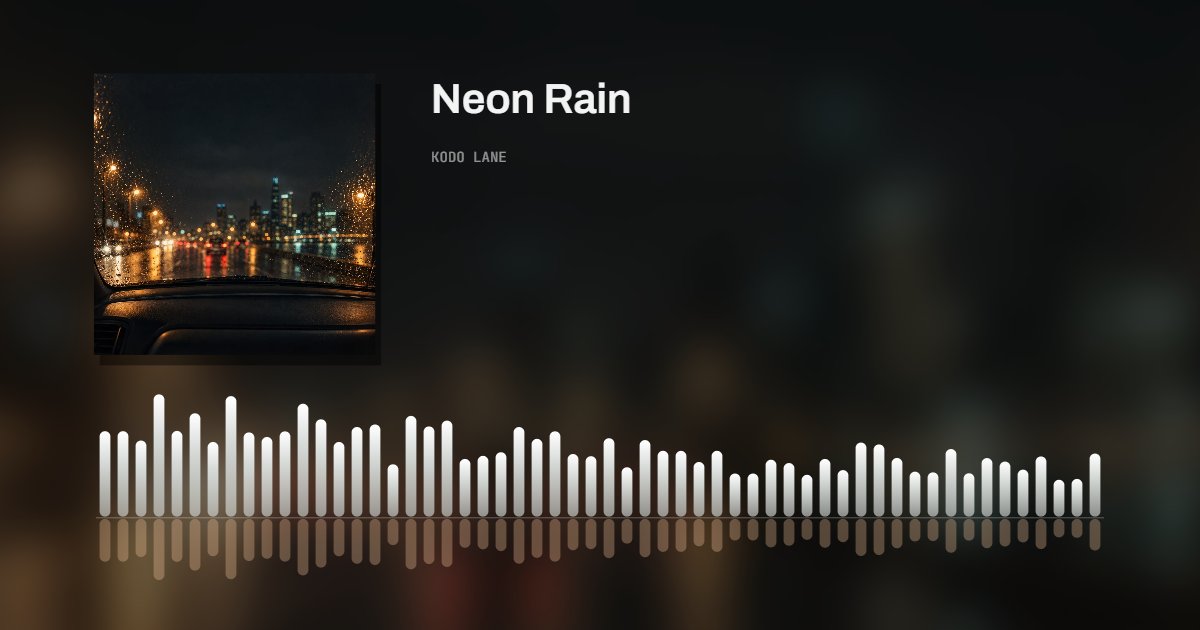
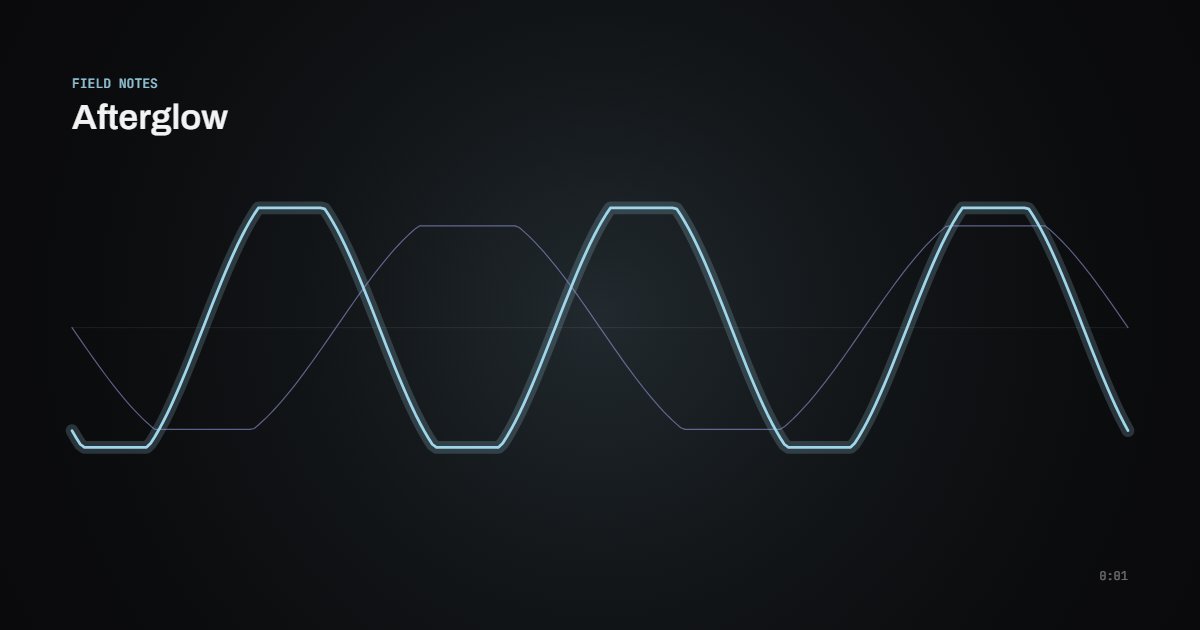
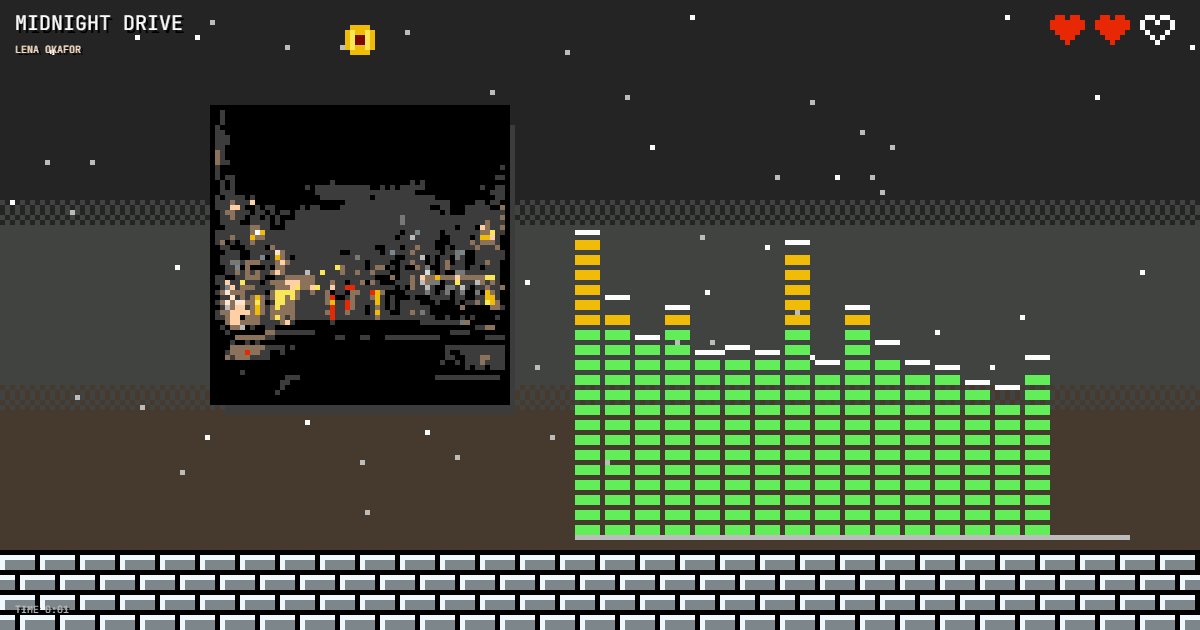
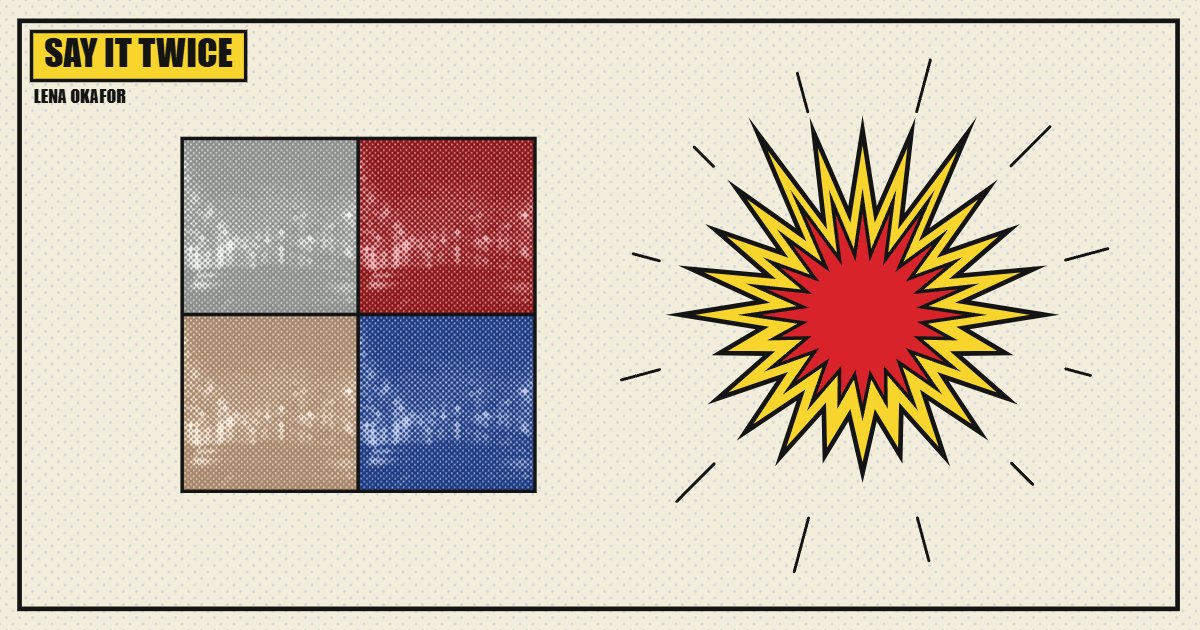
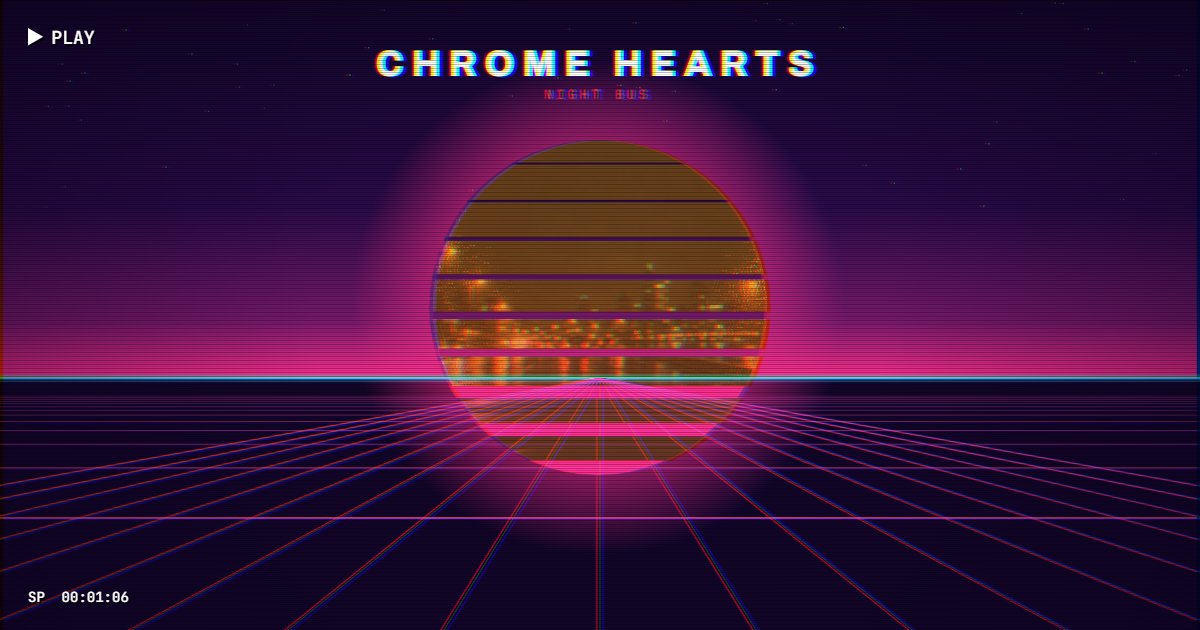
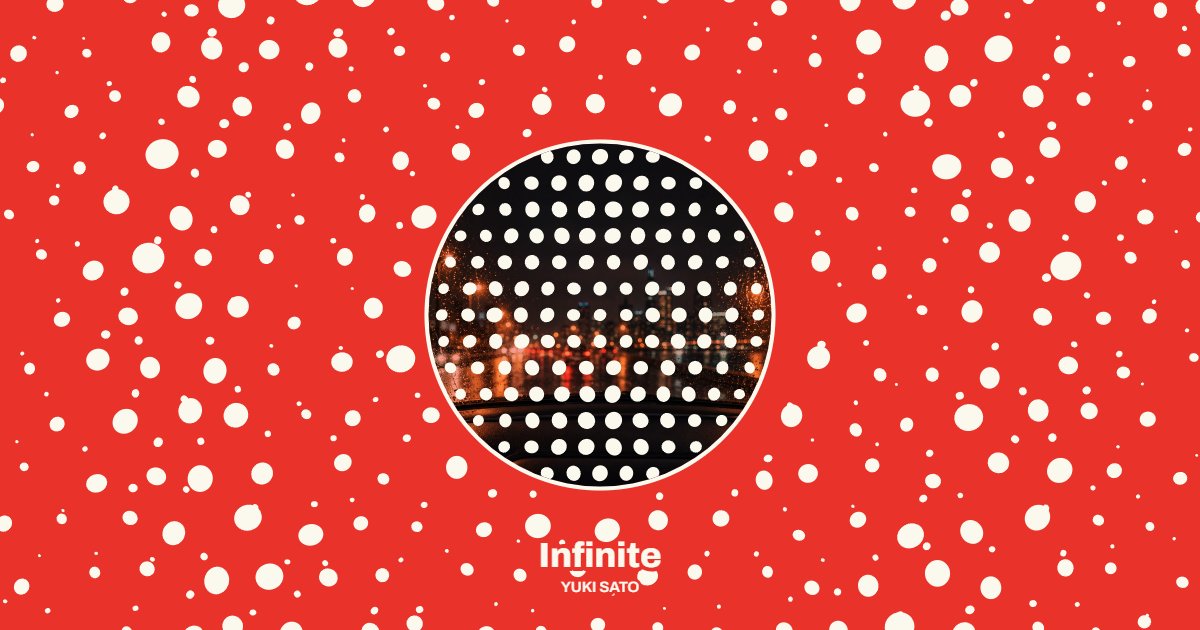
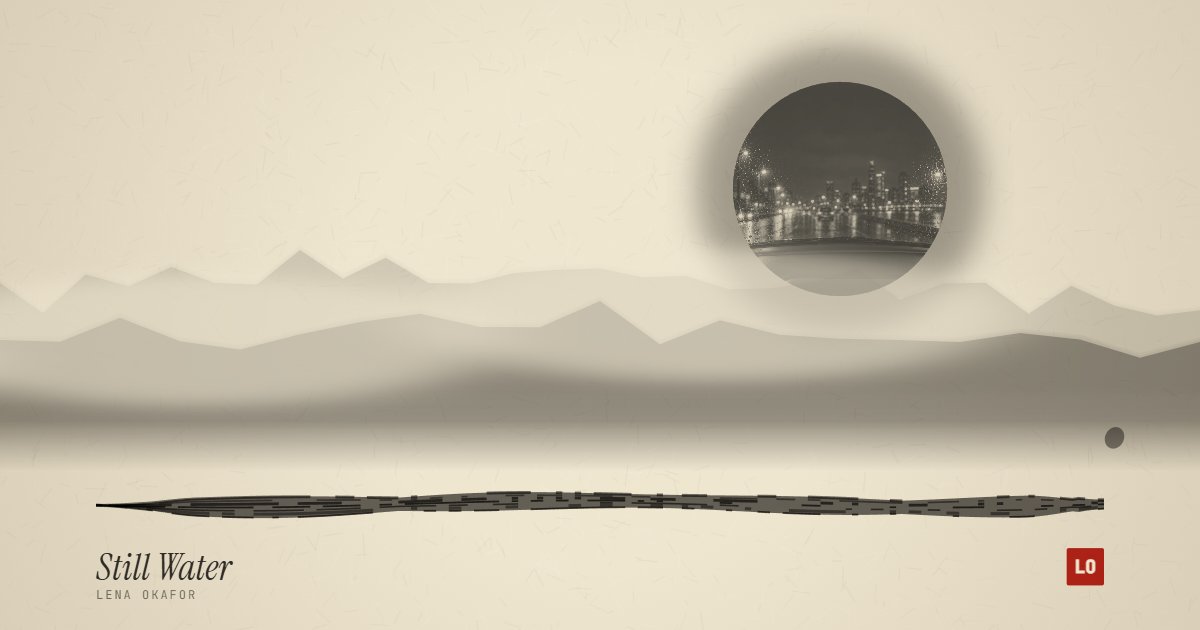
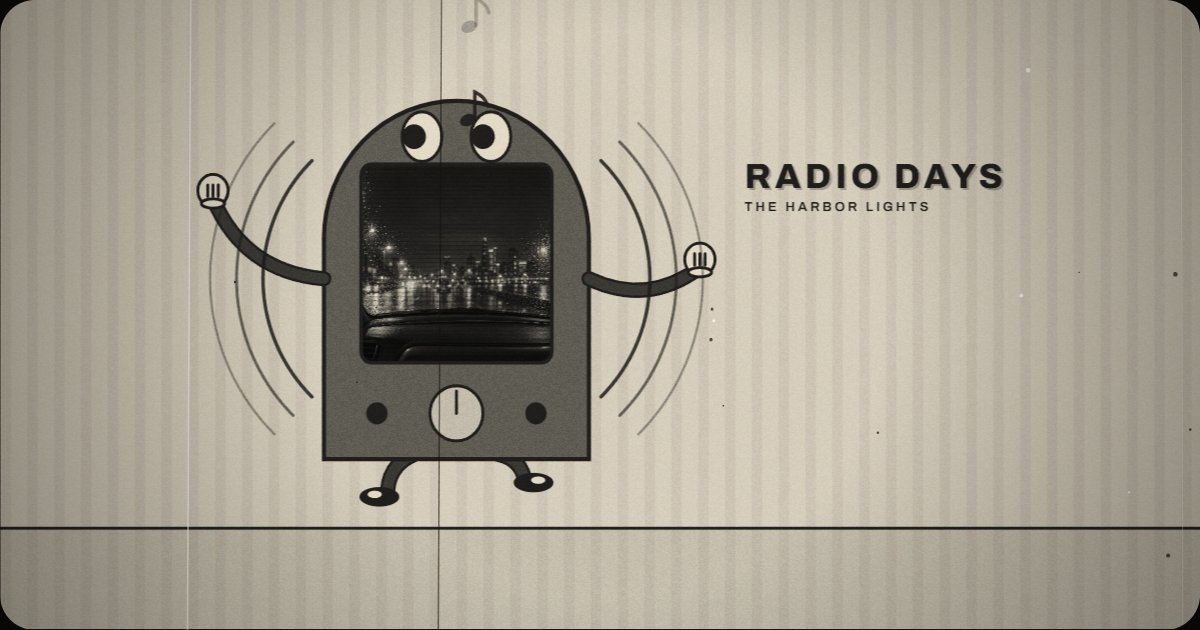
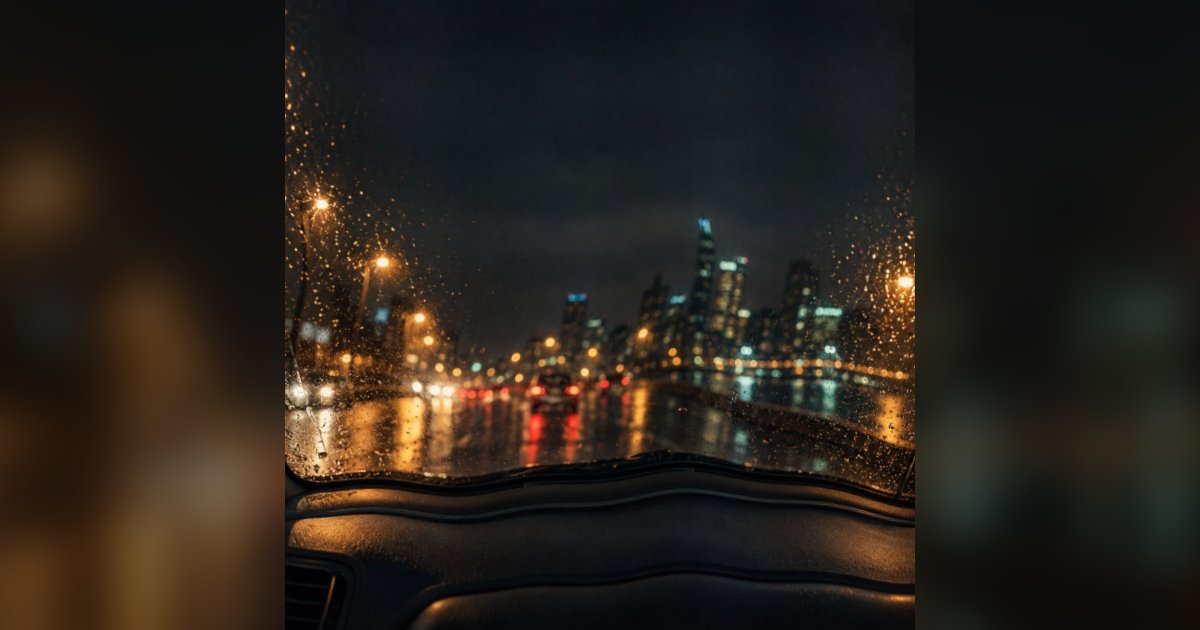
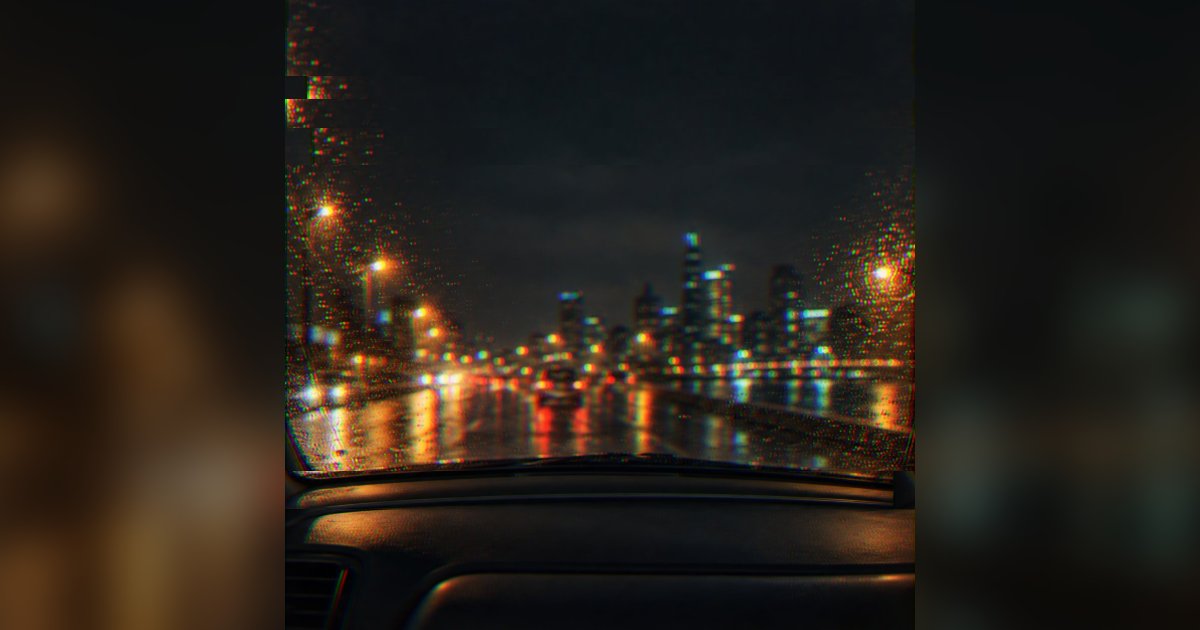
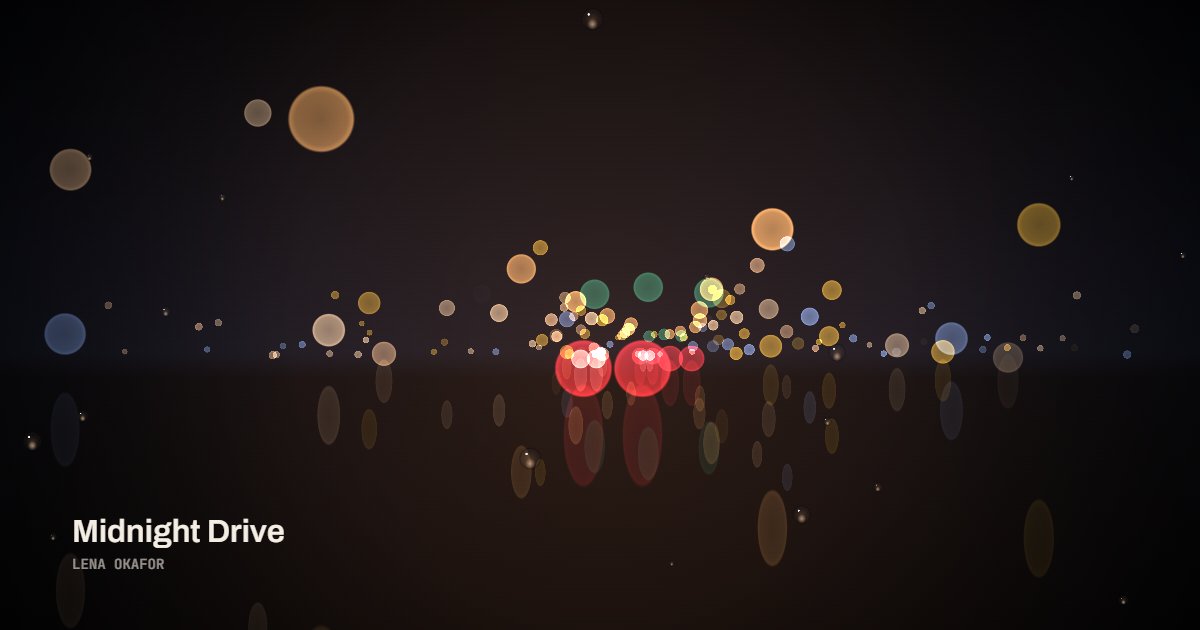
- Pick a style. Vinyl, Film, Scope, Poster, Chladni and Ink are built on photographed materials; Halo, Bars and Line are the classic visualizer formats; Pixel is the song as an 8-bit level, Pop a comic page, Vapor a VHS sunset, Dots a room of polka dots, Sumi an ink painting, Haring a wall of dancing figures and Toon a 1930s cartoon; Liquid and Glitch move the cover itself, rippling it like water or tearing it on the kick; Bokeh is a rainy street at night seen out of focus through a windshield, the lights swelling with the bass, mids and highs. All nineteen react to the real spectrum of your track: the kick, the loud sections, the drop. The thumbnails are drawn by the same code that renders the file.
- Set the title and artist that appear on the frame, the cover and the colors. The cover comes from the file or the store; without one, a typographic cover is made from the title and the colors are drawn from it.
- Choose where it goes: TikTok, Reels and Shorts (9:16), YouTube (16:9) or a square feed. Choose the length: 15, 30 or 60 seconds from any point, or the whole track up to ten minutes. Export a 1080p MP4 with your audio in AAC, ready to upload anywhere. Keep the tab open while it renders; a four minute song takes about a minute on a laptop.
Related
- Audio visualizerThe classic bars and the halo, as their own page.
- Oscilloscope music visualizerThe stereo signal drawn as a Lissajous figure.
- Spotify Canvas makerA 3 to 8 second vertical loop for your release.
- Spotify visualizerThe same styles live and full screen, to a shared tab or the microphone.
- Lyric video makerThe words on screen, timed to the song.
- Waveform videoA podcast or voice note as a clip.
- MP3 to MP4The cover held still under the song, the whole track.
- Tap tempoThe BPM of a song from taps on a key or the screen.
- BPM and key finderThe tempo and key of a song, from its file or a search.
- Audio trimmerCut the song to the part you want before you make the video.
- What is a music visualizerHow a song becomes frames, and what makes one good.
- Best music visualizersFree, online and desktop tools compared.
- A video for a Suno songFrom the download to a YouTube upload.
- Best AI music video generatorsWhat they make, what they cost, when a template wins.
- How to make a music videoSix routes, from one image to a crew.
- A music video from photosThe tools that do it today.
- After Effects alternativesSorted by what you need to make.
- Best motion graphics softwareDesktop, browser, AI and code.
- Can Claude make videos?Not pixels: code, rendered by a browser.
Questions
Is it really free?+
Yes. 1080p, the whole song (up to ten minutes per export), no account, no watermark. Pro, which is coming later, adds 4K, transparent backgrounds and batch export rendered on our servers.
Does my audio get uploaded?+
No. The analysis and the video encoding both happen in your browser with the WebCodecs API, and your file never leaves your device. Searching a song by name is the one thing that goes through our server: the title, to fetch the store's 30 second preview and its cover.
Which browsers work?+
Chrome, Edge and Safari 26 or later, on desktop and phone. Safari 16.4 to 18 can encode the picture but not the sound, so its files come out silent. Firefox has had the encoders since version 130; Chrome, Edge and Safari are what we test on. A browser that cannot encode video at all shows a notice instead of a broken export.
How long does an export take?+
About a quarter of the track length on a recent laptop and about half on a recent phone. A four minute song is roughly one minute on desktop and two on an iPhone.
I do not have the song file. Can I still make a video for a TikTok sound?+
Yes. Switch Audio to Search a song and type the title. We use the 30 second preview that music stores publish and render a vertical clip to it. Export it with the preview audio, or silent: in TikTok, upload the silent clip, add the official sound and drag its start to match, which is what puts your video on that sound's page. The preview is usually the hook, which is usually the part everyone uses.
What formats can I upload?+
MP3, M4A/AAC, WAV and anything else your browser can decode. In Chrome, Edge and Safari the export is an MP4 with H.264 video and AAC audio, which uploads directly to YouTube, Instagram and TikTok.
What is a music visualizer?+
A music visualizer is a video whose picture moves with the music: a spectrum of bars, a ring around the cover, a waveform, a turning record. It gives a song something to look at on YouTube, TikTok or Reels, where audio alone cannot be posted. This one analyzes the track on your device, one spectrum per frame, so the picture follows the actual song rather than a loop.
Which style should I use for YouTube, and which for TikTok?+
For YouTube, a wide frame (16:9) and a style that holds up for a whole song: Halo, Bars, Vinyl or Film. For TikTok, Reels and Shorts, a vertical frame (9:16) and a 15 to 60 second clip; Poster, Ink, Chladni, Pixel, Pop, Vapor, Dots, Haring and Toon fill a phone screen well. Every style has its own vertical composition rather than a crop. Liquid and Glitch move the cover itself and draw no title, and they come back to the still cover every 8 seconds, so an 8 second clip loops without a jump. Bokeh suits a slow or late-night song in either frame; the wipers sweep once a bar.