Music visualizer · Spectrum bars and Halo · Free
Audio visualizer.
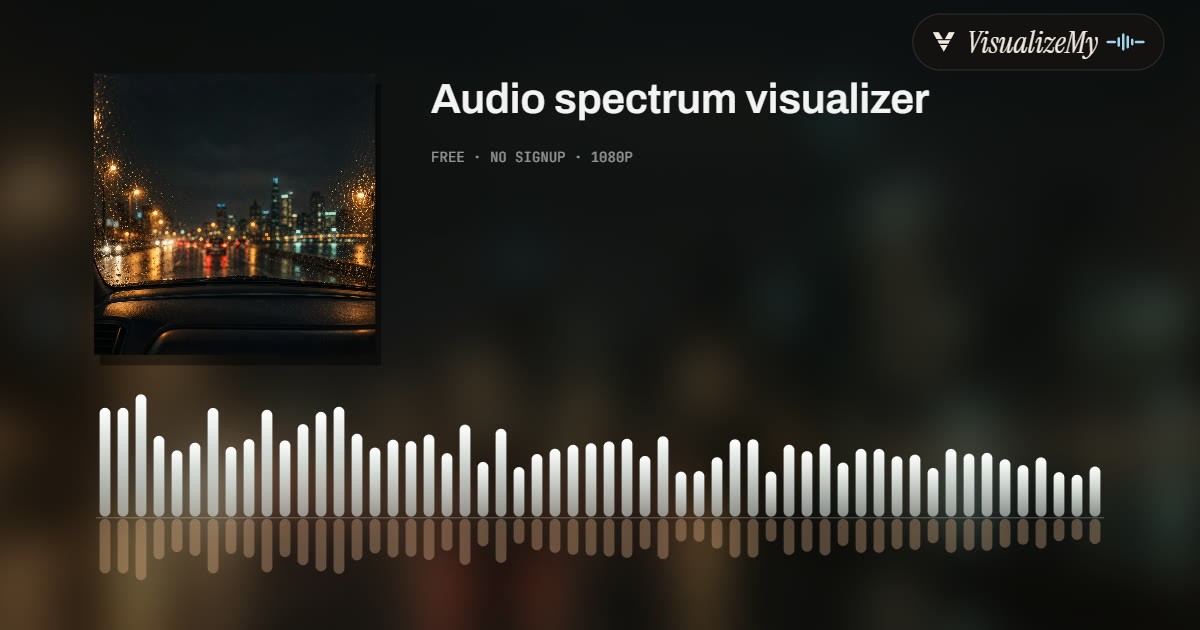
The classic format: your cover, your title, and the frequencies of the song as bars that move with it. 1080p, rendered by your own machine, nothing uploads.
01 Audio
Analyzed on your device. Nothing uploads.
02 Style
03 Details
04 Export
Add a track above first.
Made with these styles
How the spectrum is drawn
A spectrum visualizer is the oldest format there is, and the one people picture when they search for a music visualizer: the frequencies of the song as a row of bars that jump with it. Here the song is analyzed on your device before anything is drawn, one spectrum of 64 bands per video frame, so the bars in the file match the bars in the preview and both match the music to the frame.
Two styles use that spectrum. Bars puts the cover and the title where a player would and runs a mirrored spectrum across the bottom, with a reflection below the baseline. Halo bends the same spectrum into a ring around a round cover, mirrored left and right so it reads as one shape, with a shockwave that expands on every kick. Both take their colors from the cover and change them every four beats; both breathe with the bass and wash the frame on the drop.
- Drop the MP3, M4A or WAV, or search the song by name and work from its 30 second store preview.
- Pick Bars or Halo in the style strip. The preview above turns into it at once; press play to see it move.
- Set the title and artist, keep the colors read from the cover or pick an accent, and choose where the video goes: TikTok, Reels and Shorts (9:16), YouTube (16:9) or a square feed.
- Export. A 1080p MP4 with the audio in AAC; a four minute song takes about a minute on a laptop.
Related
- All nineteen stylesVinyl, Film, Scope, Poster, Chladni, Ink, Line, Pixel, Pop, Vapor, Dots, Sumi, Haring, Toon, Liquid, Glitch, Bokeh and these two.
- Oscilloscope visualizerThe stereo signal as a Lissajous trace.
- Best music visualizersFree, online and desktop tools compared.
- Equalizer vs the barsWhat an EQ changes, and what the spectrum measures.
- Audio equalizerChange the spectrum instead of drawing it: ten bands, MP3 or WAV out.
- Spotify Canvas makerAn 8 second vertical loop for your release.
Questions
What does the spectrum actually show?+
The energy of the song split into 64 frequency bands, bass on the left and treble on the right, measured 30 times a second from the audio itself. A kick drum lifts the first bars, a hi-hat flickers the last ones, a vocal sits in the middle. The picture follows the real song, not a loop that happens to be in time.
Bars or Halo?+
Bars is the classic layout: cover, title, a mirrored spectrum across the bottom with a reflection. It reads well at any size and is the safe choice for a YouTube upload. Halo wraps the same spectrum in a ring around a round cover, with a shockwave on every kick; it fills a vertical frame and looks more like a release visual than a player.
Where do the colors come from?+
From the cover: three colors are read from the artwork and the bars cycle through them every four beats, with the kick flashing the next one. Pick one of the six accents in the Color row to override that.
Does it work without the song file?+
Yes. Search the song by name and the tool works from the 30 second preview that music stores publish, which is usually the hook. Export it silent for TikTok, Reels or Shorts and add the official sound in the app.
Is this an EQ visualizer or a sound visualizer?+
Both names fit. The bars are an equalizer display of the song, bass on the left, treble on the right, 64 bands read from the real audio thirty times a second; Halo bends the same display into a ring. It visualizes any sound you give it, a song, a mix, a voice, and exports the result as a 1080p video.
Is it free?+
Yes. 1080p, the whole song (up to ten minutes per export), no account, no watermark, nothing uploaded. The analysis and the encoding run in your browser.