Guides · Lyric videos
How to make a lyric video
Get the words, time them to the voice, pick a style, export for TikTok, Reels, Shorts or YouTube. The platform specs and the mistakes to avoid.
Updated October 23, 2026
In short
- Time the lyrics before you style them. Imported timings beat tapping, tapping beats speech recognition on sung vocals.
- Lead the voice by a fifth of a second; words that land after the vocal read as broken.
- Bold sans, one or two lines on screen, and nothing in the bottom third of a vertical frame, where the app interface sits.
- 9:16 at 1080 by 1920 for TikTok, Reels and Shorts; 16:9 at 1080p or more for YouTube.
A lyric video is the song plus its words on screen, each line arriving when the voice reaches it. Labels post one the day a single drops; on TikTok a lyric clip is the standard way to post a song with the official sound. It looks simple and it mostly is, except for one thing: the timing. Everything below is about getting the timing right without spending an evening on it, and then not ruining it in the export.
1. The song
Start from the best audio you have. An MP3, M4A or WAV of the finished master is ideal. If you only have the song’s name, that is enough for a short clip: music stores publish a 30 second preview of every track, usually the hook, and a lyric video maker that searches by name can render against it. That is how most TikTok lyric clips get made.
Decide now where the video is going, because it changes the frame and the length. A vertical 9:16 clip of 15 to 60 seconds for TikTok, Reels or Shorts; a 16:9 video of the whole song for YouTube. The platform specs are at the end of this page.
If the song is not yours, read the question about rights in the FAQ before you spend time on it. On YouTube, Content ID will find the track; on the short-video apps, the clean path is a silent video plus the official sound added in the app, which is also what gets your post onto that sound’s page.
2. The words
Type or paste the lyrics, one line per line, with blank lines between sections if that helps you read them. Each line will become one screen, so break long lines where the singer breathes, not where the page did. Fast sections need short lines: in a rap verse two lines on screen is the maximum before the font has to shrink and the viewer gives up.
Timed lyrics may already exist for a released song. They come in a plain text format called LRC, a sidecar file with a timestamp in front of every line, invented in 1998 for a Winamp plug-in; a newer variant adds a timestamp per word for karaoke-style highlighting. Two databases matter. Musixmatch is the licensed supplier of synced lyrics to Spotify, Apple Music, Amazon Music and Shazam, and artists can submit and time their own lyrics there through Musixmatch Pro. LRCLIB is a free, community-contributed database with an open API; it has most popular songs and no guarantees. The lyric video maker on this site asks LRCLIB for timed lyrics whenever you search a song by name; Vizzy can import an LRC file directly, and CapCut’s help center lists SRT import. Most other tools cannot, so if you have an LRC file, it is Vizzy or a manual pass.
3. The timing
There are three ways to put times on lines, and most people should use the first one that applies.
Timed lyrics from a database. The timestamps are for the full song; your clip starts somewhere in the middle of it, usually mid-line. So the only decision is which line you hear first in the clip and whether it starts cut off. Pick that line, then nudge a slider until the words sit on the voice; every other line follows. On this site that is the default path for a searched song, and the tool plays the first seconds after every change so you can check by ear instead of by eye.
Tapping. Press play and tap a button, or the space bar, the moment each line starts. One listen for the whole song, which is fine for three minutes and a chore for ten. It works for any song, including one that exists only on your hard drive. Tap a little early rather than late: a line that arrives before the voice reads as karaoke, a line that arrives after it reads as broken.
Speech recognition. CapCut, Videobolt, Capify and VEED will listen to the track and produce timed text. On speech it is good; on sung vocals it misses words, more so under a dense mix or heavy effects on the voice, so what you get is a first draft that you correct line by line. Worth it for a long song, not for a 30 second clip. How each tool times the lyrics, and what its free export comes with, is in the lyric video makers compared.
Whichever way you time it, apply a lead. A timestamp set by a human reacting to the voice lands about a fifth of a second after the voice; karaoke systems cue the line early for the same reason. The tool here shows every line 0.2 seconds before its timestamp; elsewhere, shift the lines yourself.
4. The style
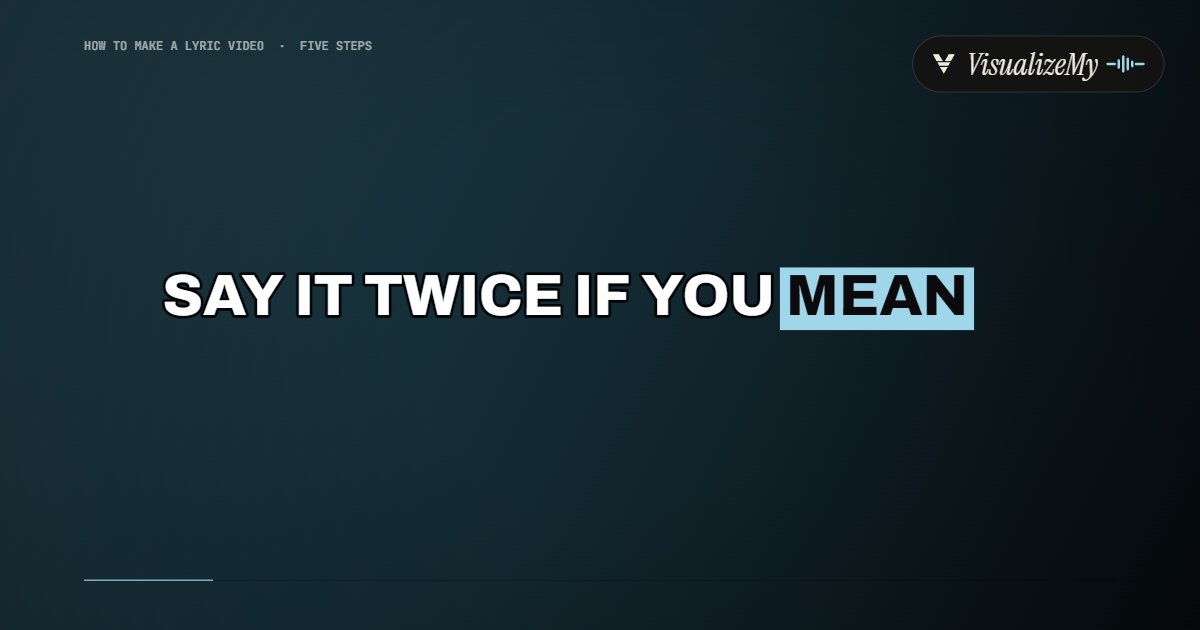
A lyric video is read on a phone, in a feed, after compression. That rules out thin type, decorative type, low contrast and busy backgrounds behind the text. The styles that survive are bold sans with a shadow or a solid block behind the words, or a serif at a large size on a calm background. Word-by-word highlighting, the karaoke style, reads better than whole lines appearing at once, because the eye is told where it is. For a sing-along, where the viewer needs to know which word the voice is on, the karaoke video maker fills each line word by word as it is sung.
Keep the words inside the safe area. Reels covers the bottom 35 percent of the frame with its interface, the top 14 percent with the header and 6 percent at each side, by Meta’s own guide for ads; TikTok is similar. Lyrics placed in the lower third of a vertical frame are lyrics nobody reads.
The eight styles on this site were built around those constraints: Caption is the short-video format, bold, outlined, one line, the current word highlighted; Karaoke fills the line word by word; Typewriter and Rise build the line up; Editorial and Poster are the calmer, larger-type options; Kinetic throws the words around; Worship sets two lines to a slide over a slow motion background, the way a church projects them. All of them take their colors from the cover art.
5. The export and the specs
Export an MP4 with H.264 video and AAC audio, at the frame size the platform wants. Silent, if you are adding the official sound in the app. Then check the whole thing once at phone size before posting; the mistakes below are all visible in that single pass.
| Platform | Frame | Size | Length |
|---|---|---|---|
| TikTok | 9:16 | 1080 × 1920 (ads spec minimum 540 × 960) | Up to 10 minutes recorded in the app, longer uploads allowed; 15 to 60 s is the norm for a clip |
| Instagram Reels | 9:16 | 1080 × 1920 | Up to 3 minutes to be eligible for recommendation |
| YouTube Shorts | 9:16 | 1080p | Up to 3 minutes |
| YouTube | 16:9 | 1920 × 1080, 2560 × 1440 or 3840 × 2160 | 15 minutes until the account is verified, then hours |
Sources: TikTok’s ad specifications, Meta’s Reels ad guide, YouTube’s Shorts and upload help pages, checked October 2026. Organic limits change often; the ratios do not.
The mistakes
Five things go wrong more than everything else combined. The text lands after the vocal, by a reaction time, and reads as broken. Too many words per screen in a fast section, fixed by shrinking the font, which only moves the problem. Thin fonts and busy backgrounds that vanish on a phone. A disclaimer in the description that is supposed to prevent a Content ID claim and does not. And one 16:9 master posted everywhere, letterboxed on TikTok with the lyrics under the interface. Each of them is a thirty second fix if you look for it before you post.
Questions
How do I get the lyrics timed to the song automatically?+
Two ways. If the song is a released track, timed lyrics may already exist: VisualizeMy's lyric video maker looks them up in LRCLIB when you search a song by name, and Vizzy can import an LRC file. If it is your own song, the automatic route is speech recognition (CapCut, Videobolt, Capify, VEED), which misses words on sung vocals, so budget time for corrections. Tapping each line in as the song plays is slower to do and faster to get right.
Can I make a lyric video for a song I do not own?+
You can make it; publishing it is the question. On YouTube, uploading a track you do not own triggers a Content ID claim that can monetize the video for the rights holder, mute it or block it, and lyric-video channels built on other people's songs have been rejected from the Partner Program as inauthentic. On TikTok, Reels and Shorts the clean route is a silent clip plus the official sound added in the app.
What size should a lyric video be for TikTok?+
Vertical, 9:16, 1080 by 1920 pixels, MP4 with H.264. Keep the words out of the bottom third and the top sixth of the frame, where the app's own interface sits. Fifteen to sixty seconds is the usual length for a clip; TikTok itself accepts far longer.
Why do my lyrics look late even though I timed them carefully?+
Because a timestamp set by reacting to the voice is late by a reaction time, about a fifth of a second. Karaoke systems lead the vocal for the same reason. Shift every line earlier by 0.2 seconds, or use a tool that applies that lead for you.
Sources, read October 23, 2026
Related
- Lyric video makerThe tool: timed lyrics, eight styles, 1080p.
- Best lyric video makersSixteen tools compared on timing, watermark, price.
- Music visualizerThe same song without the words.
- A video for a Suno songLyrics and visuals for AI-made songs.
- Karaoke video makerThe lyric tool opened on Karaoke: each line fills as it is sung.