Tool 07 · WAV to MP4 · Free · No signup
WAV to MP4.
A WAV is uncompressed audio: big, exact, and not something YouTube will take. Drop it, add the cover, export a 1080p MP4 with the sound as AAC. Converted on your own machine.
01 Audio
Analyzed on your device. Nothing uploads.
02 Style
03 Details
04 Export
Add a track above first.
Made with this tool
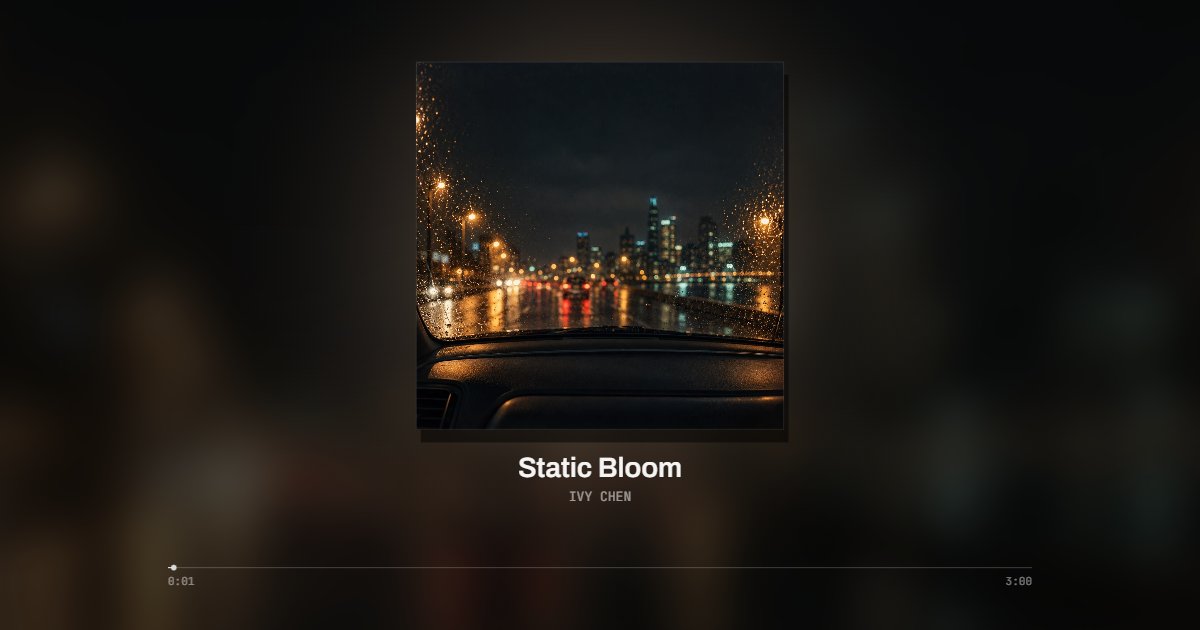
How to convert WAV to MP4
WAV is what a DAW bounces and a recorder writes: raw PCM, about ten megabytes a minute at CD quality, with no cover and no tags. Video platforms do not accept it. This page wraps the audio in a video with a picture, encoded on your machine: the WAV never uploads, and the MP4 that comes out is usually smaller than the file that went in.
- Drop the WAV on the page: a bounce from your DAW, a field recording, a sample. 16 or 24 bit, 44.1 to 96 kHz, mono or stereo, decoded on your device.
- Keep Still for the cover alone, or pick Bars, Halo, Vinyl, Film or Line for a visualizer around it.
- Type the title and the artist. A WAV carries no cover, so upload one, or leave it and a typographic cover is made from the title. Choose 16:9 for YouTube, 9:16 for Reels and TikTok, 1:1 for feeds.
- Choose the whole file (up to ten minutes) or a clip and press Export. The MP4 downloads with the audio as AAC.
Related
- MP3 to MP4The same converter for a MP3 file.
- M4A to MP4The same converter for a M4A file.
- FLAC to MP4The same converter for a FLAC file.
- OGG to MP4The same converter for a OGG file.
- AAC to MP4The same converter for a AAC file.
- MP3 to videoThe same converter with the visualizer first.
- Audio to videoEvery format, and the table of what each one does here.
- Music visualizerFor songs: nineteen styles that follow the beat.
- Waveform video makerFor a podcast or a voice note: a waveform that moves with the voice.
- Album cover makerNo cover at all? Make one from the title and artist.
- Audio converterNeed the audio as MP3 or WAV, not a video? Convert it here.
- MP3 tag editorNo cover in the file, or the wrong title? Fix the tags first.
- Audio trimmerOnly need part of the track? Cut it to that part first.
Questions
Will the MP4 be smaller than the WAV?+
Usually yes, by a lot. A stereo WAV at CD quality is about ten megabytes a minute; the AAC audio in the MP4 is a fraction of that, and a still cover adds little. A four minute WAV of forty megabytes comes out as an MP4 of a few megabytes.
Is the audio still lossless?+
No. An MP4 for the platforms carries AAC, which is lossy, at a high bitrate. Nothing is lost that YouTube would have kept: every upload is encoded again by the platform. Keep the WAV as your master and treat the MP4 as the delivery copy.
Does a 24 bit or 96 kHz WAV work?+
Yes. It is decoded at full resolution on your device. The MP4 carries AAC, and a high sample rate makes no difference on the platforms, which encode every upload again.
A WAV has no cover. What shows on the video?+
Upload any image, or type the title and a typographic cover is made from it in the colors you pick. The album cover maker on this site makes a proper one from a title, an artist and a photo.
Can the picture stay completely still?+
Still is as close as it gets: the cover holds, the blurred background drifts slowly, the glow behind the cover warms on loud passages, and a thin line at the bottom fills as the file plays. For a picture that reacts to the music, pick one of the other styles.
Does my file get uploaded?+
No. The file is decoded, drawn and encoded in your browser with the WebCodecs API. Nothing leaves your machine, there is no queue and no watermark.
How long can the file be?+
Up to ten minutes per export, at 1080p, free. A longer file, a full album side or a podcast episode, goes out in parts for now: set the start, export ten minutes, set the next start. Pro, which is coming, renders the whole file in one piece on our servers.
Which frame for YouTube, and which for Reels?+
16:9 for YouTube, the whole file. 9:16 for Reels, Shorts and TikTok, usually a 15, 30 or 60 second clip from the best part. 1:1 for feeds. The frame switch sits beside the player and every style has its own layout for each.