Effects · Tool 32 · Free · No signup · No watermark
Glitch effect.
Drop a photo, a logo or a video, or type a word, and it glitches: RGB split, VHS, pixel sort, CRT and more. Take it as an MP4, a GIF or a PNG, or grab a ready-made glitch overlay below. Nothing uploads.
01 Source
Loading the demo…02 Style
03 Glitch · RGB Split
04 Export
A seamless 5 s loop at 30 fps, 1080p, with a glitch sound timed to the hits. No watermark, nothing uploads.
Glitch overlays, transitions and backgrounds.
No file of your own? Pick a look and take a ready-made glitch clip for your edit: an overlay, a transition for a cut, or a background, on green screen or black, with a glitch sound if you want one.
Glitch bars, lines and blocks on their own, coming in bursts. Lay it over your footage: on black, set the layer to Screen; on green, key the green out.
1080p, 30 fps, on pure green (#00FF00). Free for any use, no watermark, no sign-up.
Made with this tool
The eight looks
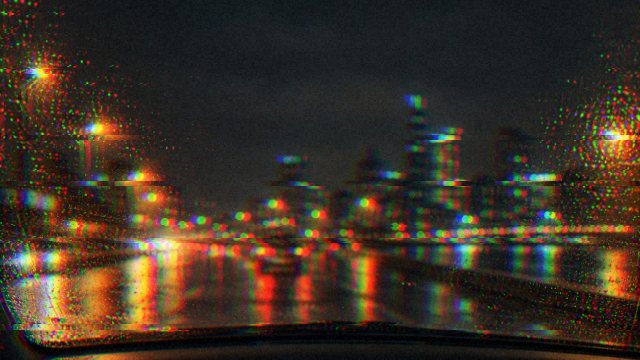
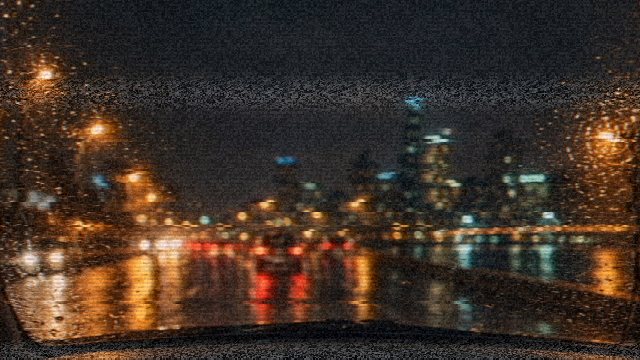
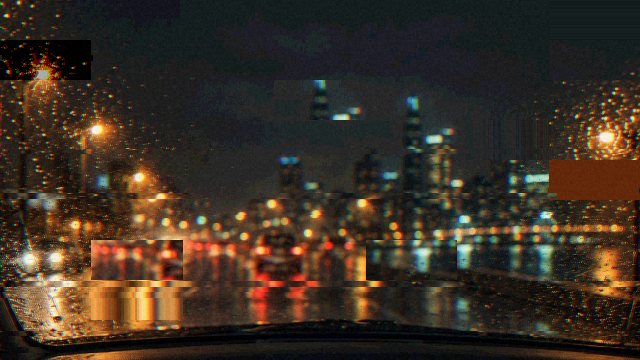
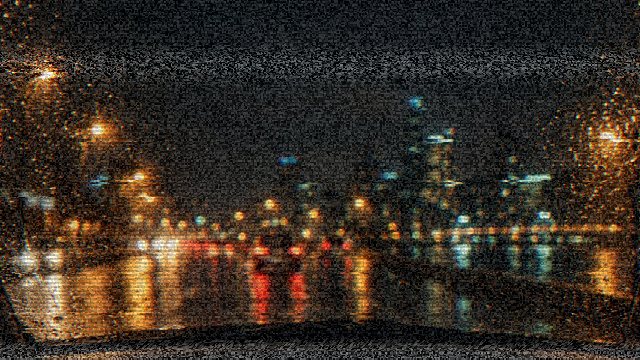
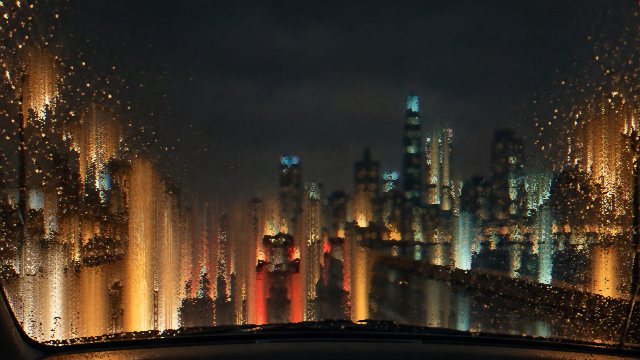
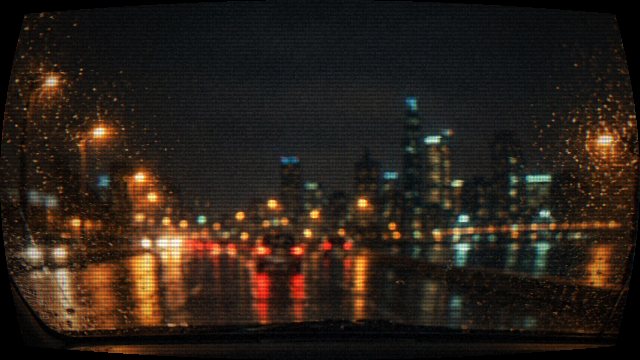
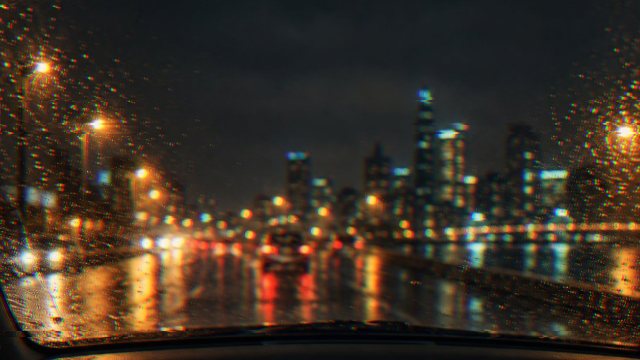
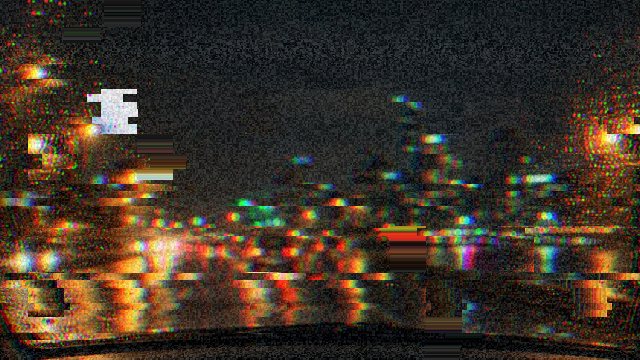
A glitch effect in Photoshop, Premiere, After Effects, DaVinci Resolve and CapCut
Already editing somewhere else? Each of them can do it, some with a built-in effect and some by hand. The overlays above go on top in any of them.
Photoshop
Duplicate the layer twice. Double-click the top copy for Layer Style and, under Advanced Blending, untick the G and B channels; on the middle copy untick R. Nudge the copies a few pixels apart with the Move tool and the colours split. For tears, select thin strips with the Rectangular Marquee and drag them sideways; for grain, Filter > Noise > Add Noise. That makes a still. For a moving version, save the picture and drop it in the tool above.
Premiere Pro
Premiere has one built in: Effects panel > Video Effects > Immersive Video > VR Digital Glitch. It is made for 360 degree video but works on ordinary clips. Put it on an adjustment layer above the clip and keyframe its strength so it comes in bursts. Or lay a glitch overlay from this page on the track above: the black version with the blend mode set to Screen, the green one keyed with Ultra Key.
After Effects
The same VR Digital Glitch is under Effect > Immersive Video. To build one by hand: three copies of the layer, each with Shift Channels set to keep only red, green or blue, the top two set to Screen and offset a few pixels; then a Displacement Map driven by a Fractal Noise layer with Noise Type set to Block, for the tears. Overlays from here go on with Screen, or Keylight for the green version.
DaVinci Resolve
Search the Effects library for Digital Glitch: it is one of the Fusion effects in the free version. Drop it on the clip, or on an adjustment clip to cover several. Analog Damage, the VHS look, is a ResolveFX that needs DaVinci Resolve Studio; the VHS look here is free. For an overlay from this page, set its Composite Mode in the Inspector to Screen.
CapCut
Open Effects > Video effects and search glitch; Transitions has glitch transitions too. They are fixed looks you can only lengthen or shorten. For a look you have tuned, export it here and add it as an overlay: the black version with its blend mode set to Screen, or the green version with Chroma key (it moves between versions: look under Remove BG or Cutout).
Menu names as of November 2026; they move between versions. VR Digital Glitch is listed in Adobe's Immersive Video effects; Digital Glitch is free in DaVinci Resolve and Analog Damage is Studio only.
How to add a glitch effect to a photo or video
A glitch effect makes a picture look as if the thing showing it has failed: the colour channels drift apart, slices of the frame jump sideways, blocks land in the wrong place, a tape wobbles or a screen curves and flickers. Used for a beat or two it says digital, broken, urgent; used all the time it is a texture, the look of old tape or a dying monitor.
The tool above draws all of it live on your own file and lets you decide what usually takes keyframes in an editor: how often it hits, how hard, how fast it churns. Every effect is a separate amount, so a preset is only a starting point. What you see is what exports, frame for frame.
- Drop a photo, a logo or a video anywhere on the page, or press Text and type a word. The demo photo plays until you do.
- Pick one of the eight looks. The thumbnails show each one on your own file.
- Set Intensity and Speed, and when it glitches: random bursts, with how many a second, or all the time. Adjust each effect opens every amount on its own.
- Pick the frame on the bar under the preview: Original, 9:16 for TikTok, Reels and Shorts, 1:1, or 16:9 for YouTube.
- Export an MP4 loop of 3, 5 or 10 seconds with or without a glitch sound, a GIF, or a PNG still. A video comes out whole, glitched, with its own sound.
Related
- VHS effectOnly tape: four VHS looks, from a clean copy to a tracking error, and a 4:3 frame.
- CRT effectOnly the tube: old TV, arcade, PC monitor and green terminal, with phosphor stripes you can see.
- Pibby glitch effectDark corruption eating a cartoon in blocks, with torn purple pieces and static.
- Datamosh effectPixels dragged and smeared between keyframes, on a photo or by the motion in a video.
- Glitch text generatorGlitchy letters to copy and paste into a bio, a chat or a username.
- Animated album coverA glitch that follows a song: the Glitch style tears your cover on the beat.
- Music visualizerPut the song under it: nineteen styles rendered from the music.
- Album cover makerMake the cover first, then glitch it here.
- Split screen video makerThree clips on one screen, cutting on the beat, ready to glitch.
- Snow overlayAnother overlay to lay over a clip: falling snow as a transparent PNG, a GIF or an MP4 on black.
- Lyric video makerThe words of a song, timed to it, for the video that goes with it.
- Subscribe button animationAnother green screen asset: like, subscribe and bell with your channel name.
Questions
Is it free, and is there a watermark?+
Free, with no watermark and no account. MP4, GIF and PNG at 1080p, up to ten minutes of video per export. It is free because your own browser does the work: the frames are drawn by your graphics card and encoded by your browser, so we pay for no servers. A Pro tier for what does need our servers (4K, a transparent MOV) is planned and not open yet.
Is my photo or video uploaded?+
No. The file is read, glitched and encoded on your device with WebGL and WebCodecs, and the result is handed to you as a download. All we receive is a count that an export happened, with the look, the frame and the length; no file, no picture, no name.
What can I glitch?+
Photos and logos as JPG, PNG, WebP, AVIF or SVG; a PNG with a see-through background is treated as a logo and set whole in the middle of the frame on black, white or green. Videos as MP4, MOV or WebM, as long as your browser can play them: the page tells you if it cannot (some iPhone HEVC files in older browsers). Or press Text and type a word, a name or a title. A video longer than ten minutes is glitched up to 10:00.
How big is a glitch GIF?+
GIFs come out at 480 pixels on the long side and 15 frames a second, the size people post. The demo photo as a 5 second RGB Split loop is about 4 MB; a 3 second loop or a calmer look is smaller, and a constant look with heavy noise is bigger, because noise is the one thing a GIF cannot compress. For anything sharper, take the MP4.
How do I put a glitch overlay or transition on my video?+
Download one from the second half of the page and put it on the track above your clip. The black version needs its blend mode set to Screen (Premiere, After Effects, CapCut and Resolve all have it), which keeps the glitch and drops the black. The green version is keyed out with any chroma key, such as Ultra Key in Premiere or Keylight in After Effects. For a transition, put its middle, the hardest frame, on the cut.
Do the loops really loop?+
Yes. Every random choice is tied to a moment in the loop rather than to the clock, and the rolling bar and the wobble make whole cycles in it, so the last frame leads straight into the first. A 3, 5 or 10 second loop plays forever on a website, a stream or a phone without a visible jump. The glitch sound is cut to the same loop.
Can I use what I make commercially?+
Yes, in anything, with no credit, and that covers the overlays, transitions, backgrounds and glitch sounds made here. We claim no rights in what you export. The one thing we cannot clear for you is your own source: the photo, logo or video you glitch has to be yours or licensed to you.