Effects · Tool 42 · Pibby glitch · Free · No signup
Pibby glitch effect.
Drop a drawing, a photo or a video and watch the corruption eat it: near-black patches, torn purple pieces and flashes of static, moving on their own. Take it as an MP4, a GIF or a PNG. No watermark, and nothing is uploaded.
01 Source
Loading the demo…02 Style
03 Effect · Corrupted
04 Export
A seamless 5 s loop at 30 fps, 1080p, with digital crunch. No watermark, nothing uploads.
Made with this tool
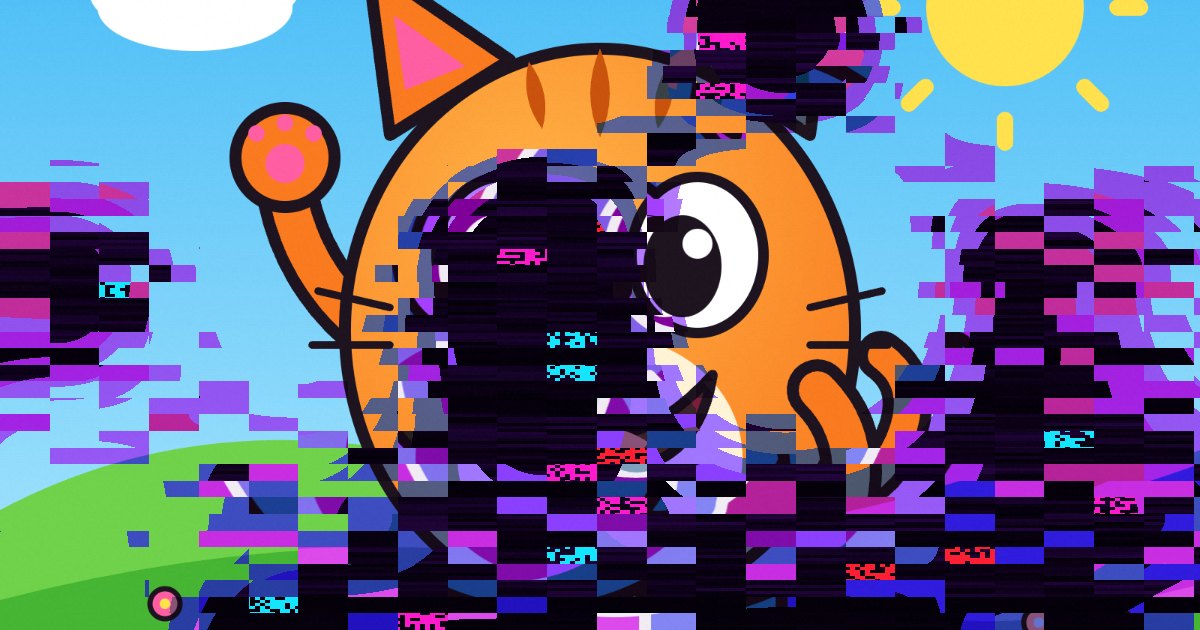
The four looks
Corrupted
Patches of rot break out and pull back in bursts, with torn rows around them. Start here. The character stays readable between hits.
Takeover
The corruption never lets go and covers most of the frame, so only part of the character gets through. Use it for the end of an edit.
Flicker
Short, fast hits with a hard colour split and a shake. It works well cut to a beat.
Dark Static
Steady rot under grain, scanlines and a rolling bar, as if the corruption is coming through a bad broadcast.
Pibby glitch texture
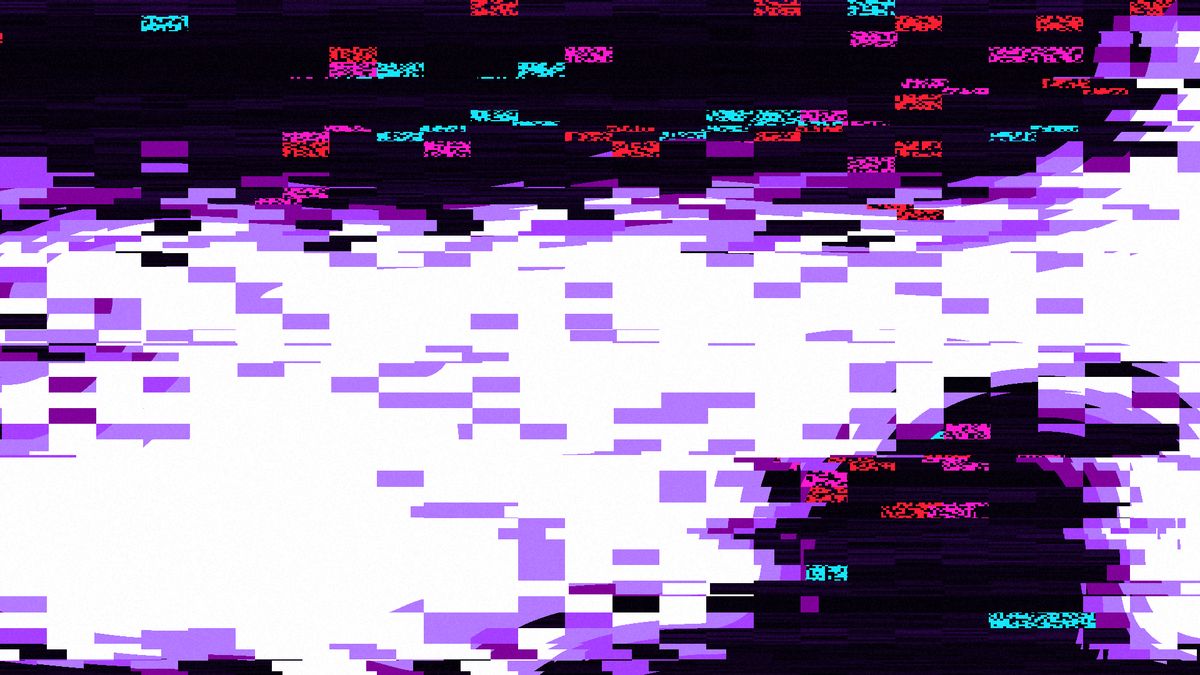
Editing or drawing somewhere else? Put this PNG on the layer above your artwork and set its blend mode to Multiply. The white drops out and the corruption stays. It works in Photoshop, Procreate, Clip Studio Paint, CapCut, Premiere Pro, After Effects and anything else with a Multiply blend.
Download the texture PNG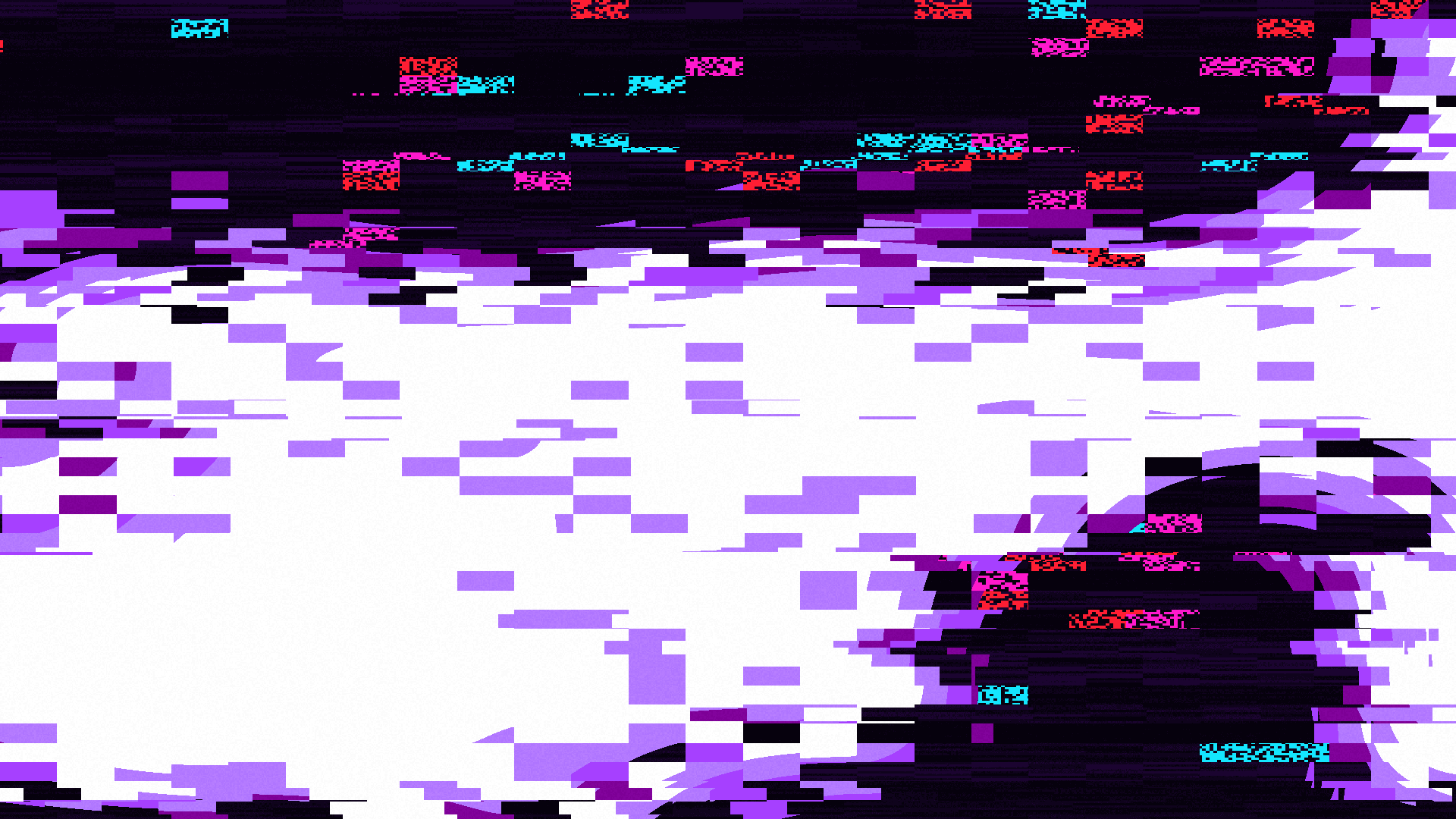
How to make the Pibby glitch effect
The effect needs something clean next to the damage, so don't start with everything on full. Show the character looking normal for a moment, let a patch break out near the face, then let it spread. Corrupted does this by itself in bursts. For a longer build, export Corrupted and Takeover separately and cut from one to the other on a beat.
The tool above draws the look live on your own file, so what you see is what exports, frame for frame.
- Drop a drawing, a photo or a video anywhere on the page, or press Text and type a word. Our demo cartoon plays until you do.
- Pick one of the four looks. The thumbnails show each one on your own file.
- Set Intensity. Under Adjust each effect, Corruption sets how much of the frame gets eaten. Press New pattern until it lands where you want it.
- Pick the frame on the bar under the preview: Original, 9:16 for TikTok and Reels, 1:1, or 16:9 for YouTube.
- Export an MP4 loop of 3, 5 or 10 seconds, a GIF, or a PNG still. A video comes out whole, with its own sound.
Related
Questions
What is the Pibby glitch?+
It is a look named after Learning with Pibby, a short animated concept by Dodge Greenley that Adult Swim released on YouTube in October 2021, in which a spreading digital corruption eats cartoon characters. Friday Night Funkin' mods then made the look far better known. People now use the name for any cartoon being eaten by dark, purple and black glitch. This page is a fan-made style tool and has no connection with the show or its owners.
How is it different from a normal glitch effect?+
A normal glitch makes the whole signal look broken: the colours split, the rows tear and the picture jumps. In the Pibby look, something seems to be eating the character. Near-black patches grow over part of the picture and leave the rest clean, with torn purple pieces around the edge and small flashes of hot pink, cyan and red. The clean part is what makes it work, because you can still see who is being eaten.
What kind of picture works best?+
Flat, bright cartoon art with thick outlines. The dark rot stands out most against saturated colours, so a sunny scene looks better than a night shot. Photos work too, but dark photos hide the effect, so raise Intensity for those. Keep the face in frame and press New pattern until the corruption lands where you want it.
Can I use a character with a transparent background?+
Yes. A PNG with see-through pixels is treated as a logo: it sits whole in the middle of the frame, on black, white or green, and you pick which. The corruption covers the background too, so on a green screen some blocks will stay when you key out the green.
Is there a Pibby glitch texture I can download?+
Yes, in the texture section on this page: a 1920 by 1080 PNG, made by this tool on a white frame. Put it above your artwork and set the blend mode to Multiply. The white drops out and the dark patches, purple pieces and coloured static stay. It is one still, so to make it move in an editor, shift or swap it every few frames. For real movement, run your picture through the tool.
Can I use it on a video, and does it keep the sound?+
Yes. Drop an MP4, MOV or WebM your browser can play, and the whole video comes out with the corruption and its own sound, up to ten minutes per export. A video is never enlarged past its own size. On a picture you can add a digital crunch timed to the hits, or export silent.
Can I post what I make?+
The effect has no restrictions from us: there is no watermark, and you can use the result commercially. That covers the effect only. If you run someone else's character through it, their rights in that character still apply, so fan edits are one thing and selling them is another. Your own characters are the safe choice for anything commercial.
Is it free, and is my file uploaded?+
Free, with no account, at 1080p. Your file is read and encoded on your device with WebGL and WebCodecs and is never uploaded. We receive only a count that an export happened, with the look, the frame and the length.