Effects · Tool 38 · Datamosh online · Free · No signup
Datamosh effect.
Datamoshing is what happens when a video loses its keyframes: pixels keep moving with nothing to reset them. Drop a photo or a video and watch it happen, then take it as an MP4, a GIF or a PNG. Nothing uploads.
01 Source
Loading the demo…02 Style
03 Effect · Flow
04 Export
A seamless 5 s loop at 30 fps, 1080p, with digital crunch. No watermark, nothing uploads.
Made with this tool
The four looks
Flow
Blocks slide along the edges in the picture, so a face or a skyline bends with its own lines. Start here.
Melt
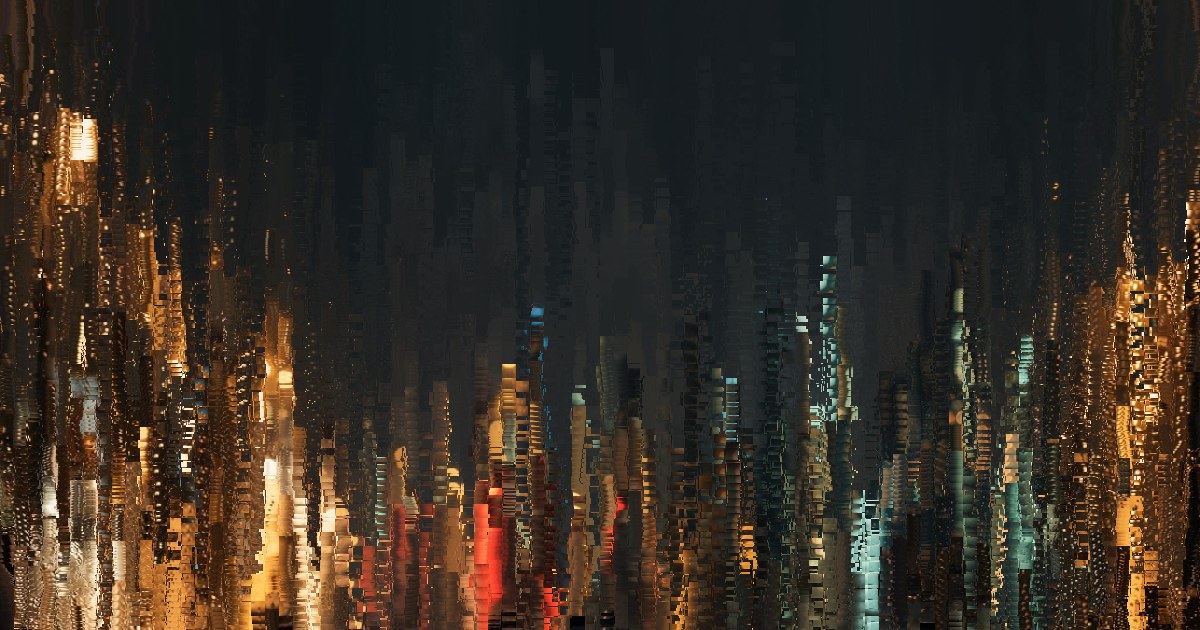
Blocks are dragged down the frame at different speeds, column by column, so the picture drips.
Bloom
The picture swells out from three points that change with every keyframe.
Macroblocks
Big square blocks jump to the wrong place and stay there, with crushed colour and a slight colour split.
How to datamosh a photo or video online
A datamosh looks like a mistake, and that is why it holds attention: the viewer knows pictures should not do this. It works best in short doses. Let a subject stay readable for a moment, then let it dissolve, then cut back to clean on a beat. Without that return it is just coloured mush.
The tool above draws it live on your own file, so you can find the run length and the strength by watching, instead of rendering and hoping.
- Drop a photo or a video anywhere on the page, or press Text and type a word. The demo photo plays until you do.
- Pick one of the four looks. The thumbnails show each one on your own file.
- Set Intensity for how far the pixels travel, Speed for how fast, and Keyframe for how long each run lasts before the picture snaps back.
- Pick the frame on the bar under the preview: Original, 16:9 for YouTube, 9:16 for TikTok and Reels, or 1:1.
- Export an MP4 loop of 3, 5 or 10 seconds, a GIF, or a PNG of the moment on screen. A video comes out whole, with its own sound.
Related
- Glitch effectEight more looks: RGB split, pixel sort, data corruption and ready-made overlays.
- VHS effectAnalogue damage instead of digital: colour smear, scan lines and tracking errors.
- Music visualizerPut a song under it: nineteen styles rendered from the music.
- Album cover makerMake a cover, then melt it here.
Questions
What is datamoshing?+
Compressed video mostly stores changes. A keyframe holds a whole picture, and the frames after it only say which blocks of pixels moved and where. Delete the keyframes, by hacking the file, and the player keeps applying those moves to whatever picture it has left, so one shot smears through the motion of the next. That is a datamosh.
Does this actually delete keyframes from my file?+
No, and you would not want it to: a file with its keyframes removed plays differently in every player and often will not open in an editor. This tool rebuilds the look in the browser and writes a normal MP4. On a video it compares each frame with the last, block by block, works out how each block moved, and moves the picture it has kept instead of showing the new frame. The file that comes out plays anywhere.
Can I datamosh a photo?+
Yes, though a photo has no motion of its own to borrow, so each look supplies one. Flow pushes the blocks along the edges in the picture, Melt pulls them down the frame, Bloom swells them out from three points and Macroblocks throws them around. Keep it as a PNG at the point you like, or take the moving version as an MP4 or a GIF.
What does the keyframe setting do?+
It sets how long each run lasts before a keyframe cuts back to the clean picture, as it would in a real file: from half a second up to 10 seconds. Short runs read as hits, long ones turn the picture to soup. Clean, then mosh holds the clean picture for a moment before each run; All the time starts the next run at once.
Which video should I use?+
One with clear movement over a detailed picture: a person turning, a camera panning, hands in front of a busy background. Motion is what moves the pixels, so a static shot barely smears on its own, though each look adds its push on top. On a long video, shorten the keyframe time so the subject comes back now and then.
What are the limits, and is my file uploaded?+
Free, with no account and no watermark, at 1080p, for up to ten minutes of video per export. A video is never enlarged past its own size. MP4 and PNG work on a video; GIF is for photos and typed words, at 480 pixels on the long side; the demo photo as a 5 second loop came out at about 4.2 MB. Nothing is uploaded: the picture is drawn with WebGL and encoded with WebCodecs on your device, and we receive only a count that an export happened, with the look, the frame and the length.