Guides · ChatGPT GIFs
How to make a GIF in ChatGPT: 18 tested prompts and memes
To make a GIF in ChatGPT, describe a loop and what moves. 18 tested examples with prompts, including captioned memes, plus real limits on size and frames.
November 5, 2026
In short
- Yes, ChatGPT can make GIFs. Ask for a looping GIF and say what moves, or upload a picture and ask ChatGPT to animate it. It needs an account: signed out, it asked us to log in.
- All 18 of our test GIFs worked on the first try, each in about a minute, including nine with captions spelled correctly on every frame.
- Each GIF is a sprite sheet played back, with a budget of about 1.5 million pixels. More frames means a smaller GIF: asking for 800 × 800 and 24 frames gave us 252 × 252.
- Expect short loops: ours ran 0.7 to 2.4 seconds, 252 to 883 pixels wide, and all under 800 KB.
ChatGPT can make GIFs now, and they’re good enough to send to people. OpenAI added the feature with Images 2.6 on November 4, 2026. A day later we ran 18 prompts on a paid ChatGPT account and measured every file that came back. All 18 worked on the first try. Every example below shows the exact prompt, so you can copy any of them and change the details.
How to make a GIF in ChatGPT
- Log in and open a chat on the web or in the iOS or Android app. Signed out, ChatGPT told us image creation is only available after logging in.
- Ask for a looping GIF and say what should move.
- To animate your own picture, upload it first and ask ChatGPT to animate it.
- Click the finished GIF to open the viewer. From there you can change the speed, see every frame on a timeline, and download it.
- To change it, describe the edit in the chat.
Each of our GIFs took about a minute. OpenAI says GIF creation is still rolling out, so you may not have it yet.
Meme GIFs you can copy
These are the eight we made. The captions were written into the prompt, not added afterwards.
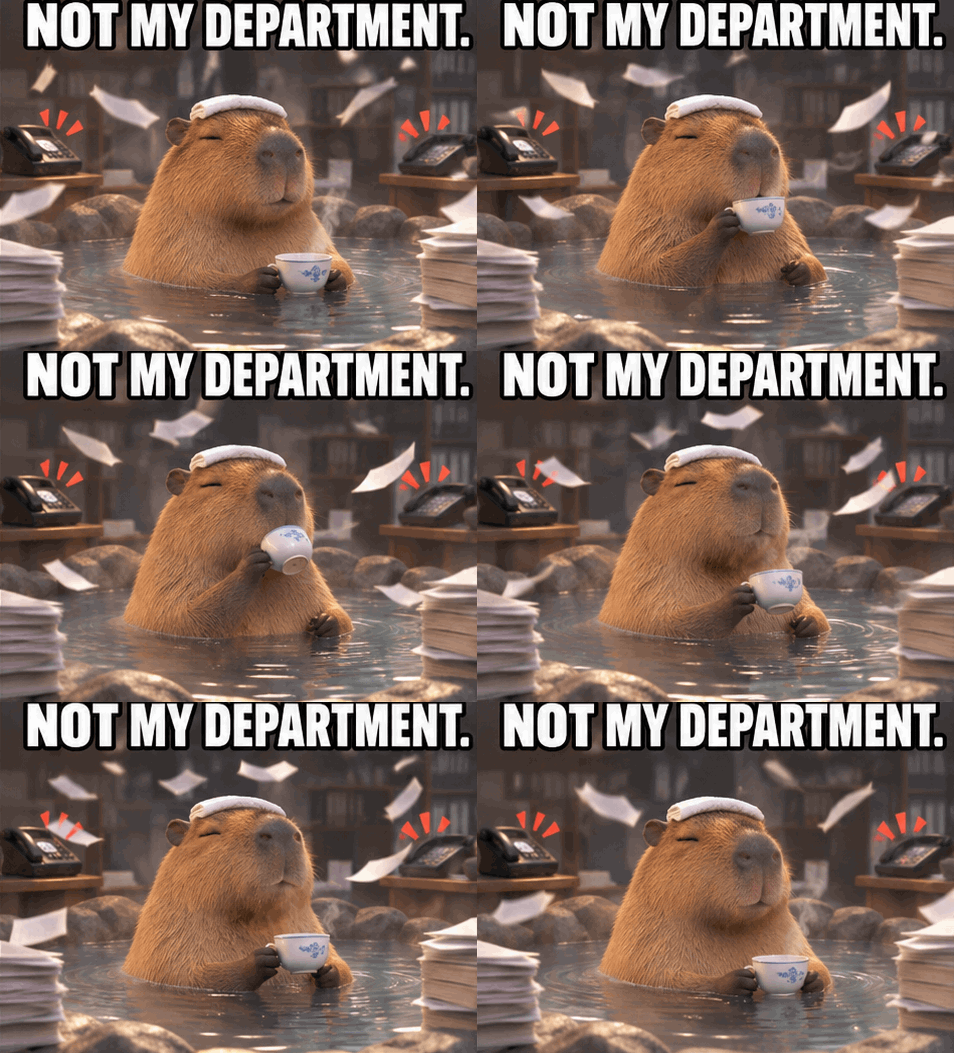
Make a looping meme GIF of a calm capybara in a hot spring sipping tea while papers swirl around it and office phones ring in the background. The capybara stays completely unbothered. Fixed camera. Big white meme caption with a black outline across the top: NOT MY DEPARTMENT. Keep the caption identical and spelled exactly right in every frame.
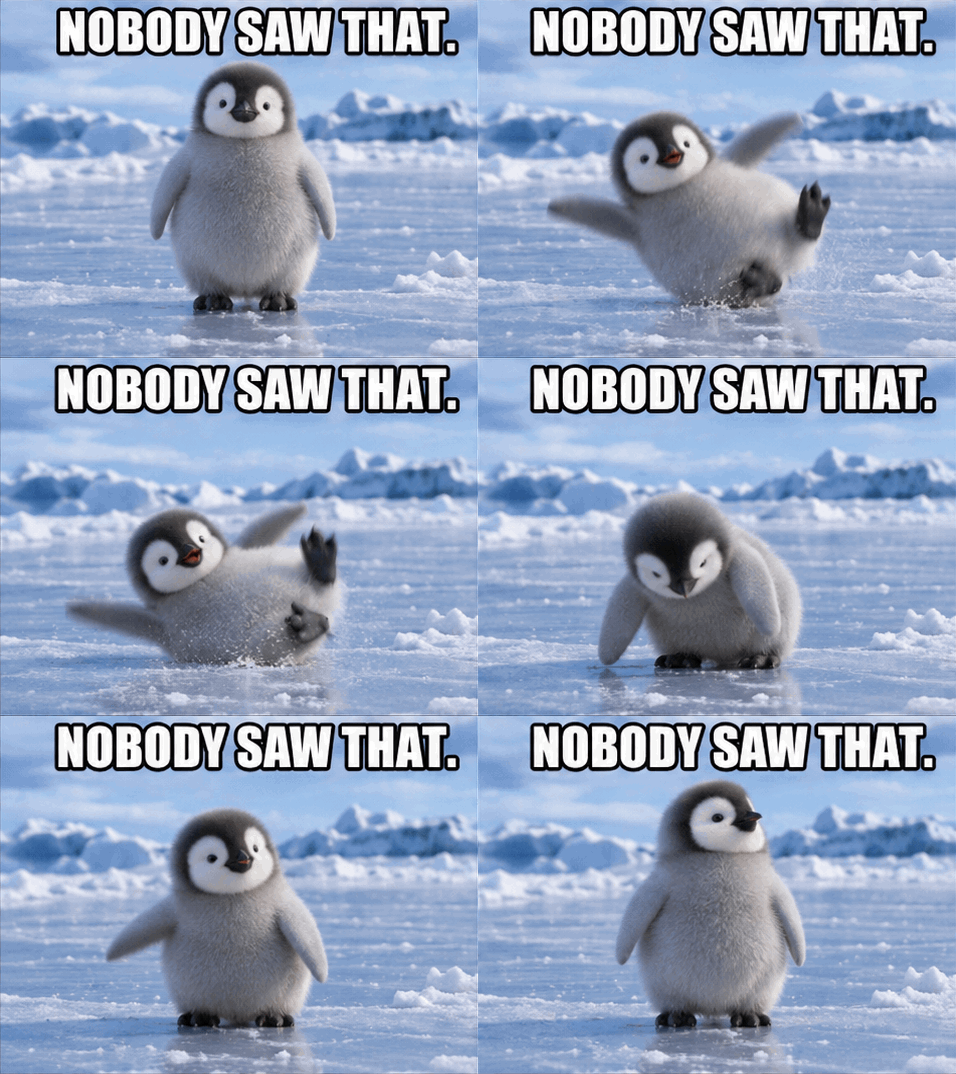
Make a looping meme GIF of a baby penguin that slips on ice, pops straight back up, and stands perfectly still looking around as if nothing happened. Fixed camera, same penguin in every frame. Big white meme caption with a black outline across the top: NOBODY SAW THAT. Keep the caption identical and spelled exactly right in every frame.
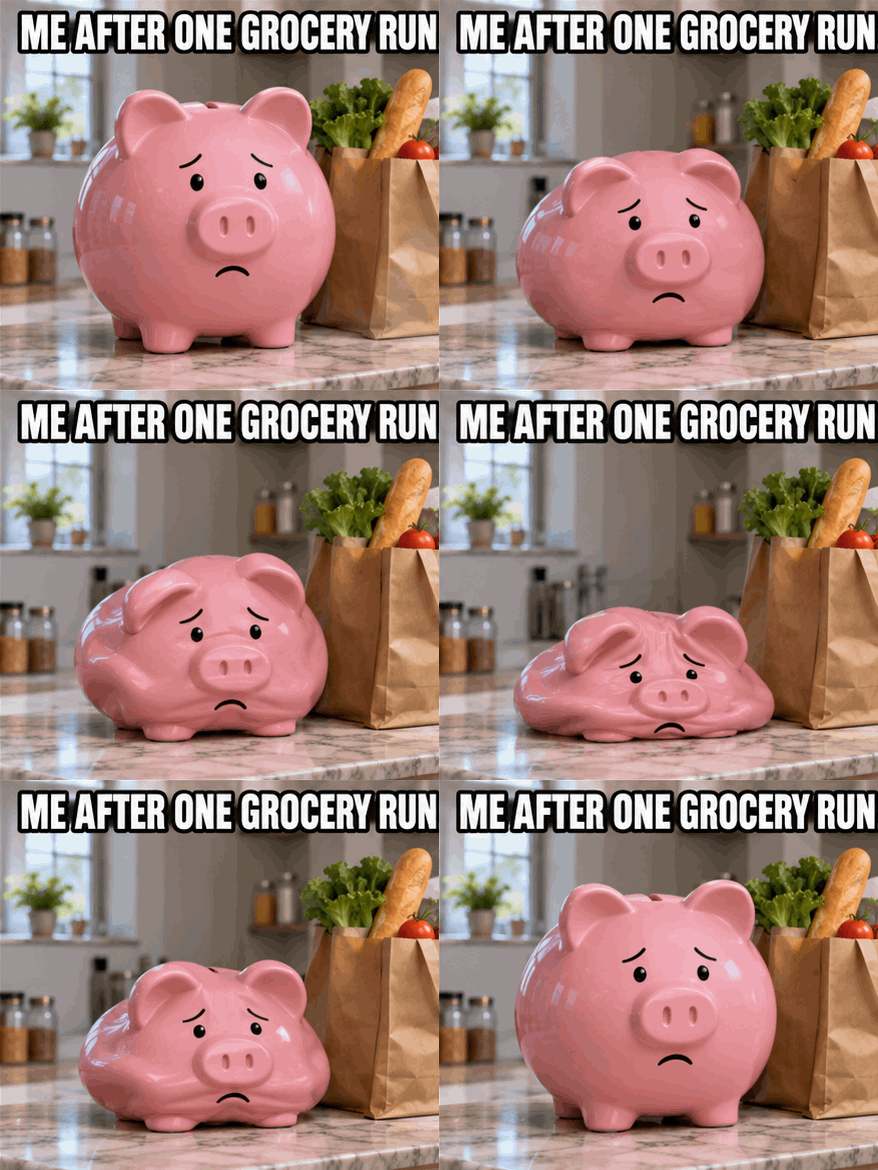
Make a looping meme GIF of a pink piggy bank on a kitchen counter next to grocery bags. It slowly deflates like a balloon with a sad face, then puffs back up and starts again. Fixed camera. Big white meme caption with a black outline across the top: ME AFTER ONE GROCERY RUN. Keep the caption identical and spelled exactly right in every frame.
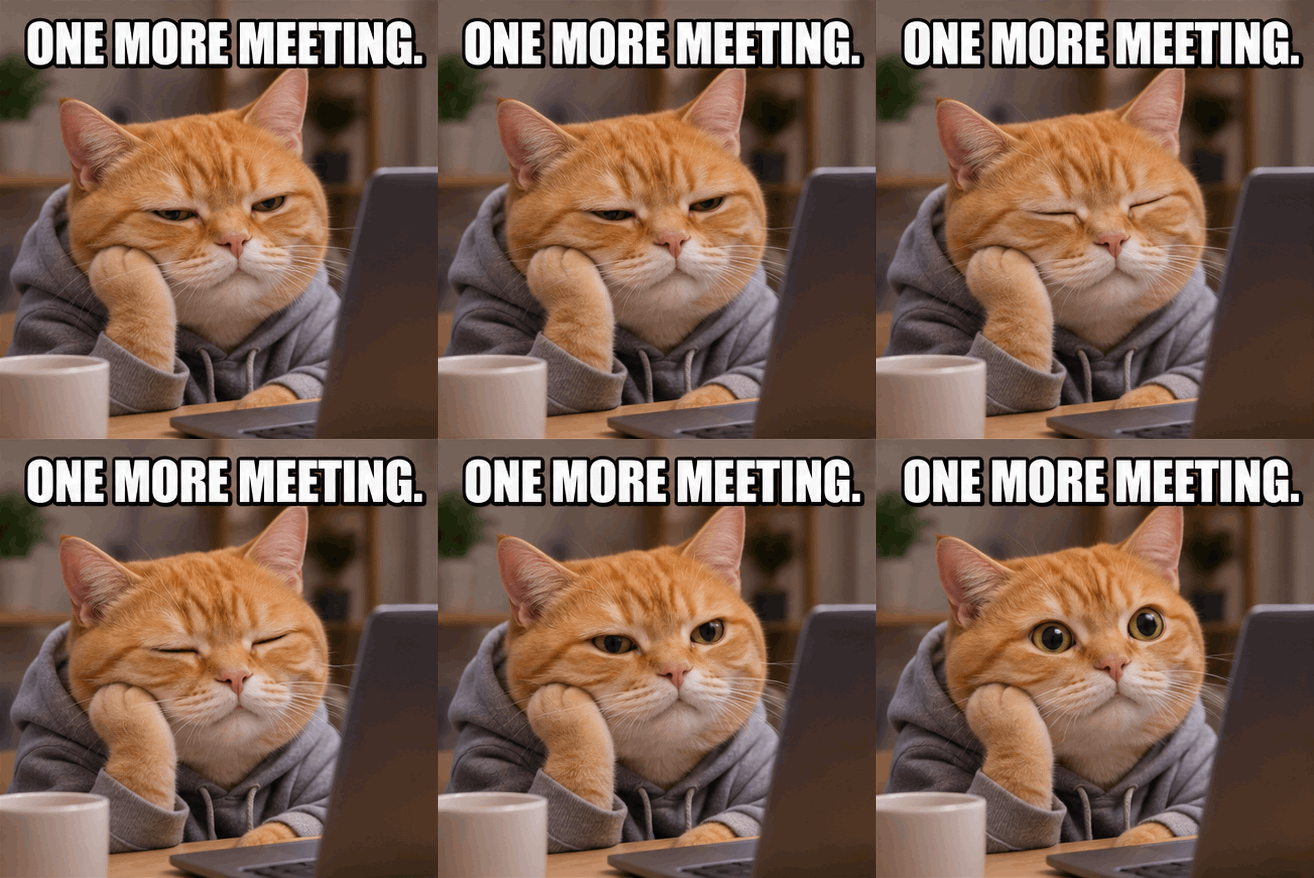
Make a looping meme GIF of a sleepy orange cat in front of a laptop, its eyes slowly closing, then snapping wide open, again and again. Fixed camera. Big white meme caption with a black outline across the top: ONE MORE MEETING. Keep the caption identical and spelled exactly right in every frame.
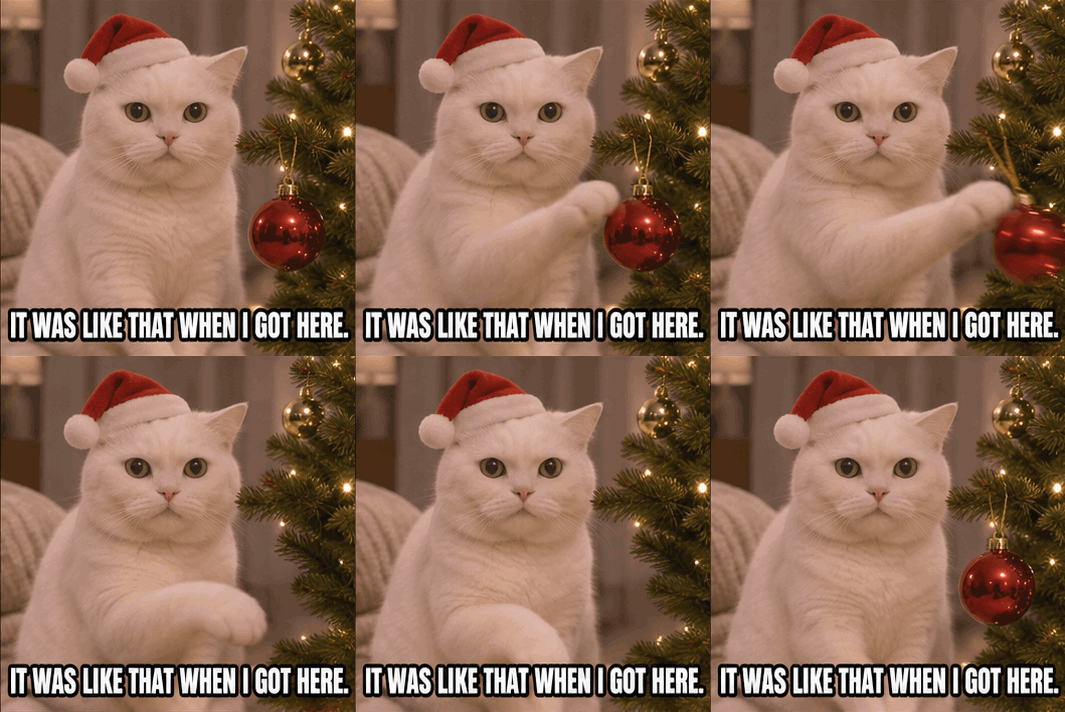
Make a looping meme GIF of a white cat in a tiny Santa hat that slowly pushes a red ornament off a Christmas tree branch while staring straight at the camera, then the ornament is back and it starts over. Fixed camera. Big white meme caption with a black outline across the bottom: IT WAS LIKE THAT WHEN I GOT HERE. Keep the caption identical and spelled exactly right in every frame.
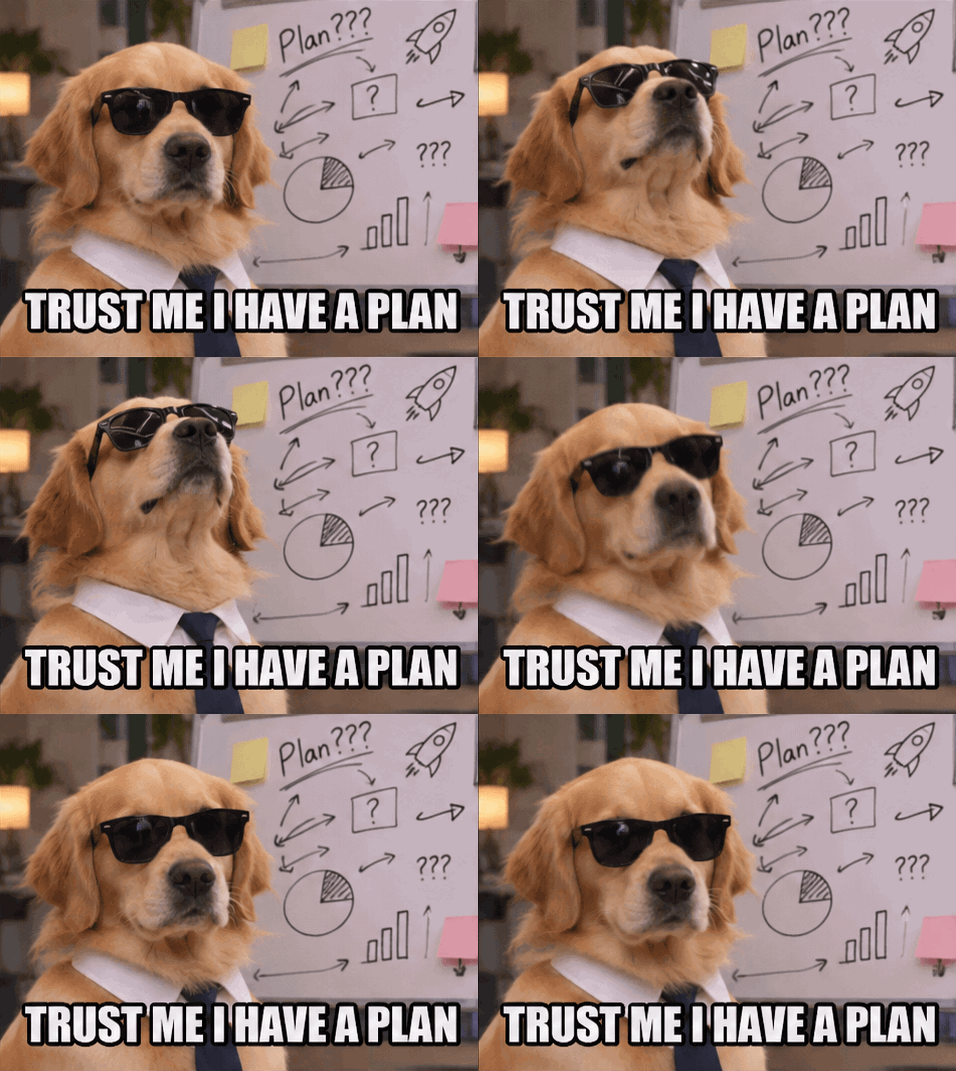
Make a looping meme GIF of a golden retriever in sunglasses at a whiteboard covered in nonsense scribbles, slowly nodding with total confidence. Fixed camera, same dog in every frame. Big white meme caption with a black outline across the bottom: TRUST ME I HAVE A PLAN. Keep the caption identical and spelled exactly right in every frame.
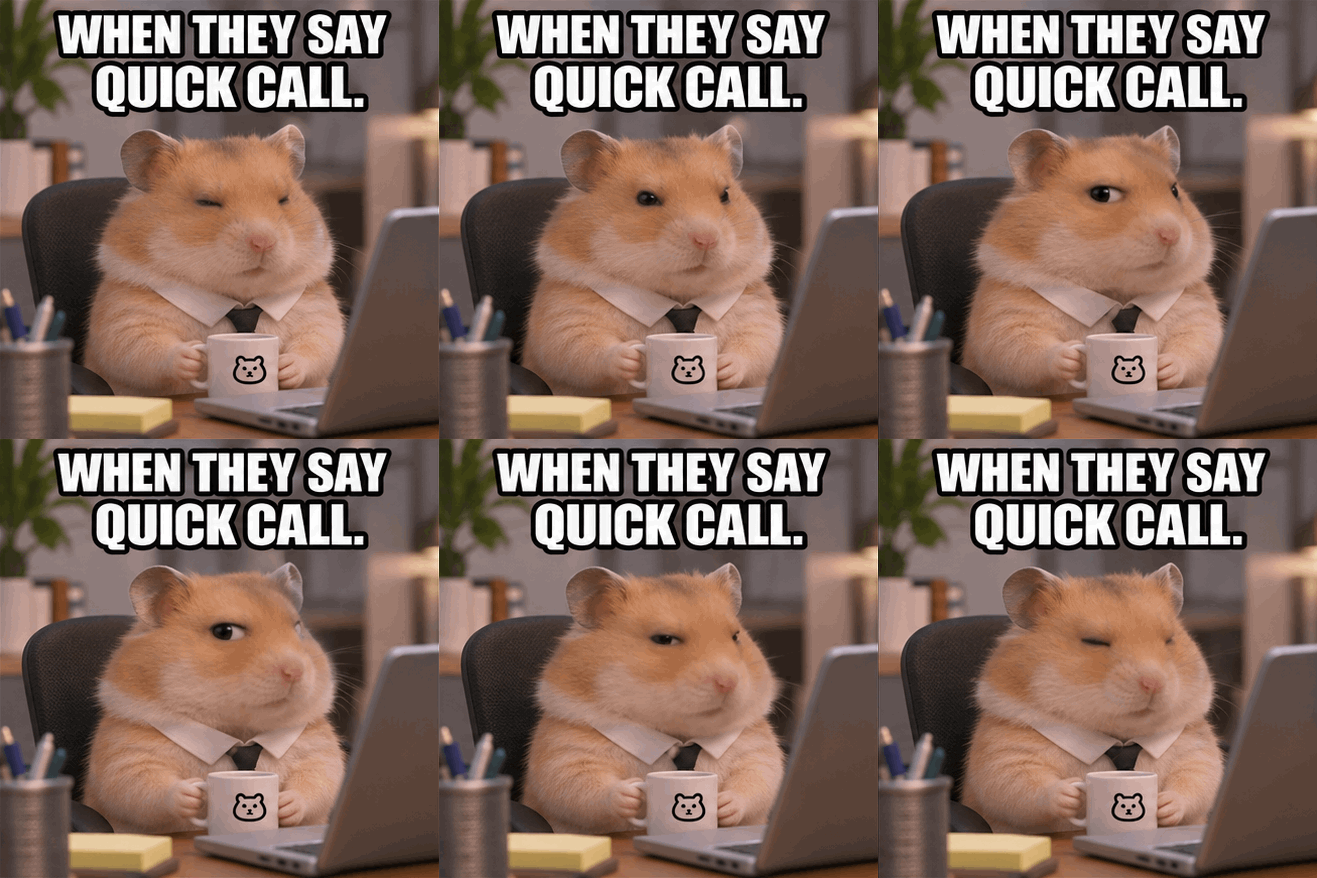
Make a looping meme GIF of a tiny hamster at a desk who slowly gives a suspicious side-eye to the camera, then slowly looks away again. Fixed camera, same hamster in every frame. Big white meme caption with a black outline across the top: WHEN THEY SAY QUICK CALL. Keep the caption identical and spelled exactly right in every frame.
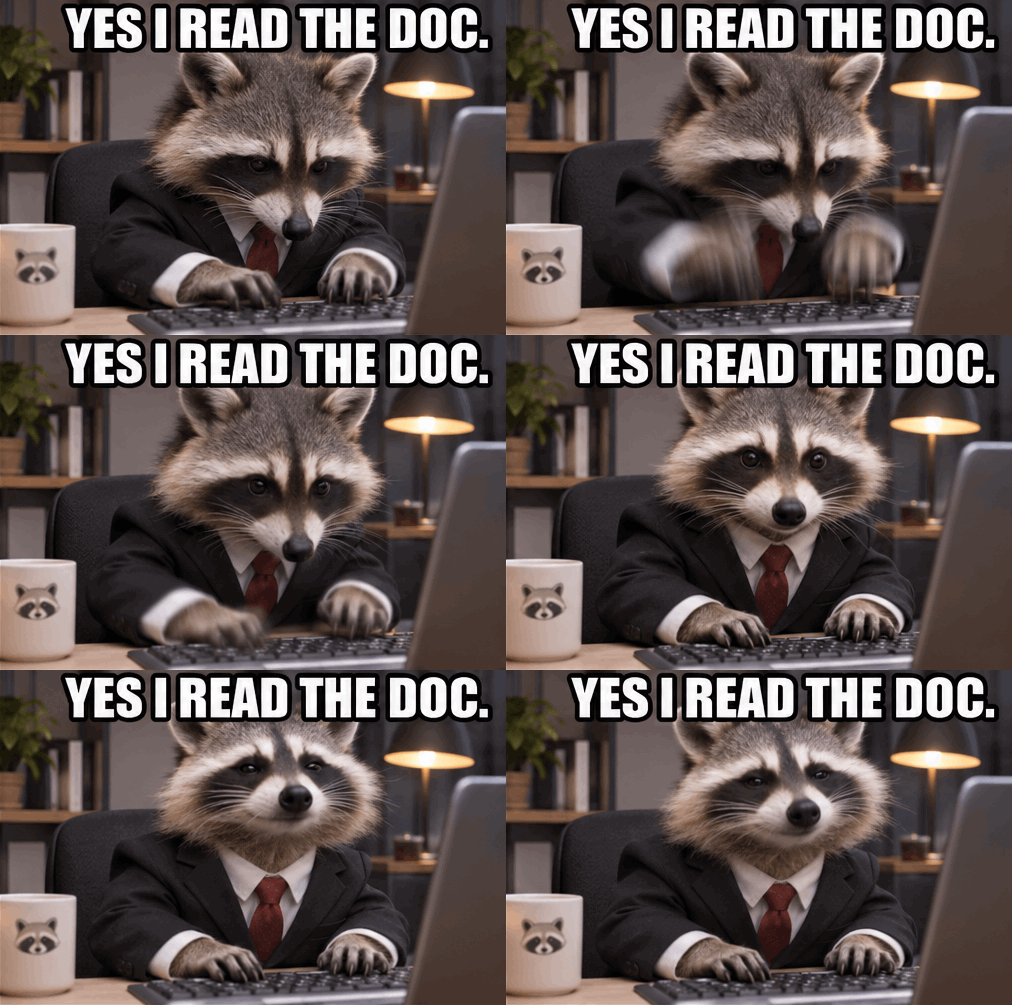
Make a looping meme GIF of a raccoon in a tiny suit typing frantically at a keyboard, then looking up at the camera and nodding confidently. Fixed camera, same raccoon in every frame. Big white meme caption with a black outline across the top: YES I READ THE DOC. Keep the caption identical and spelled exactly right in every frame.
The meme formula
All eight use the same five parts, so you can swap in your own joke:
- A funny subject in a relatable situation: a capybara in a hot spring, a raccoon in a suit.
- One action that comes back to the start: nodding, a side-eye, deflating and puffing back up. Anything that leaves the frame makes a clean loop harder.
- “Fixed camera”: it keeps the background from drifting between frames.
- The caption, its style and where it goes: “Big white meme caption with a black outline across the top: YOUR WORDS.”
- “Keep the caption identical and spelled exactly right in every frame.”
We checked every frame of all nine captioned GIFs, including the birthday one below, and found no misspellings. The one quirk is that ChatGPT added a full stop to six of the eight meme captions. If that bothers you, describe the edit afterwards, or ask for the GIF with no caption and add your own, which keeps your exact words on every frame.
More examples, beyond memes
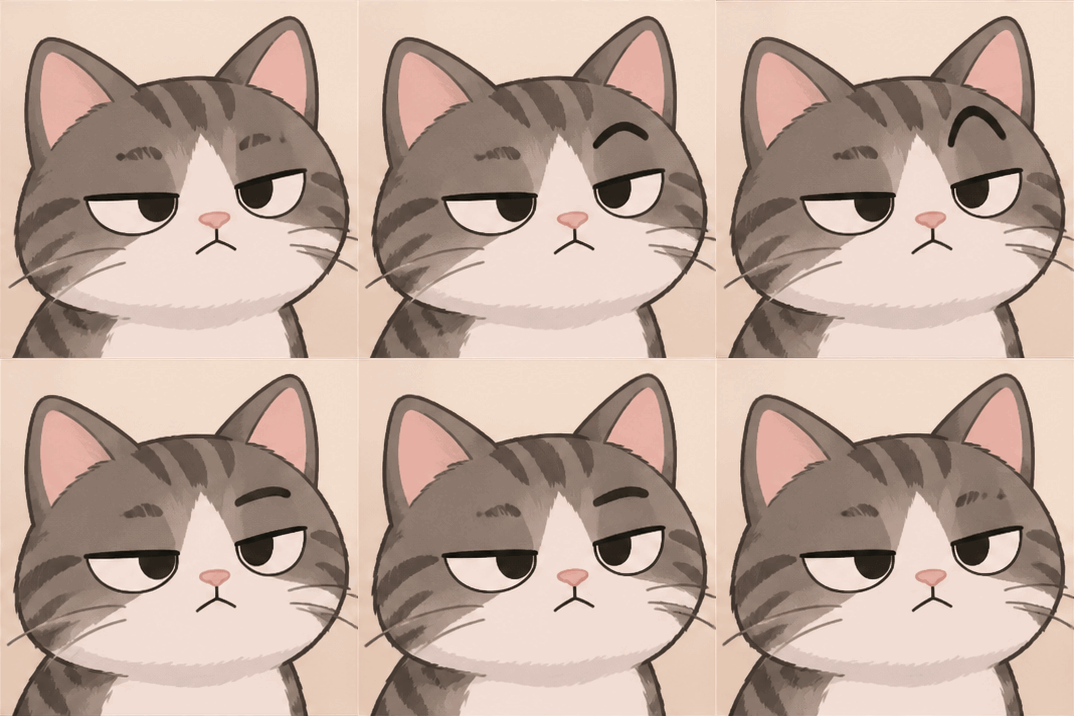
Make a looping GIF of a cartoon cat slowly raising one eyebrow, then lowering it again. Same pose at the start and end. No text.
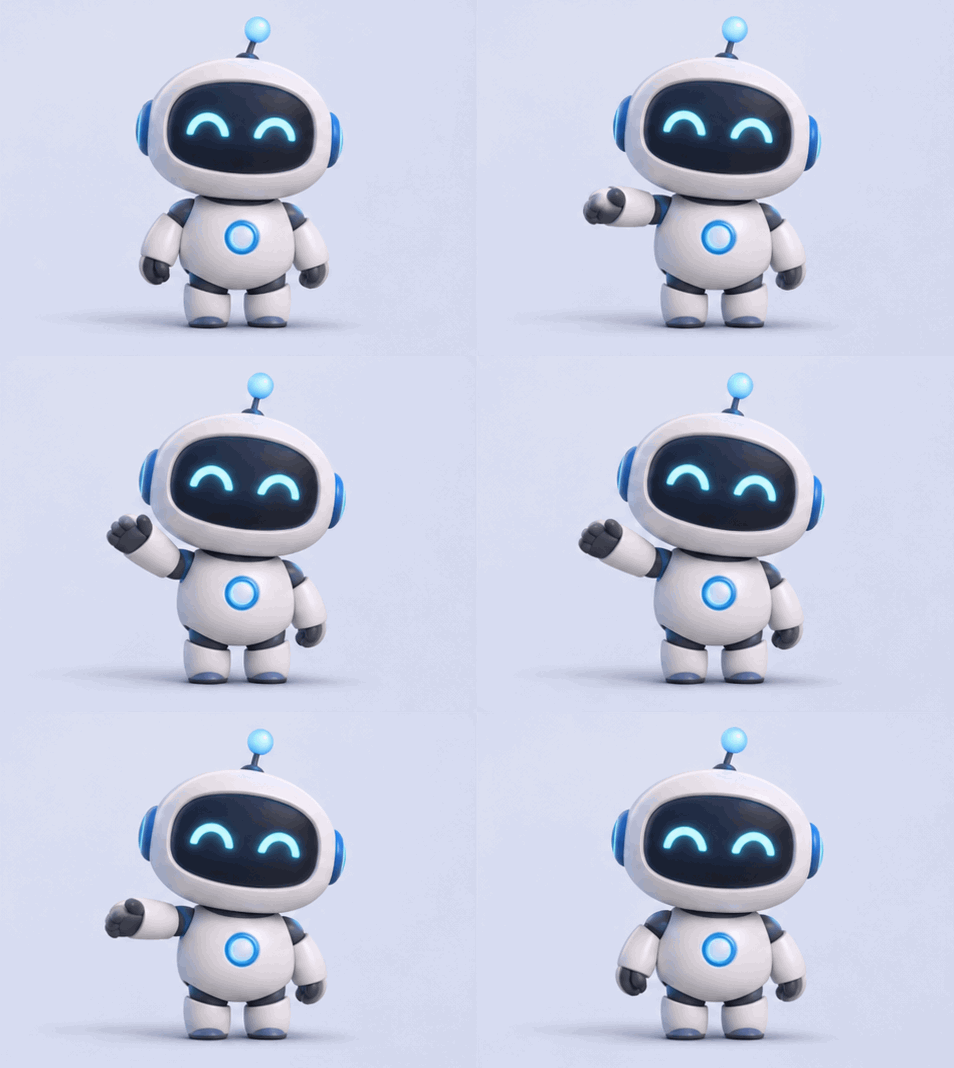
Make a looping GIF of a small round robot mascot waving hello, then lowering its arm back to where it started. Fixed camera, plain pale background, same robot in every frame. No text.
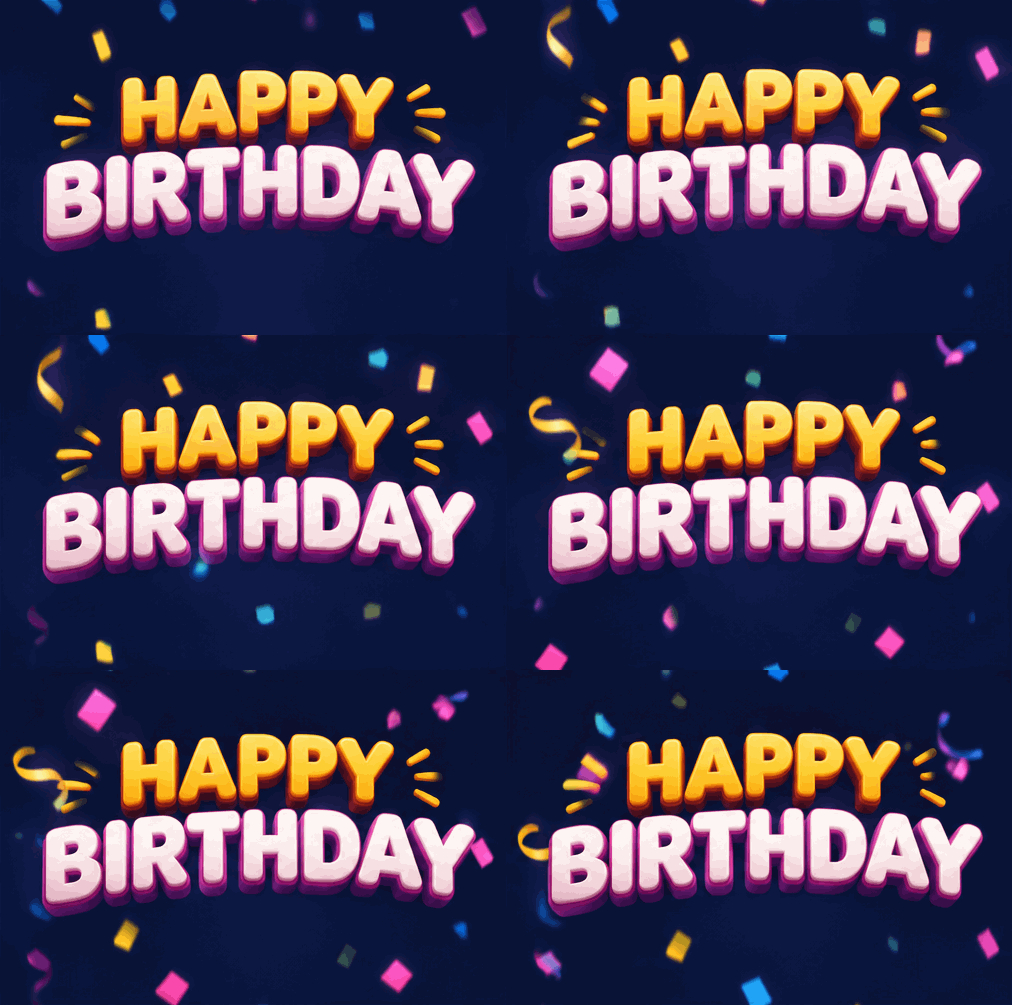
Make a looping GIF that says HAPPY BIRTHDAY in big letters with confetti falling around the words. Keep the spelling exact in every frame.
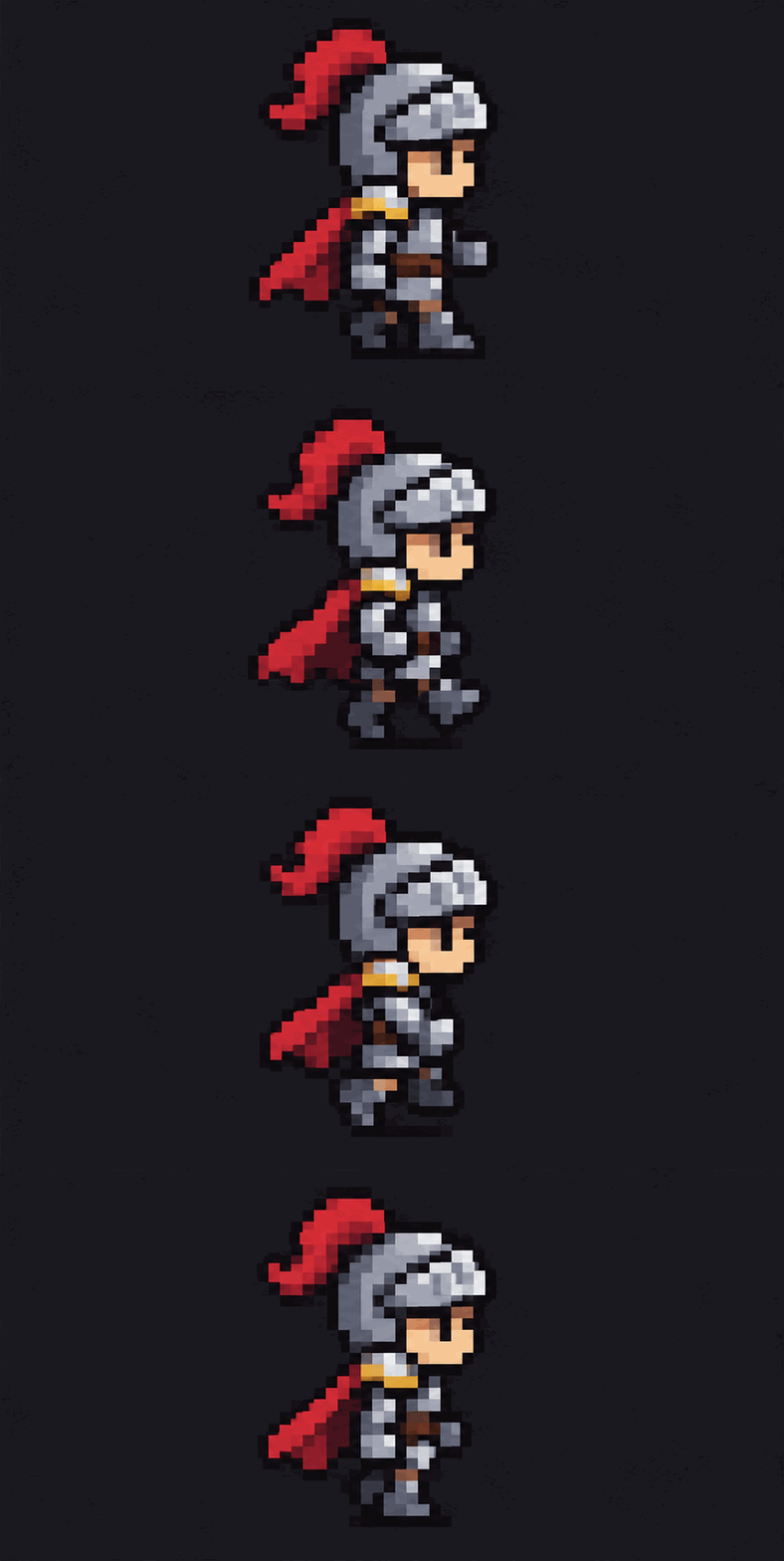
Make a looping pixel art GIF of a small knight walking in place, side view, plain dark background, four-step walk cycle.
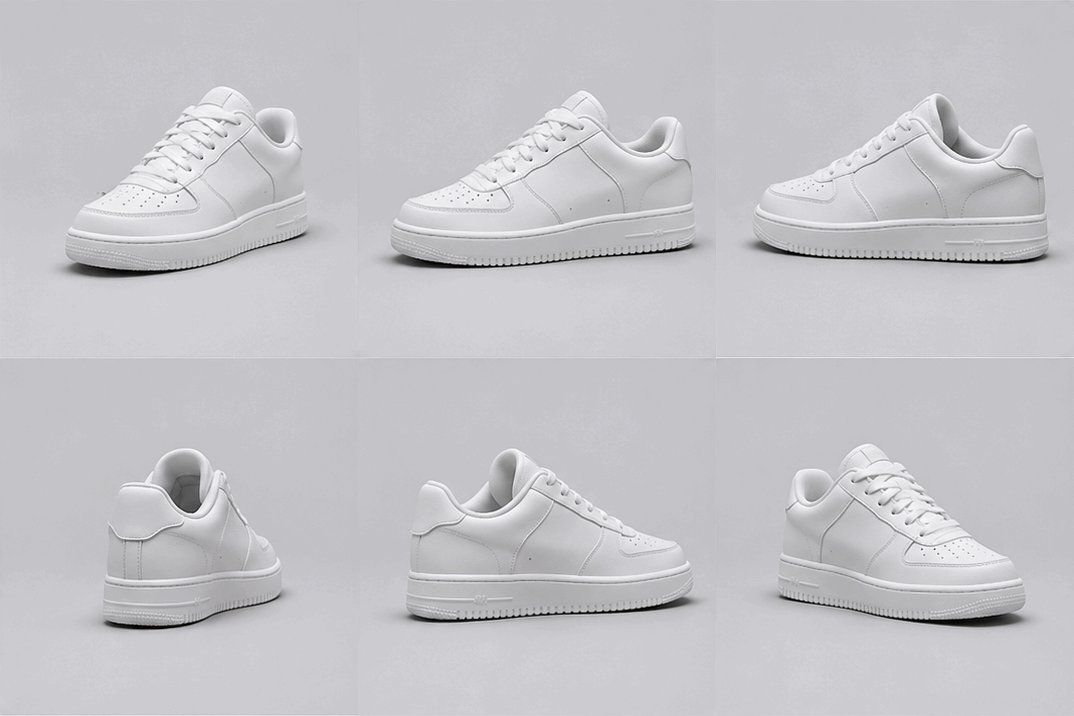
Make a looping GIF of a white sneaker slowly rotating on a light gray studio background. Fixed camera, soft shadow. The end of the rotation should match the start.
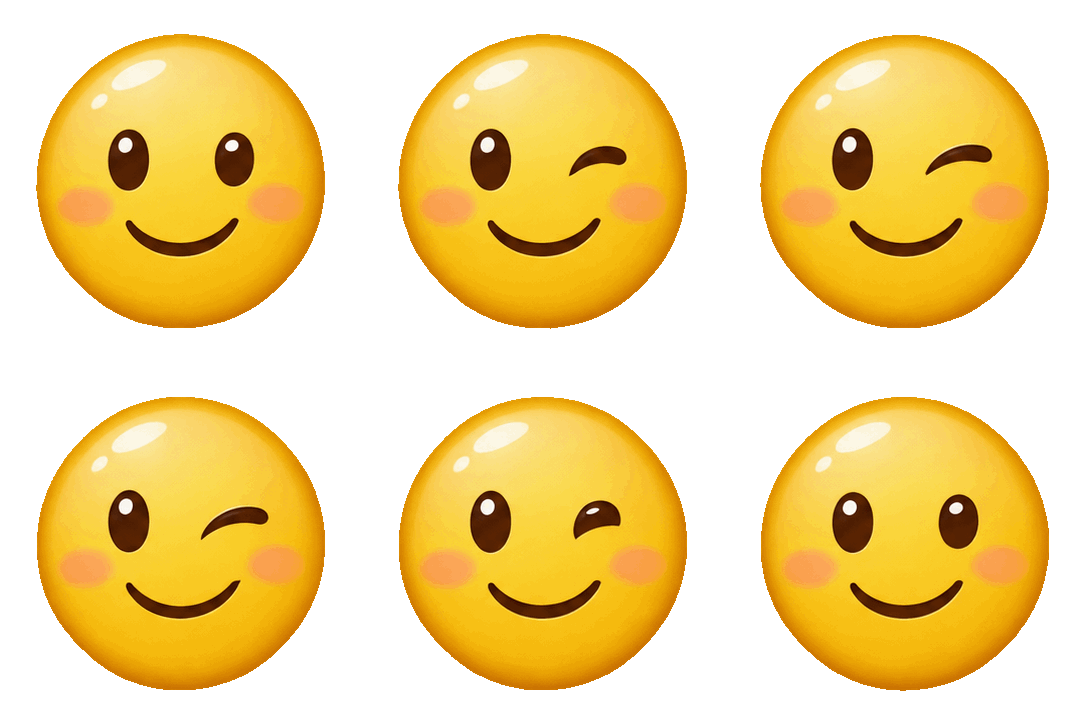
Make a looping GIF sticker of a yellow smiley face winking, with a transparent background. Same face in every frame. No text.
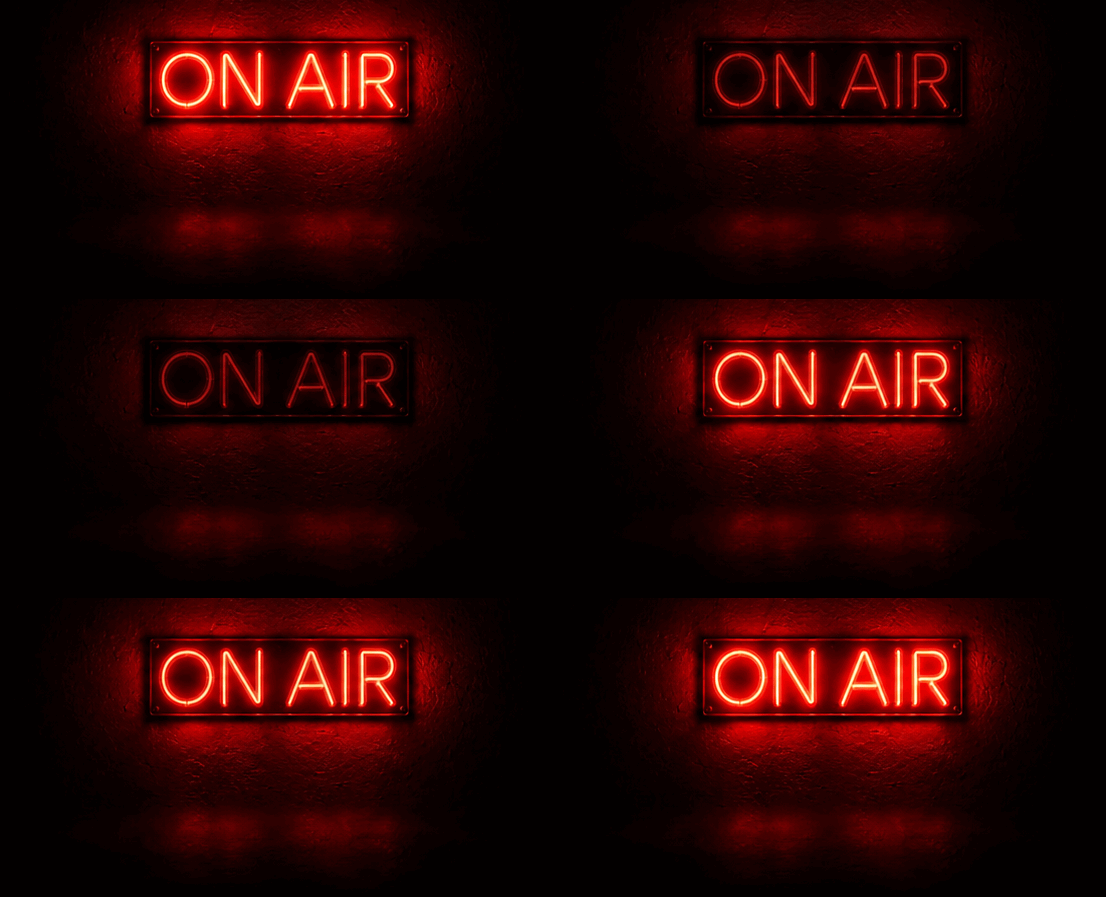
[Uploaded a still image of a neon sign]
Animate this image as a looping GIF. Only the neon sign should flicker. Keep the wall, the lettering and the framing exactly the same.

Make a looping GIF of a red paper boat bobbing on calm water. Fixed camera, plain background. The last frame should lead smoothly back to the first.

[In the same chat as the red boat]
Make the boat blue. Keep everything else the same.

Make an 800 by 800 pixel looping GIF with 24 frames of a paper plane gliding in a circle on a plain sky-blue background. Fixed camera. The last frame should lead smoothly back to the first.
How ChatGPT really makes a GIF
Open a finished GIF and the viewer has a switch between Sheet and GIF. The sheet shows what’s going on: ChatGPT draws all the frames as one image, in a grid, then plays them in order. This is the sheet behind the red boat.
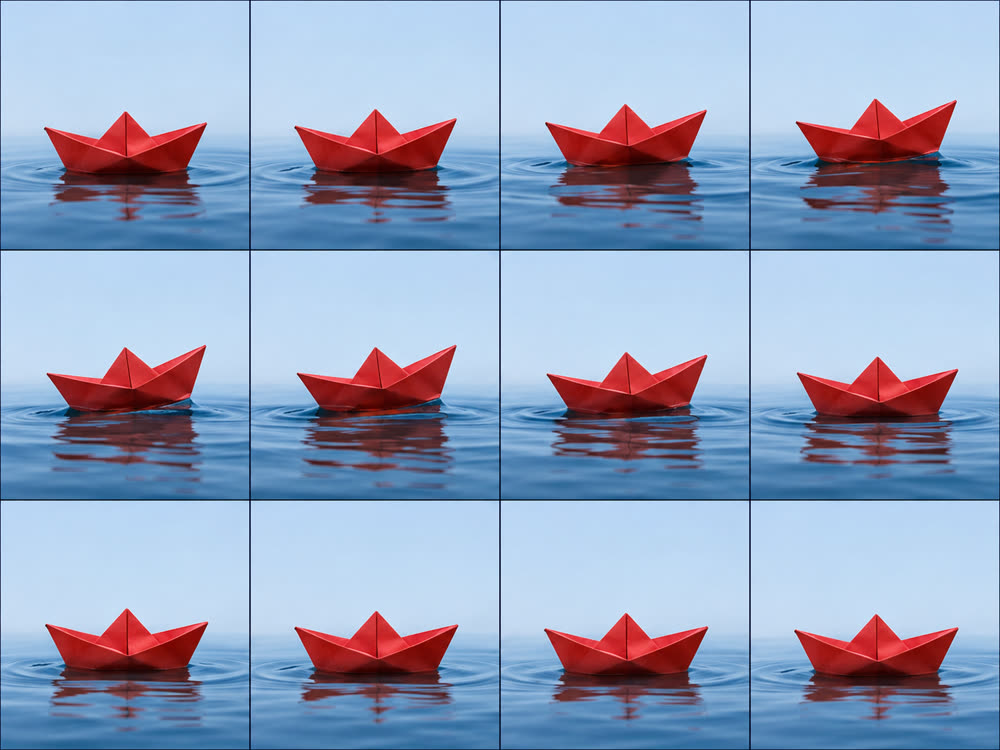
That explains the most useful thing we measured. Width times height times frames came to about 1.5 million pixels every time, whatever we asked for:
| Frames | Size we got | Total pixels | Example |
|---|---|---|---|
| 4 | 883 × 439 | 1.55 million | Pixel knight |
| 8 | 439 × 439 | 1.54 million | Hamster meme |
| 9 | 477 × 351 | 1.51 million | Capybara meme |
| 12 | 358 × 358 | 1.54 million | Paper boat |
| 24 | 252 × 252 | 1.52 million | Paper plane |
So you’re choosing between sharpness and smoothness. We asked for 800 × 800 and 24 frames, and ChatGPT gave us the 24 frames at only 252 × 252. It followed the frame count and not the pixel size. For a sharper GIF, ask for fewer frames. If you leave it out, ChatGPT picked 8 to 12 frames in our tests. This is what we measured, not a limit OpenAI has published.
How well do the loops work?
Better than we expected. For each GIF we compared the jump from the last frame back to the first with the average change between neighbouring frames. In 11 of 18, the jump back was no bigger than a normal step, within 5%, so the loop is hard to spot. The biggest jump was the birthday GIF at 2.3 times a normal step, followed by the sleepy cat at 1.8, whose eyes snap open as we asked. Motion that naturally returns to the start, such as a nod, a sway or a wave, looped best.
A launch-day test from Kingy on a rocking bottle found a noticeable seam and an unrequested mark on its logo, so results vary by subject. Objects with exact details are harder than cartoon animals, and we’d check any logo or product closely.
Can free ChatGPT make GIFs?
Probably, but we can’t confirm how many, because our tests used a paid plan. OpenAI’s help page says ChatGPT Images is available on all tiers, and it doesn’t publish a GIF allowance for any plan. Atlas Cloud found the pricing page describes free image creation only as “Limited”. Its free account sent 22 image requests in a day without hitting a limit, but that was before GIFs arrived. An account is required either way.
Why ChatGPT might not be making GIFs for you
- It hasn’t reached your account. OpenAI’s wording is that GIF creation is rolling out.
- You’re signed out. Image creation needs an account.
- You’re editing an uploaded GIF. ChatGPT can’t edit an animated GIF you upload, only one it made.
- You’ve hit your limit. No plan’s limit is published, so you may only find out when it happens.
- The request was ambiguous. Ask for “a looping GIF” in those words, and say what moves.
Getting the size right for where it’s going
All our GIFs were under 800 KB, which is small enough to post almost anywhere. Custom emoji are the exception: only the 140 KB knight would fit Discord’s limit, and the sticker at 295 KB needed compressing first, which took it to 51 KB at 128 × 128.
| Destination | Limit | Source |
|---|---|---|
| Discord message, no Nitro | 20 MB | Discord |
| Discord custom emoji | Under 256 KB | Discord |
| X | 15 MB | X docs, via Atlas Cloud |
| GIPHY | Recommends 8 MB or less and 6 seconds or less | GIPHY, via Atlas Cloud |
To hit an exact width and height, use the GIF resizer. If it doesn’t have to stay a GIF, GIF to MP4 is usually far smaller: our 751 KB capybara became an 80 KB video.
For developers: GIFs through the API
We tested ChatGPT, not the API, so this part comes from OpenAI’s docs and other people’s tests. Set output_format to gif on POST /v1/images/generations, using gpt-image-2.6-flare or gpt-image-2.6-sunburst. frame_count defaults to 9, and frame_duration_ms defaults to 200. The edit endpoint can’t produce GIFs, so the API has no one-step photo to GIF route.
One trap: OpenAI’s guide lists 2 to 64 frames, but its API reference says 2 to 16, and a developer who tested this on November 5 had all seven requests above 16 rejected. Pricing is by token. Kingy’s 10 frame, 512 pixel GIF used 1,835 image output tokens, about $0.056 at medium quality.
When ChatGPT isn’t the right tool
ChatGPT is great for something that doesn’t exist yet: a character, a joke, a scene from one sentence. It’s a weaker fit when you need no account, a long message, or your own image left completely untouched, because every frame is redrawn. If you already have the footage or the pictures, video to GIF and image to GIF use them exactly as they are.
For exact words on a loop, a typing text GIF or animated text keeps them identical on every frame. For an effect on your own picture, a glitch effect works on your actual pixels, and a snow overlay adds falling snow around them. Those run in your browser for free, with no signup, no watermark and no image allowance to run out of.
Once ChatGPT has made your GIF, the same goes for fixing it up: a GIF compressor gets it under a platform’s limit, a GIF resizer sets its exact size, Crop GIF cuts it to a shape, Add text to GIF puts exact words on it, a GIF speed changer fixes the pace, and GIF to MP4 turns it into a much smaller video.
Questions
Can ChatGPT make GIFs?+
Yes. OpenAI added GIF creation with ChatGPT Images 2.6 on November 4, 2026. Ask for a looping GIF and describe what should move. All 18 of our tests on November 5 returned a real animated GIF, though OpenAI says the feature is still rolling out, so it may not be on every account yet.
Can ChatGPT make a meme GIF with text?+
Yes. Put the caption in the prompt, say where it goes, and ask for it to stay identical in every frame. All nine captioned GIFs we made were spelled correctly on every frame. ChatGPT added a full stop to six of the eight meme captions without being asked.
Can free ChatGPT make GIFs?+
OpenAI says ChatGPT Images is available on all tiers, but it doesn't list a GIF allowance for any plan. Our tests used a paid plan, so we can't confirm a free limit. You do need an account: signed out, ChatGPT told us image creation is only available after logging in.
Can ChatGPT make a GIF from a photo?+
Yes. Upload a still image and ask ChatGPT to animate it. We uploaded a neon sign and asked for only the sign to flicker, and the wall, lettering and framing stayed close to the original. The picture is still redrawn, so check small details.
How big is a GIF from ChatGPT?+
Ours ranged from 252 × 252 to 883 × 439 pixels, 4 to 24 frames, and 140 to 772 KB. ChatGPT follows a frame count better than a pixel size. Width times height times frames came to about 1.5 million pixels in every test, so more frames means a smaller picture.
Can ChatGPT edit a GIF?+
It can change one it made: we asked for a blue boat instead of a red one and got a new GIF that kept the scene. You can also change the playback speed. OpenAI says ChatGPT can't edit an animated GIF you upload.
Can ChatGPT make a GIF with a transparent background?+
Yes. We asked for a winking smiley sticker with a transparent background and the file had real transparency. At 295 KB it was still too big for a Discord custom emoji, which must be under 256 KB. Our free GIF compressor brought it to 51 KB at 128 by 128.
Why isn't ChatGPT making a GIF for me?+
OpenAI says GIF creation is still rolling out, so your account may not have it yet. You may also have reached your image limit, be signed out, or be trying to edit an uploaded GIF, which isn't supported. Ask explicitly for an animated looping GIF.
Can developers make GIFs with the OpenAI API?+
Yes. Set output_format to gif on POST /v1/images/generations with gpt-image-2.6-flare or gpt-image-2.6-sunburst. The edit endpoint can't output GIFs. OpenAI's guide lists 2 to 64 frames, but its API reference says 16, and a developer test on November 5 had every request above 16 rejected.
Sources, read November 5, 2026
- OpenAI, Introducing Images 2.6
- OpenAI Help Center, Images in ChatGPT
- OpenAI API docs, image generation guide
- OpenAI API pricing
- OpenAI Developer Community, GIF frame limit report
- The Verge, ChatGPT will now make you animated GIFs
- Kingy, ChatGPT GIFs tested
- Atlas Cloud, ChatGPT image generation limit
- Atlas Cloud, GIF size tests
- Discord, File Attachments FAQ
- Discord, Custom Emojis
Related
- GIF compressorBring your GIF under a Discord, Slack or custom file size.
- Add text to GIFYour own meme caption, exactly the same on every frame.
- GIF to MP4The same animation as a video, often a tenth of the size.
- Typing text GIF makerWords typed letter by letter, spelled exactly as you wrote them.
- Text animation generatorYour words in eight moving styles, as a GIF or MP4.
- Glitch effectA glitch on your own photo, video or word, saved as a GIF.
- Snow overlayFalling snow as a looping GIF or a transparent PNG.
- Can Claude make videos?The other route: code that renders motion.