GIFs · Tool 47 · Add text to GIF · Free · No signup
Add text to GIF.
Drop a GIF, type the top and bottom lines, and download a meme: white letters with a black outline, exactly the same on every frame. No watermark, no account, and neither your file nor your words are uploaded.
01 GIF
It stays on your device. Nothing uploads.
Made with this tool
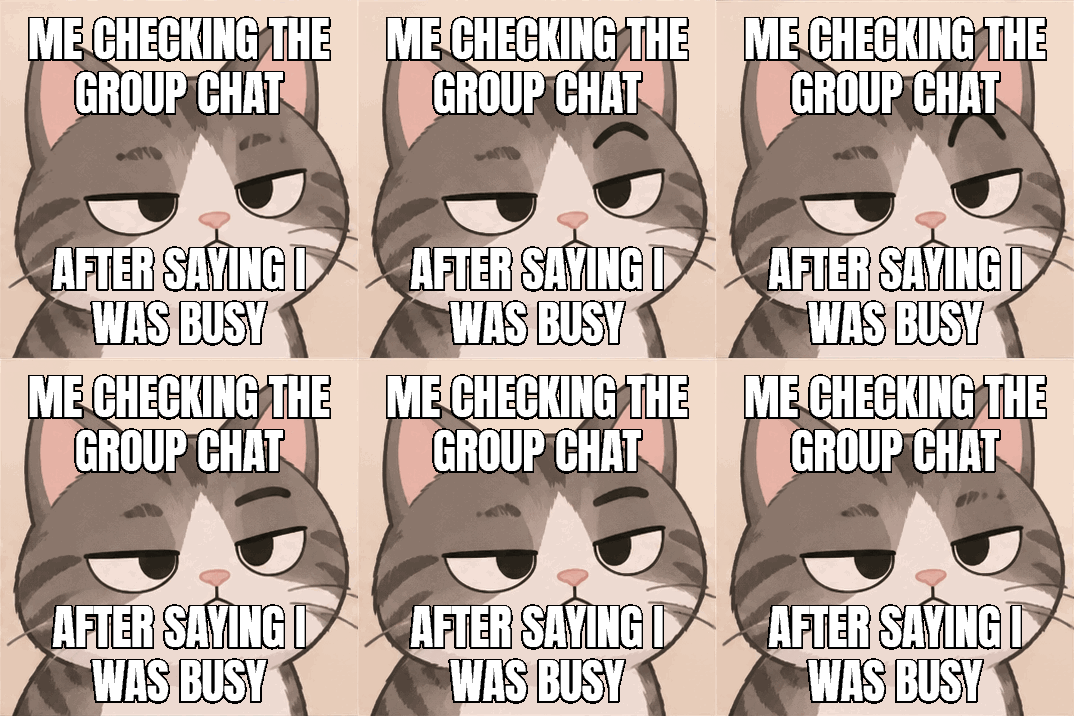
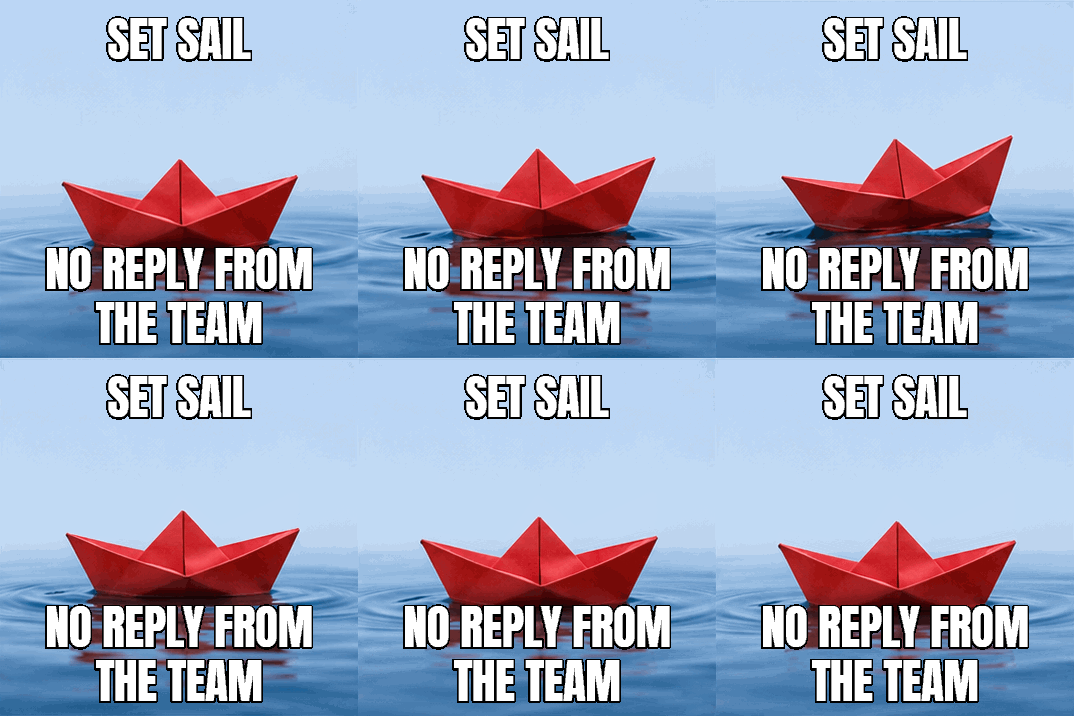
How to add text to a GIF
A good caption is short, and the bottom line carries the joke. The top line sets it up, and the bottom line lands while the GIF does its thing, so try to time the funniest moment of the loop to the moment people finish reading. Two lines of four or five words each stay large enough to read on a phone, where most memes end up.
- Drop your GIF anywhere on the page, or press Try a sample GIF. It starts playing straight away.
- Type the top line, the bottom line or both. The words appear on the preview as you type, and long lines wrap by themselves.
- Move the Size slider, and choose another color if white does not stand out.
- Watch the whole loop to check that the words do not cover the action.
- Press Make the GIF, then download it.
Related
- GIF compressorBring your meme under a Discord, Slack or custom file size.
- Crop GIFCut the GIF to a shape first, or clear the space for your words.
- GIF resizerSet an exact width and height, with Discord and Slack emoji sizes.
- GIF to MP4Turn the meme into a video for a feed, often a tenth of the size.
- GIF speed changerFaster, slower or backwards, with every pixel left as it was.
- Video to GIFAny part of an MP4, MOV or WebM as a GIF.
- Image to GIFSeveral pictures into one animated GIF.
- Typing text GIF makerNo picture: your words typed out letter by letter.
- How to make a GIF in ChatGPTMake the picture first, with 18 tested prompts, then add exact words here.
Questions
How do I make a meme GIF?+
Drop your GIF, type the top line and the bottom line, and press Make the GIF. The classic meme look is already set: bold white capitals with a black outline. Type in capitals if you want them, as the tool keeps your words as you typed them. Lines wrap by themselves, and either box can stay empty.
Does the text stay the same on every frame?+
Yes, exactly. Words painted into each frame take on that frame's colors, which can make their edges shimmer, so here the caption has fixed colors of its own. We decoded finished GIFs and compared all the solid text and outline pixels across every frame: over 32,000 pixels on the 12 frame cat, and not one changed.
What font does it use?+
Anton, a tall bold font in the style of the Impact meme lettering, under the SIL Open Font License, so you can use the result anywhere. Chinese and Cyrillic fall back to a system font and came out fine in our tests. Emoji are drawn, but in the caption's colors and not their own.
What if my text is too long?+
It wraps, and then it gets smaller. Each caption keeps to about a third of the height, and a single long word shrinks until it fits the width, so the picture still shows between the two. The Size slider sets how large the text starts, from half to twice the normal size. For very long text on a small GIF, the letters can get hard to read, so shorten it.
Can I change the color?+
Yes. Choose White, Yellow or Any. The outline stays black, and turns white if you pick a dark text color so that the words stay readable.
Can I put the text anywhere I like?+
Not here: the captions sit at the top and the bottom, centered, which is where a meme's words go and where they cover the least. Move the action out of the way first with the crop tool if it sits under the text.
Does it keep the speed and transparency?+
Yes. Every frame keeps its own delay, including GIFs with uneven timing, and clear pixels stay clear. The text has a hard outer edge, as GIF has no partial transparency. The hard edge is also what stops it from shimmering.
Will the file be small enough to post?+
Usually, and it may even shrink. Our 686 KB cat GIF came out at 273 KB with its caption, because the words and the unchanged background are stored once. Discord allows 20 MB in a message without Nitro. For a custom emoji or a tighter limit, run the result through the GIF compressor.
Are my GIF and my words uploaded?+
No. Both stay on your device, and the text is drawn in your browser. The page counts only that a GIF was made and how long it runs, not what it says. There is no watermark or account. That is the main difference from ezgif, the best known GIF site: its own pages say files go to its server by default and are deleted after an hour, unless you tick its Local processing box (checked November 2026).