Images · Tool 89 · Images · Free · No upload
WebP to PNG.
Drop WebP images and get PNGs back, with transparency kept and no quality lost. Many at once, nothing uploaded, free.
01 WEBP images
Drop WEBP images anywhere here
As many as you like. They stay on this device.
02 Next
Made with this tool
How to convert WEBP to PNG
WebP arrived from Google in 2010 to make web pages lighter, and it worked: it is now the default image format on most big sites. The catch shows up when you save one. Desktop apps, print services and forms that were built around JPG and PNG still turn .webp files away, or open them as a blank page.
PNG is the lossless choice: the picture comes out exactly as the WebP showed it, transparency included. If the file size matters more than perfect pixels, for an email or an upload limit, WebP to JPG gives a much smaller file.
- Drop your WebP files on the page or press Choose images.
- Each one is converted to PNG as soon as it arrives.
- Press Download next to a file, or Download all for a ZIP.
Related
Questions
Why convert WebP to PNG?+
WebP is the format most websites now serve images in, so a picture you save from a browser is often a .webp. Plenty of places still refuse it: older versions of Photoshop and Word, some print shops, upload forms and messaging apps. PNG opens everywhere and, like WebP, can hold transparency, so it is the safe swap for logos, stickers and screenshots.
Does converting to PNG lose quality?+
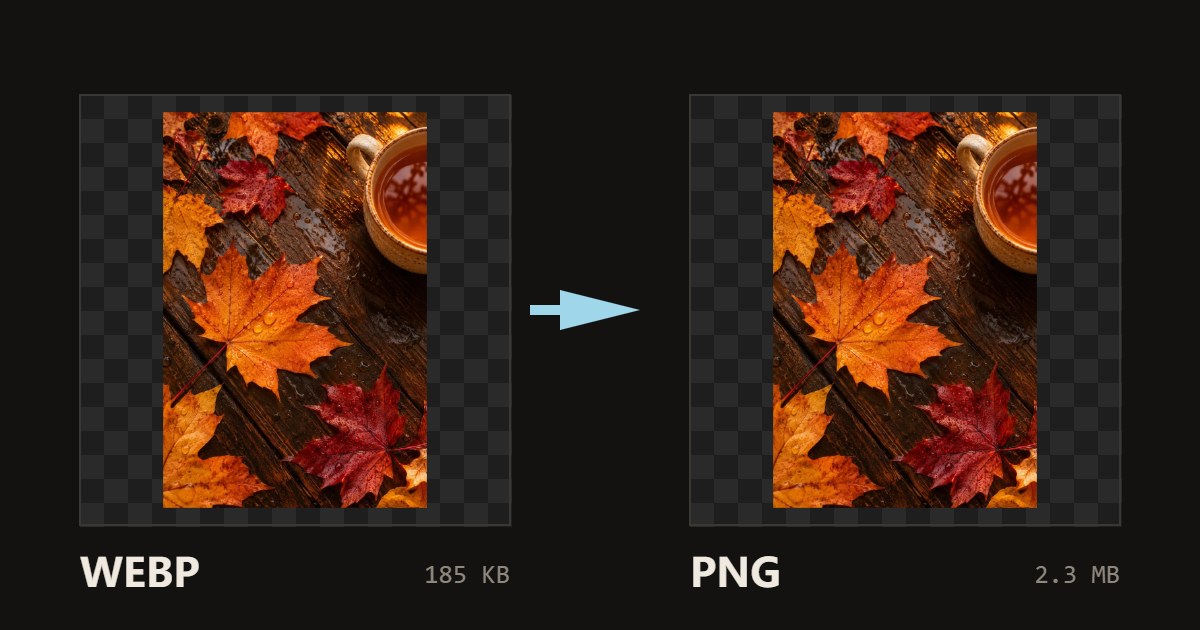
No. PNG is lossless, so every pixel the WebP shows is written exactly. It cannot add back detail a lossy WebP already threw away, but nothing more is lost. For a photo the PNG is much larger, because lossless compression does poorly on photos: our 185 KB WebP sample photo became a 2.3 MB PNG. Logos, icons and screenshots grow far less.
Is transparency kept?+
Yes. A WebP with a see-through background becomes a PNG with the same see-through background, which is why PNG is the right target for logos and cut-outs. If you want a solid background instead, convert to JPG and pick the colour.
What happens to an animated WebP?+
You get the first frame as a still PNG. PNG has no widely supported animation, so for a moving picture keep the WebP or turn it into a video or GIF.
Are my images uploaded?+
No. The browser reads each picture and writes the new file on your device; nothing is sent to a server, which is also why it is fast and works on large batches. Close the tab and the files are gone from the page.
Can I convert many images at once?+
Yes. Drop or pick as many as you like; each is converted as it arrives and gets its own Download button, and Download all saves one ZIP. Very large photos, over about 16.7 megapixels, are scaled down to that size on iPhones because Safari will not draw anything bigger; the list says when that happened.
Is the photo data kept?+
The new file has no EXIF data: no camera model, date taken or GPS location. That is how browsers write images, and it is often what you want before posting a photo. The orientation is applied first, so a photo taken sideways on a phone comes out the right way up. If you need the metadata kept, use a desktop app such as Photoshop or GIMP.