Images · Tool 92 · Images · Free · No upload
JPG to PNG.
Drop JPG images and get PNGs with exactly the same pixels, for apps and forms that want PNG or for editing without losing more quality. Many at once, nothing uploaded, free.
01 JPG images
Drop JPG images anywhere here
As many as you like. They stay on this device.
02 Next
Made with this tool
How to convert JPG to PNG
JPG is the photo format; PNG is the exact one. Converting JPG to PNG does not make a photo look better, but it stops it getting worse, and it gets the picture into places that only take PNG.
Expect a photo to grow several times over as a PNG. The tool shows every file's size before and after, and converts a whole folder in one go if you need many.
- Drop your JPG files on the page or press Choose images.
- Each one is converted to PNG as soon as it arrives.
- Press Download next to a file, or Download all for a ZIP.
Related
Questions
Does converting JPG to PNG improve quality?+
No. The PNG holds exactly the pixels of the JPG, compression marks included; nothing can bring back detail the JPG already lost. What PNG gives you is that it never loses more: you can edit and save it again and again without new blur, which JPG adds every time it is saved.
Why convert JPG to PNG, then?+
Because something asks for PNG: an app, a store listing, a sticker or emoji upload, a template. Or because you are going to edit the picture several times, add text or cut out the background, and want each save to be lossless. For sharing a photo, JPG is still the better file.
Will the PNG have a transparent background?+
Not by itself. A JPG has no transparency to keep, so the PNG has the same solid background. Once it is a PNG, you can remove the background in an editor and save it with transparency, which a JPG cannot do.
Why is the PNG so much bigger?+
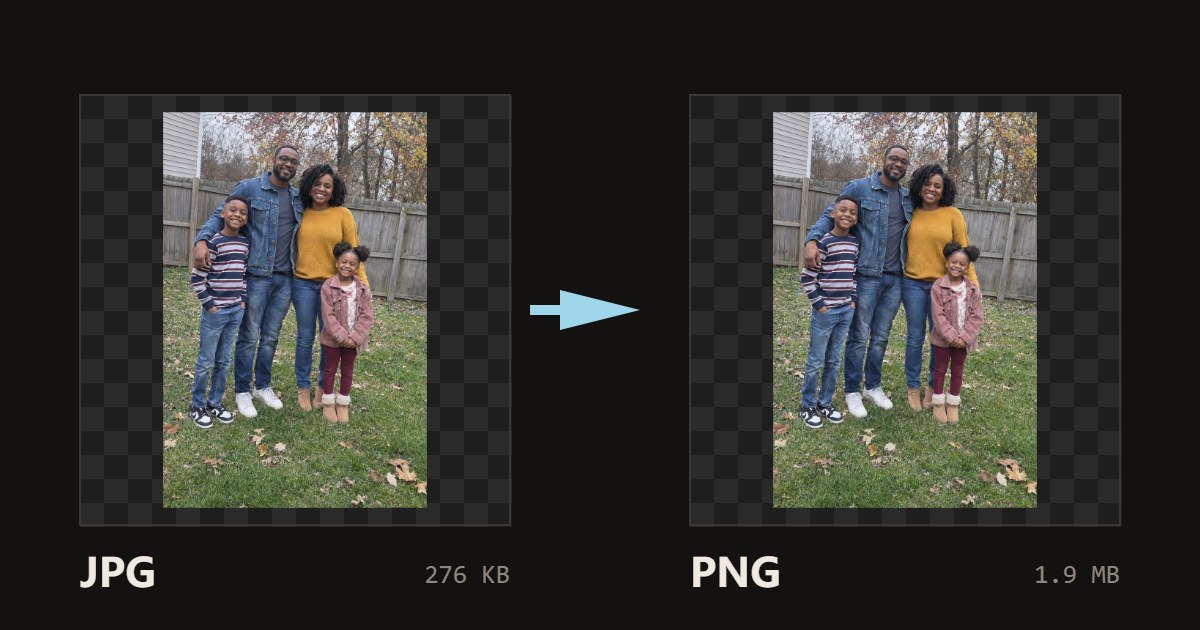
PNG is lossless, and lossless compression does poorly on photos: the 276 KB sample photo on this page becomes a 1.9 MB PNG, about seven times bigger. That is expected. If size matters, keep the JPG.
Are my images uploaded?+
No. The browser reads each picture and writes the new file on your device; nothing is sent to a server, which is also why it is fast and works on large batches. Close the tab and the files are gone from the page.
Can I convert many images at once?+
Yes. Drop or pick as many as you like; each is converted as it arrives and gets its own Download button, and Download all saves one ZIP. Very large photos, over about 16.7 megapixels, are scaled down to that size on iPhones because Safari will not draw anything bigger; the list says when that happened.
Is the photo data kept?+
The new file has no EXIF data: no camera model, date taken or GPS location. That is how browsers write images, and it is often what you want before posting a photo. The orientation is applied first, so a photo taken sideways on a phone comes out the right way up. If you need the metadata kept, use a desktop app such as Photoshop or GIMP.