Effects · Tool 56 · Remove audio · Free · No signup
Remove audio from video.
Drop a video and get the same video back with no sound. The picture is copied exactly as it was, so it keeps its quality and even a long file takes seconds. No watermark, no account, and nothing uploads.
01 Video
It stays on your device. Nothing uploads.
Made with this tool
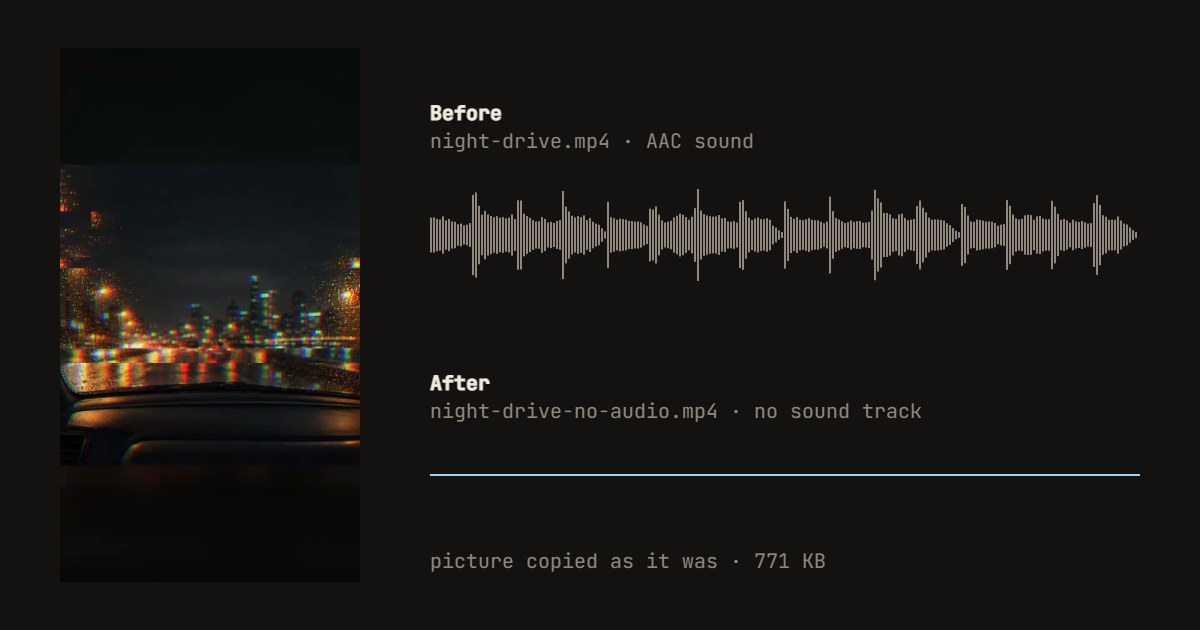
How to remove audio from a video
- Drop your video anywhere on the page, or press Try a sample video.
- Press Hear what it has now if you want to check the sound first.
- Press Remove the audio, and download the MP4.
Related
Questions
How do I remove the audio from a video?+
Drop the video on this page and press Remove the audio. A copy of the video with no sound track downloads as an MP4. There is nothing else to set, and the video never leaves your device.
Does removing the sound lower the quality?+
No. The picture is copied into the new file exactly as it was, frame for frame, without being decoded and encoded again. That is also why it is quick: even a long video takes seconds, as the page only has to copy data. The one exception is a WebM in the VP8 format, which an MP4 cannot hold, so that picture is re-encoded.
Will the file be smaller?+
A little. The sound track is gone, which on a phone video is usually a few percent of the size, and the picture is unchanged. To make a video much smaller, it has to be compressed, which this page does not do.
Can I mute just part of the video?+
Not here: this page removes the whole sound track. To silence one part and keep the rest, use an editor with a timeline such as CapCut or iMovie. To swap the sound for music, use add music to video, which can also turn the original sound down to nothing.
How do I remove audio from a video on iPhone or Android?+
Open this page in Safari or Chrome on the phone, tap the drop box to choose the video from your photos, and save the result to your files. On an iPhone, Safari 26 or later is best. You can also do it without a website: in the iPhone Photos app, Edit the video and tap the speaker icon at the top to mute it.
Which formats work, and is there a size limit?+
MP4, MOV and WebM in, MP4 out, with H.264 and HEVC pictures copied as they are; we tested it in Chrome on a desktop. There is no set limit, but the new file is built in your browser's memory, so a video of several gigabytes can be too much for a phone.
Is my video uploaded?+
No. Your browser does the work on your device, so there is no upload to wait for and nothing kept anywhere. No account and no watermark. We count only that a video was saved and how long it runs.