Effects · Tool 57 · Add music · Free · No signup
Add music to video.
Drop a video and a song. Choose where the song starts, how loud it plays over the video's own sound, and whether it fades out, then save an MP4. The picture keeps its quality, there is no watermark, and nothing uploads.
01 Video
It stays on your device. Nothing uploads.
02 Music
An MP3, M4A or WAV, dropped anywhere on the page or chosen here. It stays on your device.
Made with this tool
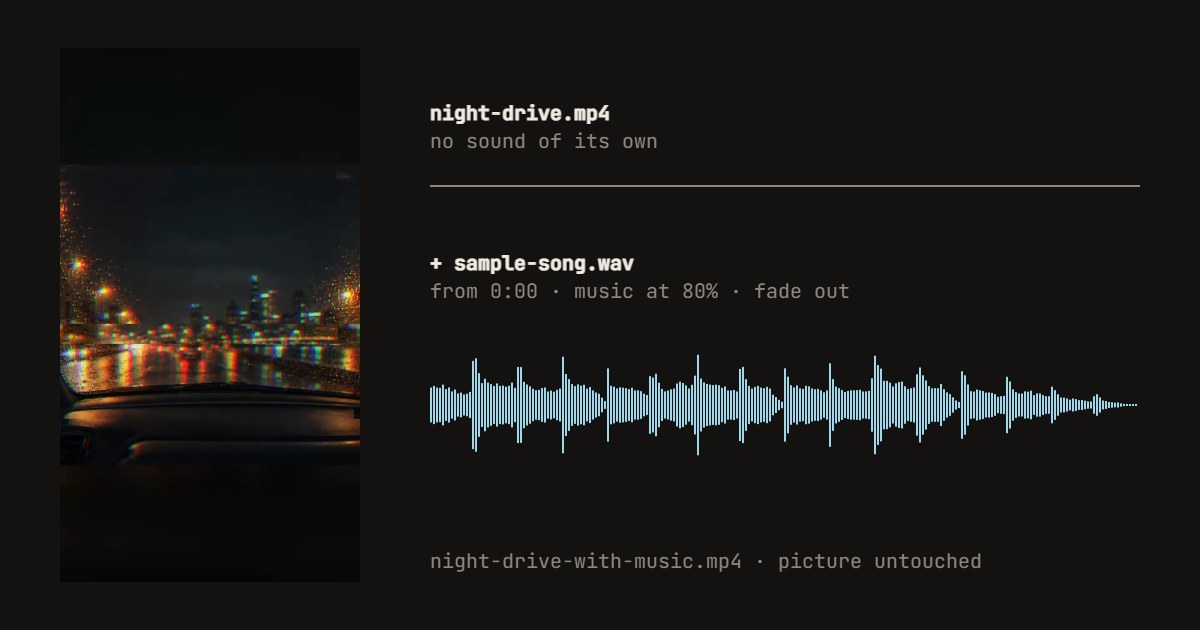
How to add music to a video
- Drop your video anywhere on the page, or press Try a sample video.
- Drop a song, or press Choose a song. Try a sample song works too.
- Press play. Slide Song from to the part of the song you want, and set the music and the video's own sound.
- Choose Fade out or Stop with the video for the end.
- Press Save the video, and download the MP4.
Related
Questions
How do I add music to a video?+
Drop the video and the song on this page, in either order, or one after the other. Press play to hear them together, slide Song from to the part of the song you want, set the two volumes, and press Save the video. The MP4 downloads with the music in it.
Can I keep the video's own sound?+
Yes. The Video slider sets the original sound under the music: leave it at 100% for a voice over a soft song, slide it down to keep a little room sound, or to 0 to replace it with the song entirely. If the two together are too loud, the whole mix is turned down rather than distorted.
What if the song is longer or shorter than the video?+
The video sets the length. A longer song is cut where the video ends, faded out over the last two seconds unless you choose Stop with the video. A shorter song starts again from the point you chose until the video ends.
Does adding music lower the video quality?+
No. The picture is copied into the new file exactly as it was; only the sound track is new. That also makes it quick, since the page does not redraw the video. A WebM in the VP8 format is the exception: an MP4 cannot hold it, so that picture is redrawn.
How do I add music to a video on iPhone or Android?+
Open this page in the phone's browser, tap Change on the video bar or the drop box to choose the video from your photos, then Choose a song for a music file on the phone. The song has to be a file you have, such as an MP3 or M4A: songs inside Apple Music or Spotify are protected and cannot be added by any website.
Can I use any song?+
The page will play any MP3, M4A, WAV, OGG or FLAC your browser can read, but the rights are another matter. Popular songs on a video you post can be muted or blocked by YouTube, Instagram or TikTok. For a video you post, use music you made, bought a license for, or took from a free library, or add the platform's own licensed sound inside its app.
Which browsers work, and is anything uploaded?+
We tested it in Chrome on a desktop. Writing sound needs Safari 26 or later on an iPhone; older Safari cannot, and the page says so. Nothing is uploaded: the video and the song are read and mixed on your device. No account and no watermark, and we count only that a video was saved.