Effects · Tool 55 · Video speed · Free · No signup
Video speed changer.
Speed up a video or slow it right down, from a quarter speed to four times, and decide what the sound does. The preview plays at the new speed as you choose it. MP4 out, no watermark, and your video never uploads.
01 Video
It stays on your device. Nothing uploads.
Made with this tool
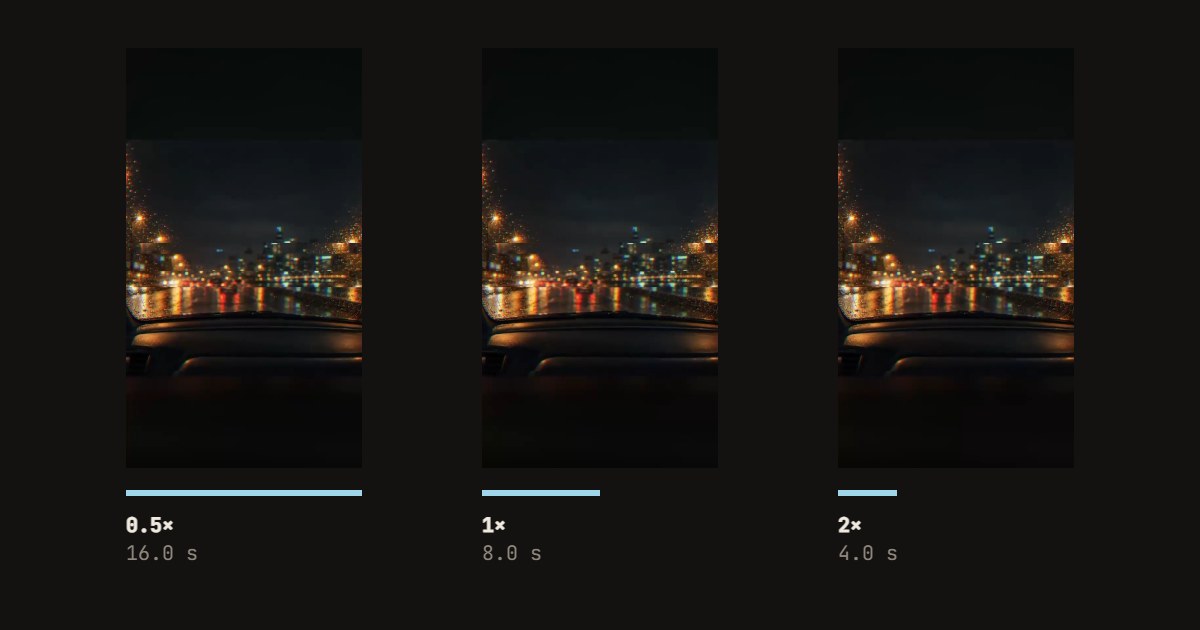
How to speed up or slow down a video
Speeding up works for anything long and uneventful: a drive, a build, a cooking step, a screen recording. A timelapse look starts at about 4×, and 2× keeps speech just about followable if you keep the pitch. Slowing down is for one moment you want people to see: a jump, a splash, a trick. It looks best from a clip filmed in a phone's slow motion mode, which records more frames than it plays.
- Drop your video anywhere on the page, or press Try a sample video.
- Press a speed: under 1× slows it down, over 1× speeds it up. The slider sets anything in between.
- To change only part of it, drag the handles on the strip of frames.
- Choose the sound: changes with the speed, keeps its pitch, or none. Press Sound on to hear it.
- Press Save the video, and download the MP4.
Related
Questions
How do I speed up a video?+
Drop the video on this page and press 2×, or any speed up to 4×. The preview plays at that speed straight away, with the sound if you press Sound on. Press Save the video and an MP4 downloads. Nothing to install, no account, and the video never leaves your device.
How do I slow a video down?+
Choose a speed under 1×: 0.75× is a little slower, 0.5× is half speed, 0.25× a quarter. The smoothness depends on the video. A clip filmed at 60 frames a second or more, like the slow motion mode on a phone, has enough frames to slow down cleanly. A normal 30 fps clip at half speed shows each frame twice, which looks a little stepped.
What happens to the sound?+
You choose. Changes with the speed plays it like a record turned faster or slower, so voices go up when you speed up and down when you slow down. Keeps its pitch stretches the sound so only the tempo changes, which is what you want for speech and music. No sound saves it silent. At 3× and 4× speech gets hard to follow either way.
Can I change the speed of only part of a video?+
Yes, as a separate clip. Drag the two handles on the strip of frames to the part you want, and the saved file is that part at the new speed. To speed up the middle of a longer video and keep the rest as it was, you would need an editor with a timeline, such as CapCut or iMovie.
How long can the video be?+
The saved video can run up to ten minutes, the same limit as every tool on this site, so at 4× you can feed it forty minutes. Longer files take longer: the page decodes every frame it needs and encodes a new MP4 at 30 frames a second, at up to 1920 pixels on the long side. A phone is slower than a computer, so try a short part there first.
Which formats and browsers work?+
MP4, MOV and WebM in, MP4 out. We tested it in Chrome on a desktop. HEVC video, which iPhones record by default, opens only where the browser can decode it; if it cannot, the page says so, and the same file saved as H.264 works. Safari before version 26 cannot write sound, so there the video is saved silent and the page says that too.
Is my video uploaded? Is there a watermark?+
No and no. The video is read and written by your browser on your own device. There is no account, no watermark, and you can use the file commercially as long as the video is yours to use. We count only that a video was saved, at what speed and how long.