Effects · Tool 67 · Compress · Free · No signup
Compress video.
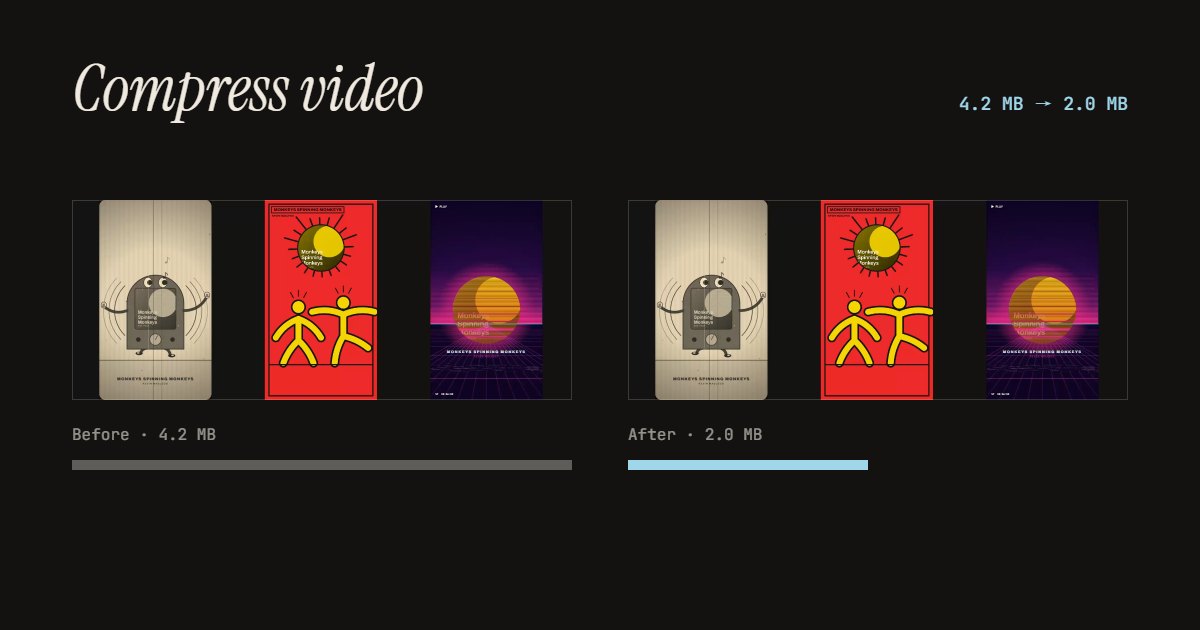
Make a video file smaller: half the size, under 10 MB for Discord, 25 MB for email, or any size you type. The page plans the quality for the length, checks the size after writing, and shows before and after. Nothing uploads.
01 Video
It stays on your device. Nothing uploads.
Made with this tool
How to compress a video
- Drop your video anywhere on the page, or press Try a sample video.
- Pick a target: half the size, Discord 10 MB, email 25 MB, or Custom.
- Read what the page plans: the data rate, and the size it shrinks to if the target is tight.
- Press Compress the video, compare the sizes, and download the MP4.
Related
Questions
How do I compress a video?+
Drop the video on this page and pick a target: half the size, 10 MB for Discord, 25 MB for email, or a number of your own. The page works out how much data the picture can have for that size and that length, and shows it before you start. Press Compress the video. When it is done you see the old and new size side by side, and can watch the result before you download it.
How do I get a video under 10 MB for Discord?+
Pick Discord 10 MB. The page aims a little under the limit and checks the file once it is written; if the encoder overshot, it writes it again, smaller. A long video has to give up a lot of detail to fit in 10 MB, so for anything over a couple of minutes, cut it shorter first, or the picture will look soft.
Why does it make the video smaller in pixels too?+
At a low data rate, a 4K or 1080p picture turns blocky. A smaller picture with the same data looks sharper, so when the target is tight the page steps down to 1080p, 720p, 480p or 360p, whichever still gets enough data for each pixel. It says which before you start. With a generous target, the size stays as it was.
How much smaller can it get?+
Phone videos are often recorded at a high data rate, so half the size is usually easy with no visible difference. How far you can go depends on the length: the target size divided by the length is all the data the video gets each second. The page warns you when that is very little.
Which formats does it take?+
MP4, MOV, WebM, M4V and MKV files that your browser can read, which covers phone and camera videos. The result is always an MP4 in H.264 with AAC sound, which plays everywhere. iPhone videos in HEVC need a browser that reads HEVC, such as Safari or a recent Chrome.
Is my video uploaded?+
No. Your browser reads the video and writes the smaller one on your own device. No app, no account, no watermark.