Effects · Tool 59 · Rotate video · Free · No signup
Rotate video.
Turn a video a quarter or a half, or mirror it left to right or upside down. The preview turns as you press, the sound is kept, and you save an MP4. No watermark, no account, and your video never uploads.
01 Video
It stays on your device. Nothing uploads.
Made with this tool
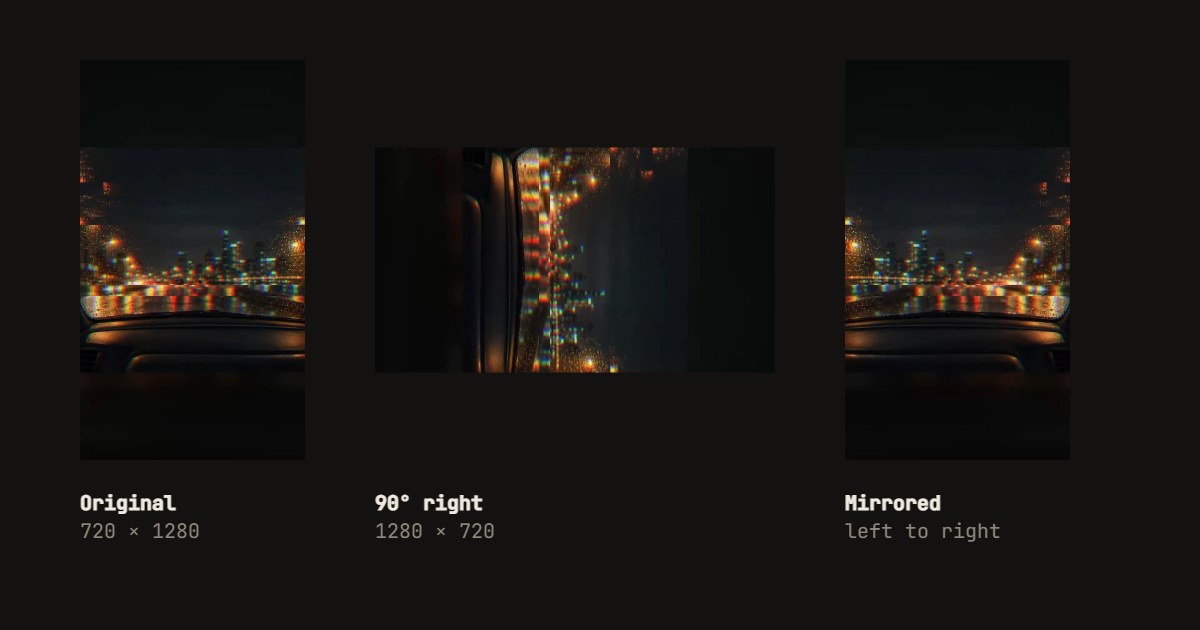
How to rotate a video
- Drop your video anywhere on the page, or press Try a sample video.
- Press a turn: 90° right, 180° or 90° left.
- Press Left to right or Upside down if it also needs mirroring.
- Leave How on Rewrite every frame, or choose Only the rotation flag for an instant save.
- Press Save the video, and download the MP4.
Related
Questions
How do I rotate a video?+
Drop the video on this page and press 90° right, 180° or 90° left. The preview turns straight away. Press Save the video and an MP4 downloads, with the sound as it was.
How do I flip or mirror a video?+
Press Left to right to mirror it, as a front camera does, or Upside down to flip it vertically. Either can go with a turn. Mirroring is handy for a selfie video where the writing reads backwards.
What is the difference between Rewrite every frame and Only the rotation flag?+
A video file can carry a note saying which way up to show it, and phones use it all the time. Only the rotation flag changes that note: it is instant and leaves the picture untouched, and phones, browsers, QuickTime and VLC follow it. Rewrite every frame redraws the picture the right way up, which takes about as long as the video plays but looks the same in every app, including editors and sites that ignore the note. If you are not sure, rewrite every frame.
My phone video plays sideways. Will this fix it?+
Usually, yes. Turn it until the preview is upright and save with Rewrite every frame. A video that looks right on the phone but sideways somewhere else is often a file whose rotation note that other app ignores, and rewriting the frames fixes exactly that.
How do I rotate a video on iPhone or Android without an app?+
Open this page in the phone's browser and tap the drop box to choose the video. On an iPhone you can also use the Photos app: Edit, then the crop tool, then the rotate button. On Android, Google Photos has the same in its editor.
Which formats work?+
MP4, MOV and WebM in, MP4 out, and we tested it in Chrome on a desktop. HEVC video from an iPhone opens only where the browser can decode it, and the page says if it cannot. A rewritten video is encoded again at a good quality, so it can come out a little bigger or smaller than the original.
Is my video uploaded?+
No. Your browser does the work on your device. No account, no watermark, and we count only that a video was saved and which way it was turned.