Images · Tool 34 · Screenshot or video · Free · No signup
Fake text message generator.
Write both sides of a chat and see it on a phone screen as you type: iMessage, WhatsApp, Android or Instagram, light or dark. Download it as a full-size screenshot, or as a video that plays the conversation out, typing dots and all.
Free, no watermark, nothing uploaded. For jokes, stories and mockups, not for fooling anyone: see the questions below. Want it to play? Press Video above.
Messages
Enter starts the next message from the other side. Shift and Enter makes a new line.
Made with this tool
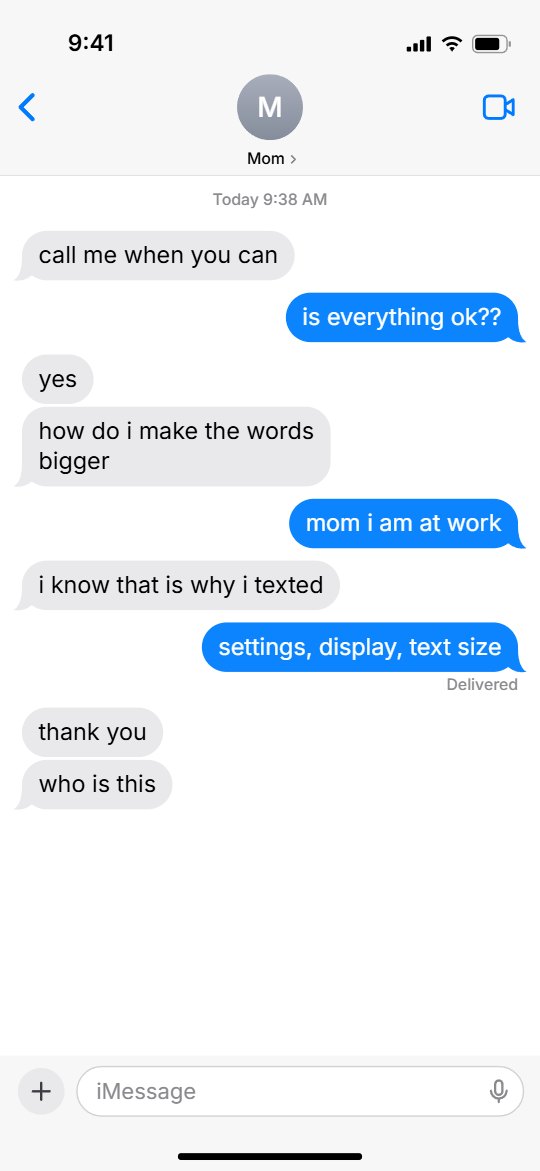
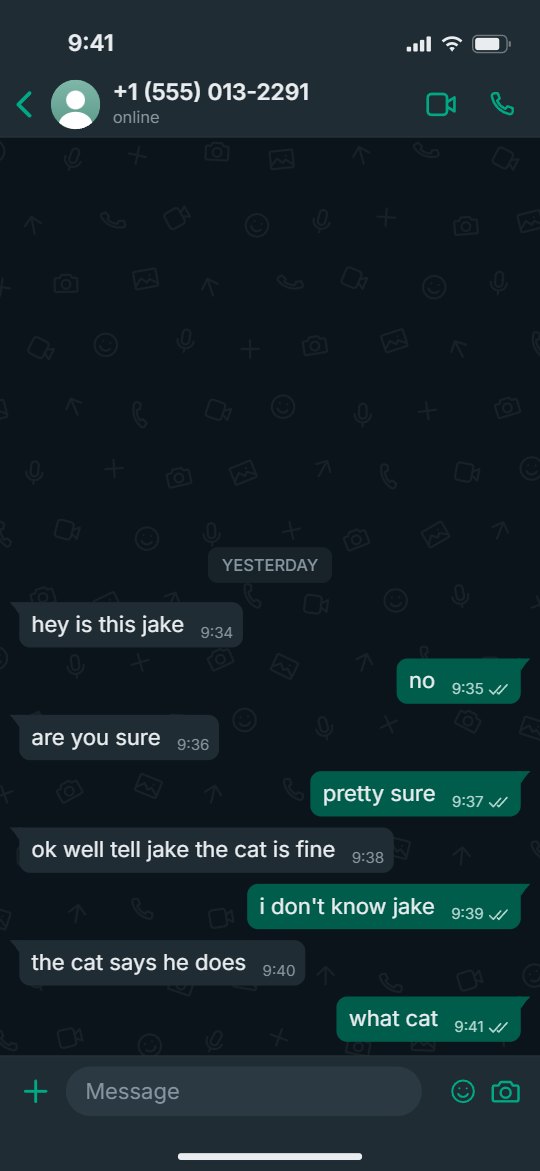
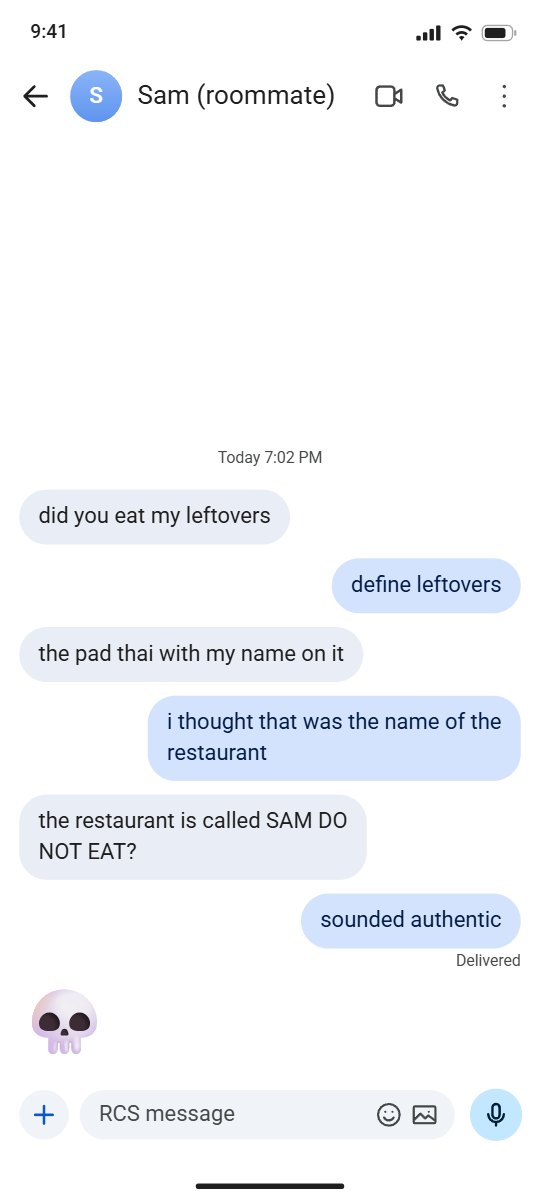
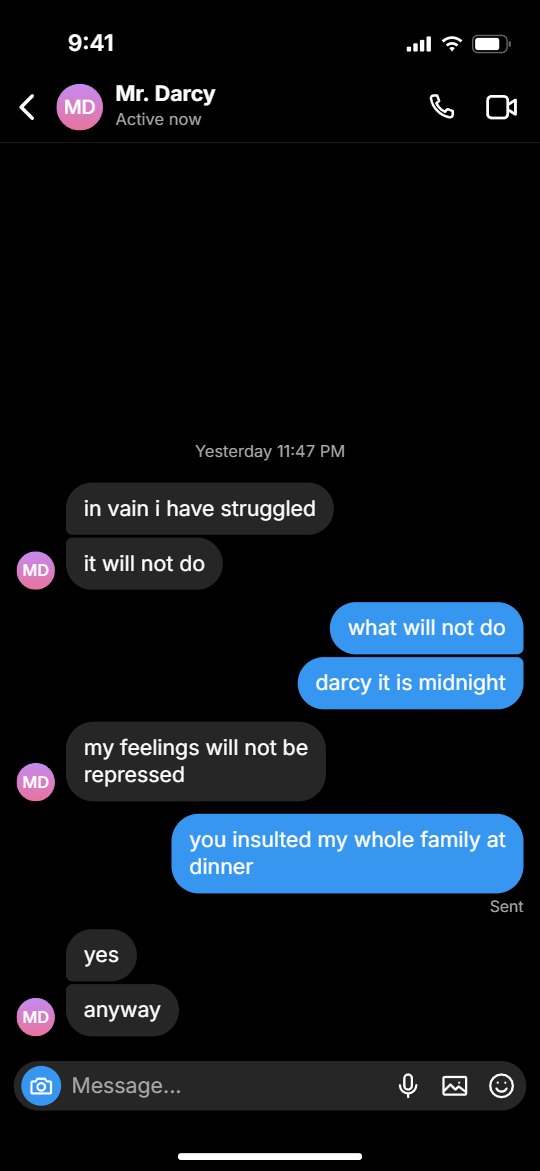
Every one of these was written in the tool above. Every pixel, from the battery to the bubble tails, is drawn by this page in your browser, so the preview is exactly the file you get.
How to make a fake text message
A made-up chat is one of the easiest ways to tell a story on a phone screen. The reader knows the format, so the joke or the twist lands in the last bubble with nothing else in the way. Keep the messages short, the way people really text, break one thought into two or three bubbles, and leave the punchline on its own.
The screenshot suits a post or a slideshow. The video suits TikTok, Reels and Shorts, where the wait for each message is what keeps people watching.
- Pick the app and the look: iMessage, WhatsApp, Android or Instagram, light or dark.
- Type the contact's name or number and, if you like, choose a picture for them.
- Write the messages. Press Enter for the next one, and tap Me or Them to switch sides. Add a photo, or a time between messages, where the chat needs one.
- Set the time and battery on the phone and the receipt under your last message: Delivered, Read or none.
- Press Download PNG for the screenshot. For a video of the chat, press Video, choose the pace, and press Export MP4.
Related
- Glitch text generatorZalgo and cursed text to paste into the chat, for the horror ones.
- Glitch effectGlitch your screenshot: eight looks, as an MP4 loop or a GIF.
- Text animation generatorWords on their own, moving: zoom, kinetic, typewriter and more, as an MP4 or a GIF.
- Subscribe button animationAnother drop-in for a story video: like, subscribe and bell on green screen.
- Music visualizerThe video for a song: nineteen styles, 1080p MP4.
Questions
Does it look like a real screenshot?+
As close as we could draw it. The PNG is the size a phone saves: 1179 by 2556 for the iPhone looks, 1080 by 2400 for Android, with the status bar, the bubble colours and tails, the input bar and the home line. The text uses your device's own font where it can: San Francisco on an iPhone or a Mac. Elsewhere it uses Inter for the iPhone looks and Roboto for Android, so for the closest iPhone match, make it on an Apple device.
What can I use it for, and is it legal?+
Use it for jokes, memes, skits, short films, fan fiction, story videos and design mockups. Making a picture of a chat is not the problem; what you do with it can be. Do not pass one off as a real message to deceive someone, to harass or defame anyone, or as proof of a payment, a promise or anything else in a dispute. That can be fraud, forgery or defamation, and our terms do not allow it. If it could be mistaken for real and that would hurt someone, label it or do not post it.
How do I turn the chat into a video?+
Press Video above the preview. The chat plays out on its own: the other person's typing dots, your words appearing in the input bar, each message popping in and the list scrolling up, with a sound on each message if you want one. Set the pace, press Export MP4, and you get a 1080 by 1920 file at 30 frames a second, ready for TikTok, Reels or Shorts. Choose Silent to add a song or a voice in the app instead.
What is the wrong text trend?+
It is a fan fiction format on TikTok: a made-up text conversation with a character from a film, a show or a book, posted as a slideshow of screenshots, a story told in messages. To make one here, write the part of the chat that fills one screen, download the PNG, delete those messages and write the next part. Or press Video and let the whole conversation play as one clip.
Which apps can it look like?+
iMessage, with blue bubbles or green text message bubbles; WhatsApp, with the time and ticks inside each bubble; Android's Messages; and Instagram DMs. Each one comes light or dark. They are look-alikes drawn by this page, with no logos in them, and we have no connection with Apple, Google or Meta.
How do I get a long conversation in one image?+
Set Size to Whole chat, under the messages. The image grows to fit every message, where a phone screen would scroll and cut off the oldest ones. It holds up to 16000 pixels of height, around 100 short messages on the iPhone looks; past that the page tells you the top is cut off, and you can split the chat into two images.
Are my messages uploaded?+
No. The chat is drawn and the files are made in your browser, and nothing you type or add leaves your device. The page counts only that a file was made, with the app and the look, not the words, the name or the pictures.