Effects · Tool 83 · Lettering and text · Free
Christmas font generator.
Type a greeting or a name and get it in Christmas lettering: candy cane stripes, North Pole red, gold script, frosty blue. Save a transparent PNG for a card or a photo, or copy festive text with snowflakes and trees into a caption.
01 Your words
02 Style · Candy cane
The background is only for the preview: the PNG has nothing behind the letters, so it drops onto a photo, a card, a video or a print.
03 Your text
❄ 𝓜𝓮𝓻𝓻𝔂 𝓒𝓱𝓻𝓲𝓼𝓽𝓶𝓪𝓼 ❄
04 12 styles · tap one to see it big
- Snow script
- Tree
- Snowflakes between
- Stars
- Santa
- Holly
- Gift
- Twinkle
- Card capitals
- Bells
- Snowman
- Reindeer
Festive text made of Unicode characters: it pastes into captions, bios and chats. Each app draws the snowflakes and emoji in its own style.
Made with this tool
How to make Christmas lettering
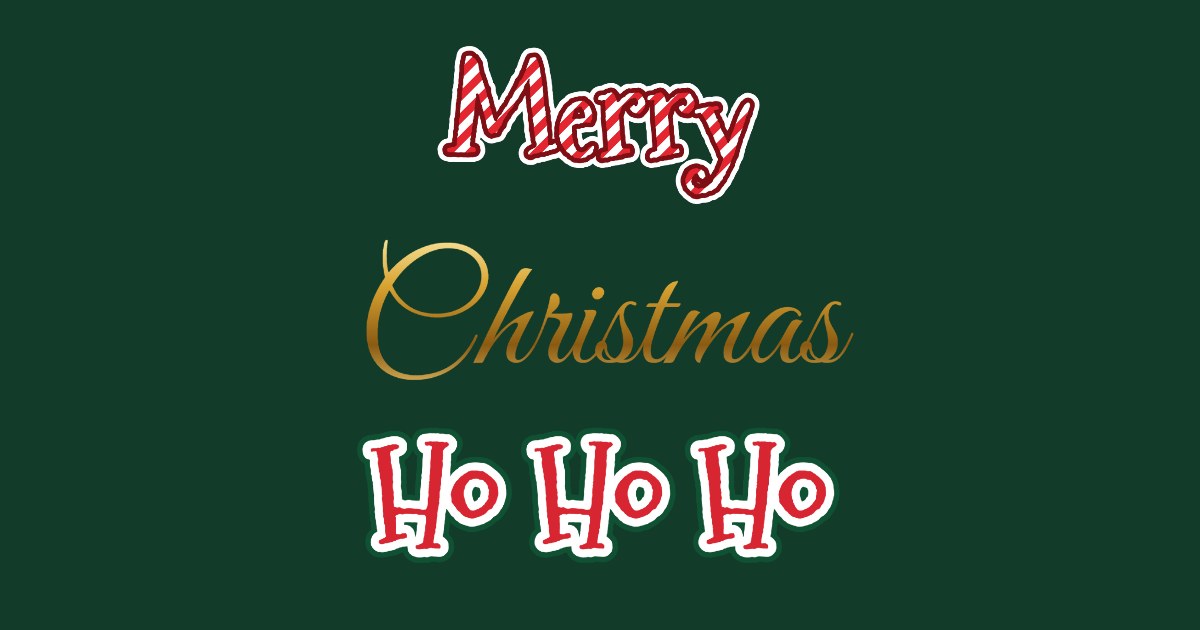
Christmas lettering has a short list of looks everyone recognises: red and white candy cane stripes, a bold red with a white edge like a shop sign at the North Pole, a gold script for an elegant card, icy blue, and the deep green and cream of vintage cards. Each one here is drawn from your own words, layer by layer, in your browser.
Use the lettering for anything that is a picture: a card, an invitation, a photo, a slide, a video title. Use the text styles for anything that is typed: a caption, a group chat name, a bio for December.
- Type your greeting or name. Press Enter for a second line, like Merry / Christmas.
- Pick a style: Candy cane, North Pole, Gold script, Vintage card, Frosty or Holly green.
- Press Save PNG for a card, flyer or photo. For a caption or a bio, copy one of the festive text styles further down instead.
Related
Questions
Is this a Christmas font I can download?+
No, and it does not need to be. The top half draws your words in Christmas lettering (candy cane stripes, North Pole red with a white edge, gold script, frosty blue, vintage card green) and saves a transparent PNG you can put on a card, a flyer, a photo or a slide. The bottom half makes festive text out of Unicode characters you can paste into a caption or a bio. Neither needs installing anything.
Can I use it in Canva, Word or Google Docs?+
Yes. Save the PNG and upload or insert it like any picture; it has a transparent background, so it sits on your design without a box. The copy-and-paste text also pastes into Docs and Word, though the program draws the snowflakes and emoji in its own font.
Which fonts are used?+
Mountains of Christmas (Apache 2.0), Great Vibes, Berkshire Swash and Lobster (SIL Open Font Licence), self-hosted on this site. If you want them installed for your own projects, all four are free on Google Fonts. The stripes, outlines and gold are drawn by this page and come with the PNG.
Can I print it?+
Yes. Each line is drawn at 360 pixels tall, so a greeting across a card or a sign prints sharply up to roughly A5 width. For a full card with your photo and falling snow, the Christmas card generator does the layout too.
Why does the copy-and-paste text look different on my phone?+
The script letters, snowflakes and trees are characters that every app draws with its own font, so a snowflake on an iPhone looks different from one on Android or Windows. That is normal; what pastes is the same.
Can I sell cards I make with it?+
Yes. The fonts allow commercial use of what you make with them, and we put no conditions on the PNG.