Effects · Tool 86 · Copy and paste · Free
Italic text generator.
Type anything and copy it back in 𝘪𝘵𝘢𝘭𝘪𝘤, 𝙗𝙤𝙡𝙙 𝙞𝙩𝙖𝙡𝙞𝙘 or 𝑠𝑒𝑟𝑖𝑓 𝑖𝑡𝑎𝑙𝑖𝑐, to paste into Instagram, TikTok, a bio or a comment, where there is no italic button.
01 Your text
𝑖𝑡𝑎𝑙𝑖𝑐 𝑡𝑒𝑥𝑡
02 7 styles · tap one to see it big
- Italic
- Bold italic
- Sans italic
- Sans bold italic
- Underlined italic
- Italic capitals
- Quote
Unicode characters, not formatting: they paste into captions, bios, display names and comments. In WhatsApp, Discord or Slack, real italics (_like this_) are better.
Made with this tool
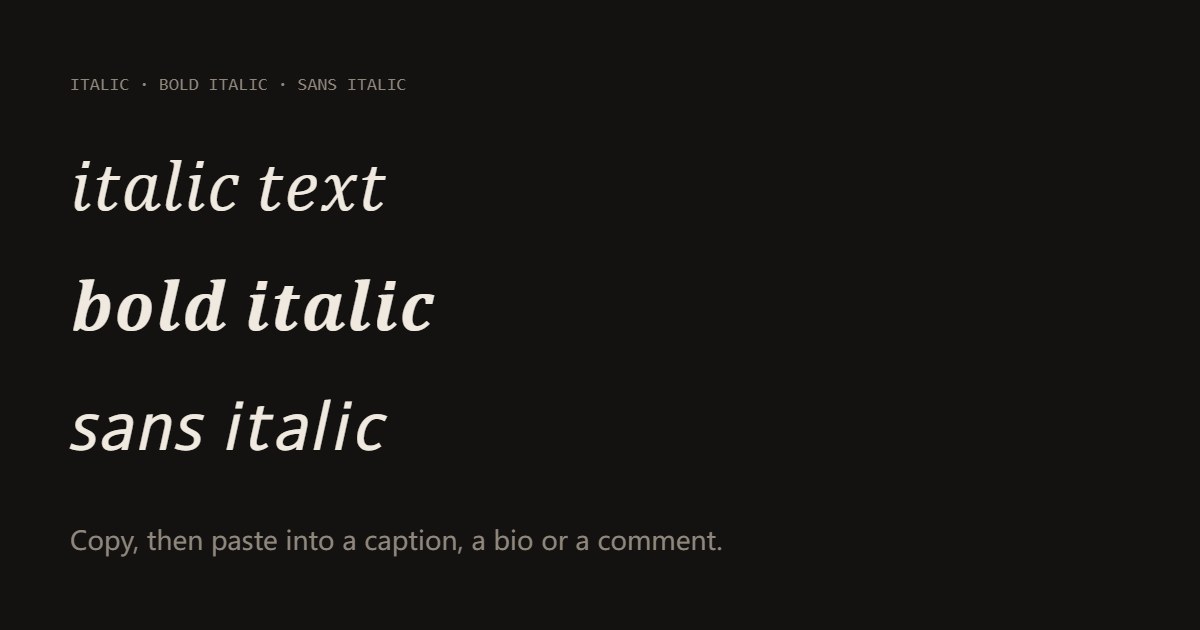
How to write in italics anywhere
Italics do one job: they stress a word, mark a title or set off a thought, without shouting the way capitals do. Most social apps never gave us the button, so people borrow the slanted letters Unicode keeps for maths. They are real characters, which is why they survive a copy and paste where formatting would be lost.
Use them sparingly: one stressed word in a caption, a book or song title, a name in a bio. Whole paragraphs of slanted characters are hard to read on a phone and invisible to search.
- Type the words you want in italics.
- Tap a style to see it big: Italic, Bold italic, Sans italic or Sans bold italic.
- Press Copy and paste it into your caption, bio or comment. For one word in a sentence, type just that word.
Related
Questions
How can I write in italics on Instagram or TikTok?+
Neither app has an italic button for captions, bios or comments, so the usual way is italic characters. Unicode, the list of characters every phone shares, has slanted copies of the alphabet, kept for maths. The generator swaps your letters for them and you paste the result like any text. It looks italic because the characters themselves are slanted.
Which apps have real italics, so I do not need this?+
Chat apps with formatting: in WhatsApp put underscores around the words (_like this_), in Discord use one asterisk or underscores (*like this*), in Slack underscores. Word, Google Docs and email have a button (Ctrl or Cmd + I). Real formatting is better there, because it stays searchable and screen readers read it normally.
What is the difference between the styles?+
Italic is the slanted serif, like a book; Bold italic is the same with heavier strokes, which reads better at small sizes on a phone. Sans italic and Sans bold italic are the slanted versions of a clean sans-serif, closer to how Instagram and TikTok draw normal text, so they blend in when you only want to stress one or two words.
Can I italicize just one word in a caption?+
Yes: type only that word here, copy it, and paste it into the middle of your caption. Everything around it stays normal. Sans italic usually looks most natural next to the app's own font.
Why do some letters look different or show as boxes?+
Each app draws these characters with its own font, so the slant and weight can vary between an iPhone, Android and a computer. The italic small h is a separate character (ℎ) in Unicode, which is why it can look slightly off in the plain Italic style. Older phones may show a box for a character they lack; Sans italic is the most widely supported.
Is italic text searchable and accessible?+
Not really. Search inside an app usually will not match 𝘪𝘵𝘢𝘭𝘪𝘤 to italic, and screen readers may read each letter as a maths symbol. Use it for emphasis or a name, and keep hashtags, links and anything important in plain letters.