Effects · Tool 85 · Copy and paste · Free
Cursive text generator.
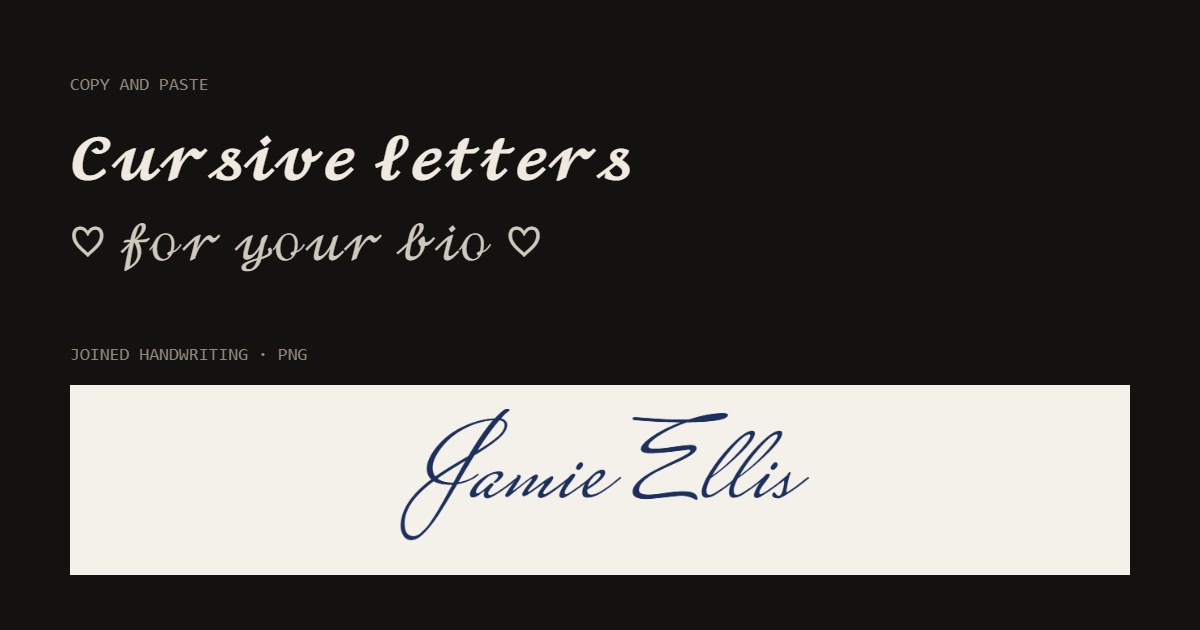
Type anything and copy it back in cursive: 𝓬𝓾𝓻𝓼𝓲𝓿𝓮 letters that paste into a bio, a display name or a caption. For joined handwriting or a signature, the lettering below draws it in a real script font and saves a transparent PNG.
01 Your text
𝒸𝓊𝓇𝓈𝒾𝓋ℯ 𝓁ℯ𝓉𝓉ℯ𝓇𝓈
02 10 styles · tap one to see it big
- Cursive
- Bold cursive
- Cursive capitals
- Hearts
- Sparkle
- Signature
- Underlined
- Spaced
- Flourish
- Vine
Unicode characters, not a font: they paste into bios, display names, captions and chats (most usernames only allow plain letters). The letters stand apart; for joined handwriting, use the PNG below.
03 Joined handwriting, as a PNG
04 Style · Elegant script
The background is only for the preview: the PNG has nothing behind the letters, so it drops onto a photo, a card, a video or a print.
Made with this tool
How to write in cursive and copy it
There are two kinds of cursive online, and they solve different problems. Copy-and-paste cursive is made of characters, so it goes anywhere you can type: a bio, a display name, a caption, a chat. Its letters stand apart, because each is its own character. Handwritten cursive needs a font that joins the letters, so it can only travel as a picture: a signature on a document, a name on a card, a line on a photo.
For a bio, Bold cursive reads best at small sizes on a phone; the thin regular script can look faint in light mode. For a signature, write your name the way you sign it, first name only or initial and surname, and pick Signature with black or navy ink.
- Type your name, bio line or caption in the box.
- Tap a style to see it big: Cursive, Bold cursive, Cursive capitals, Signature and more.
- Press Copy and paste it where you want it. For joined handwriting, type in the lettering box below and press Save PNG.
Related
Questions
How does copy-and-paste cursive work without a font?+
Unicode, the list of characters every phone and computer shares, includes two complete script alphabets, a regular one (𝒸𝓊𝓇𝓈𝒾𝓋𝑒) and a bold one (𝓬𝓾𝓻𝓼𝓲𝓿𝓮), kept for maths. The generator swaps each of your letters for its script twin. Because they are characters, not a font, they survive a paste into Instagram, TikTok, X, Discord or a text message.
Why do the cursive letters not join up?+
Each script letter is a separate character, drawn on its own, so the letters sit next to each other instead of flowing into one another as in handwriting. No copy-and-paste text can join letters; that takes a real font. For joined handwriting, use the lettering at the bottom of this page: it draws your words in a connected script font and saves a picture.
Can I make a signature?+
Yes, in two ways. For a typed signature in an email or a bio, copy the Bold cursive or Signature style. For something that looks signed by hand, use the lettering below with the Signature style (Mrs Saint Delafield, a fast pen script), pick black or navy ink, and save a transparent PNG to drop onto a document or a photo. It is a picture of your name, not a legal e-signature.
Will cursive work in my username?+
Usually not. Most apps only accept plain letters, numbers, dots and underscores in a username or handle. Display names, bios, captions, comments and chats accept cursive almost everywhere. A few older phones show a box for a character their font lacks: check it once where you paste it.
Is cursive text readable by screen readers?+
Not reliably. Screen readers may read script letters as "mathematical script small c" or skip them. Use cursive for a name or a decorative line, and keep anything people must understand, like a link or instructions, in plain letters.
Can I use the PNG for a tattoo or a print?+
Yes. The PNG is drawn at 360 pixels per line with a transparent background, sharp enough for a stencil sketch, a card or a mug design. The fonts are under the SIL Open Font Licence, which allows commercial use of what you make. For tattoo lettering previewed on skin, there is a tattoo font generator too.