AI Christmas photo studio · 18 looks
Your Christmas photo, without the photoshoot.
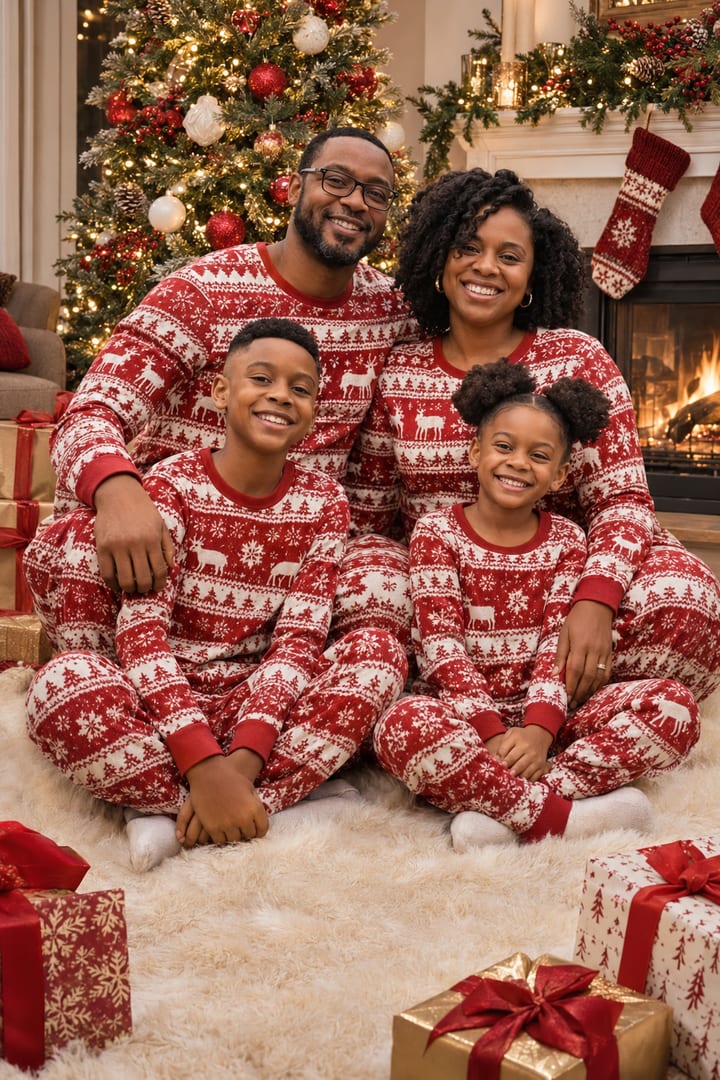
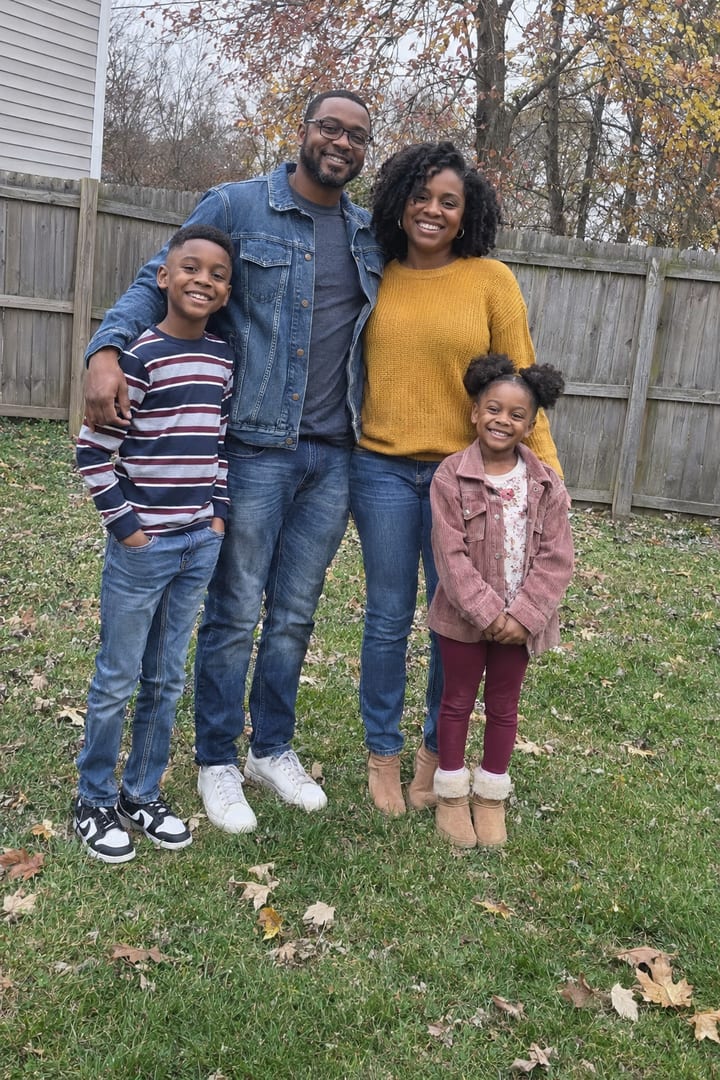
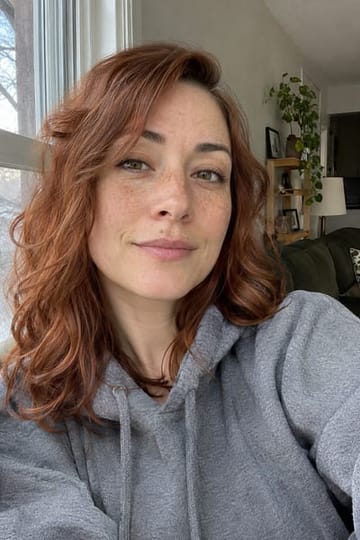
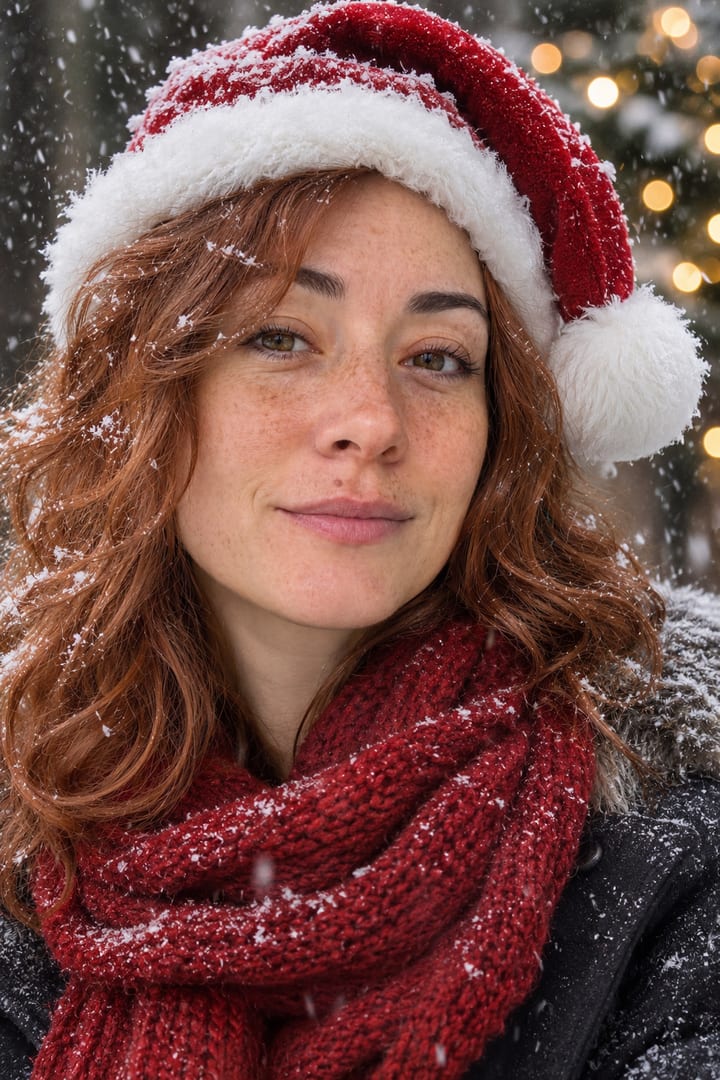
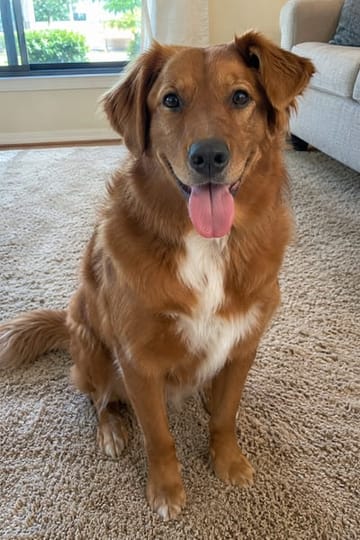
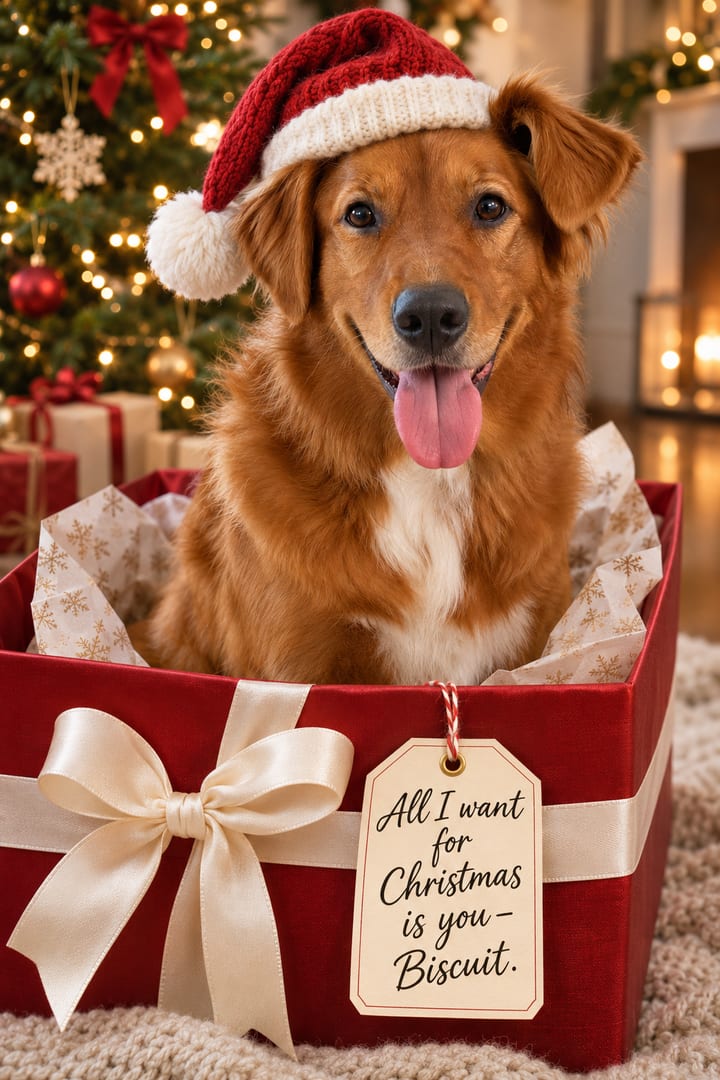
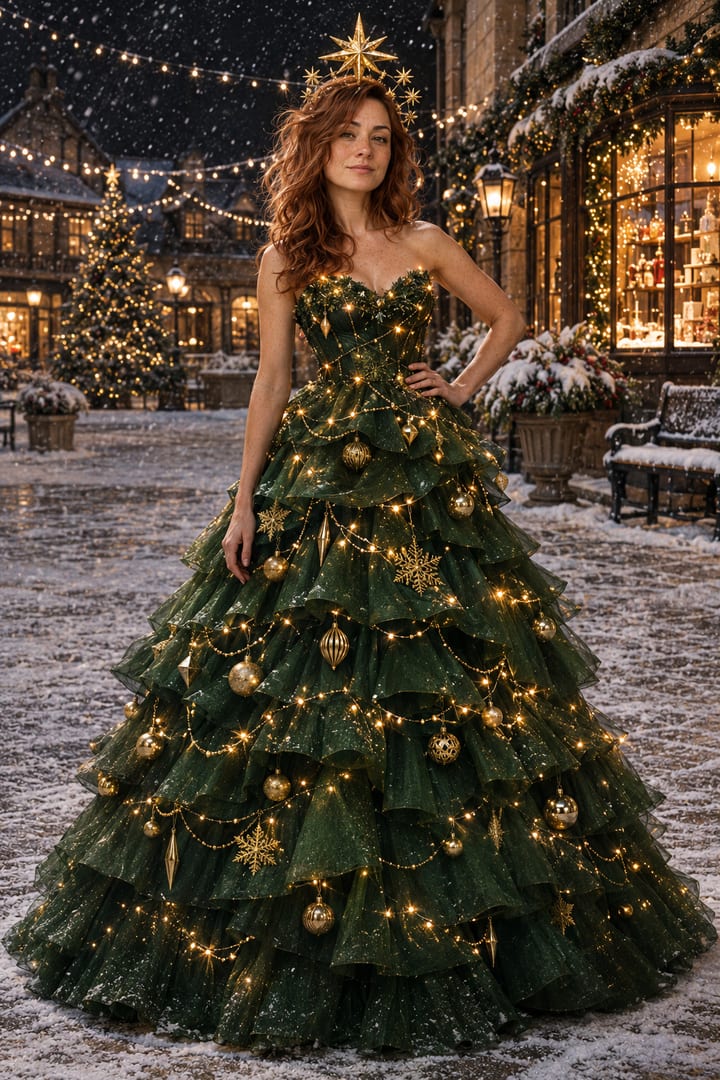
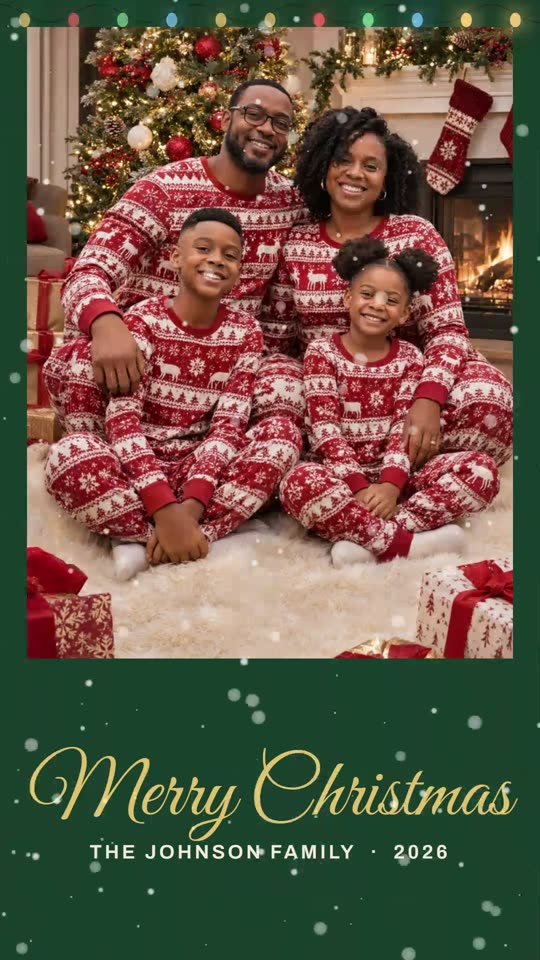
One ordinary photo of you, your family or your dog becomes a set of four Christmas photos that still look like you. Drag the line across the big photo: every look here was made from a plain snapshot like the one underneath.
Add a photo of you, your family or your pet
Drop it here or . Sharp, with faces large.
Pick a look
All 18 looks ↓Matching pajamas
One-time · no account · free redo
Family
Matching pajamas
The looks
Pick your Christmas.
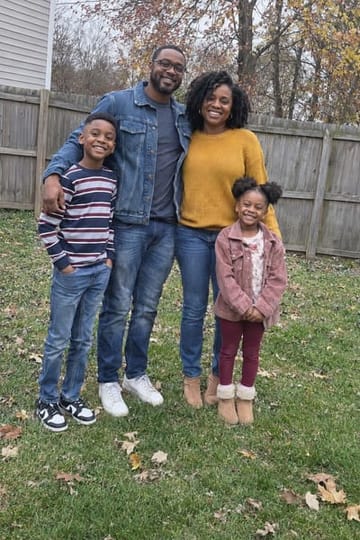
The looks people made most last December. Hover a photo to see the snapshot it came from.
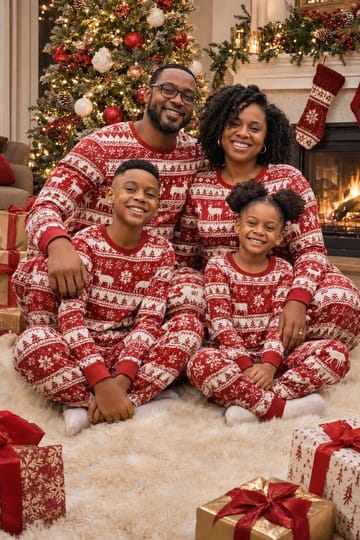
Matching pajamas
4 photos · one-time
Likeness
It still looks like you. That's the whole point.
Christmas feeds fill up with AI photos where a skin tone changed or a stranger turned up. Every look here is a prompt we ran on an ordinary photo and fixed until it worked.
4
photos in your look
A set, like a real photoshoot, not one picture to try your luck with.
18
looks to choose from
The Christmas photos people made most last December, each one tested.
$9.99
one-time
No subscription, no account, no weekly charge you forget to cancel.
Free
redo
If a face does not look right, we make it again at no cost.
Free, today
Rather do it yourself?
Questions
How does the AI Christmas photo generator work?+
Pick a look, add an ordinary photo (a selfie, a family photo with everyone in it, your pet, or your living room for Santa), and you get a set of four Christmas photos in that look, with your faces kept. Every example on this page is a real result from the plain snapshot shown as its before. The studio is not open yet: press Create to get the link the day it opens.
Is it free?+
The finished set will be a one-time $9.99 for four photos in one look, with no subscription and no account. Every picture costs us money to make, so it cannot be free like our browser tools. To do it yourself for free, every look here has its exact prompt in our ChatGPT Christmas photo prompts guide.
Why not just use ChatGPT?+
You can, and our guide shows how. What goes wrong is why this exists: AI family photos where someone's skin tone changed or a stranger appeared, refusals (OpenAI's image model refused three of our four Grinch tries), and one picture at a time. Here every look is a prompt we have already made work, you get four at once, and a redo is free if a face doesn't look right.
Will it look like me?+
That is what every look here is built around: the prompt tells the model to keep each face, skin tone, hair and age as in your photo, and for a family to keep exactly as many people, with no one added. Drag any before and after on this page to compare. Use a sharp photo where faces are large; small or blurry faces are where likeness slips.
Can it do our whole family from one photo?+
Yes, from one photo with everyone in it. The family looks on this page all came from one ordinary backyard photo of four people, and every result kept all four, with their own faces, skin tones and heights.
What happens to my photos?+
Nothing is uploaded from this page today: a photo you add stays in your browser. When the studio opens, your photos will be sent to the image model only to make your set and deleted afterwards, never used for anything else or shown on this site.
Can I make a card from it?+
Yes. Our free Christmas card generator takes any photo, adds a greeting and your family name, and makes a card that opens from an envelope with snow and lights, as a video to send or a PNG to print.