Effects · Tool 71 · Background · Free · No signup
Animated background maker.
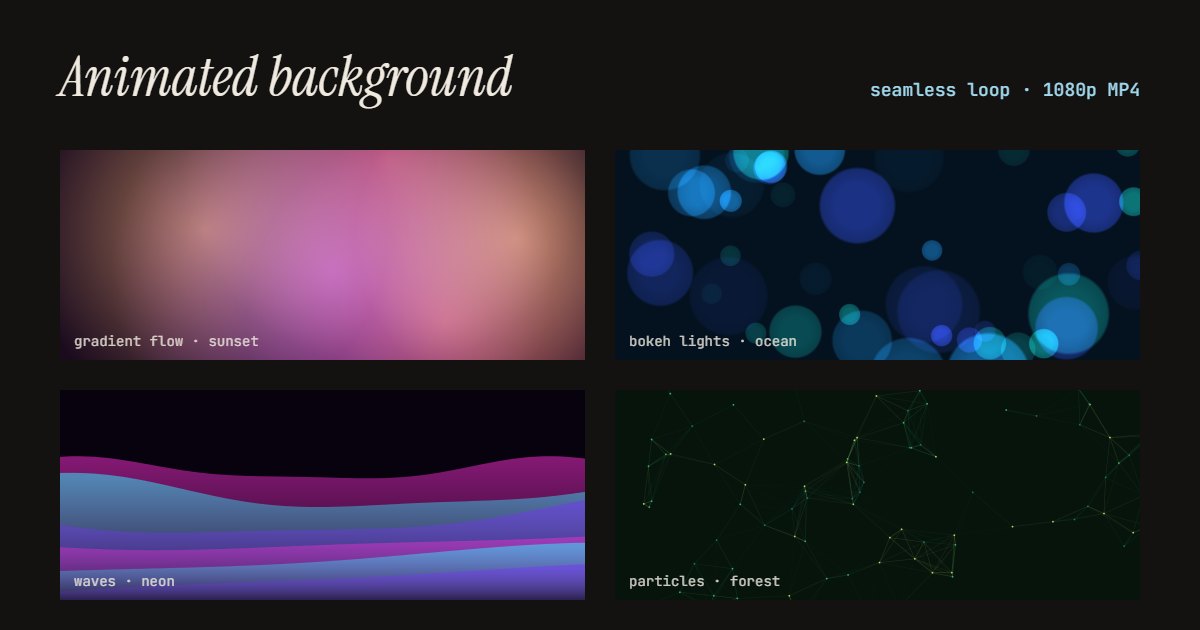
A moving background with no words on it: gradient flow, bokeh lights, waves or particles, in your colours. Export a 1080p MP4 that loops with no seam, for videos, slides, streams and websites. Free, no watermark.
1080p, 30 fps. The last frame leads straight into the first, so it loops with no jump. Free for any use, no watermark, no sign-up.
A longer loop moves more slowly and calmly; 5 s is lively. Sunset on gradient flow.
Made with this tool
How to make an animated background
- Pick a look: gradient flow, bokeh lights, waves or particles.
- Pick a palette.
- Choose how long one loop lasts and the frame: 16:9, 9:16 or 1:1.
- Press Export MP4, and set your player or editor to loop it.
Related
Questions
How do I make an animated background?+
Pick a look (gradient flow, bokeh lights, waves or particles), a palette, how long one loop lasts, and the frame: 16:9, 9:16 or square. The preview moves as you choose. Press Export MP4 and you get a 1080p video of one loop.
Does it really loop without a jump?+
Yes. Every movement in it goes round a whole number of times over the loop, so the last frame leads straight into the first. Set your player, editor or website to loop the MP4 and it runs forever with no visible seam.
What can I use a moving background for?+
Behind text in a video or a reel, as a slide background in PowerPoint, Keynote or Google Slides (insert the video and set it to loop), as a "starting soon" or "be right back" screen on a stream, on a website hero, or behind a song in a lyric video.
How do I put it behind text?+
Put the background on the lowest track of your editor and your text above it. Or make the words here with text animation or a lower third, and lay them over it. In PowerPoint, insert the video, send it to the back and set Playback to Loop until Stopped.
Which loop length should I pick?+
Longer loops move more slowly: 15 seconds is calm, good behind text people have to read; 5 seconds is lively, good for short social clips. The file is one loop, so a longer loop is also a larger file.
Can I use it commercially?+
Yes. Everything you export is yours to use anywhere, in client work, streams and ads too, with no watermark and no credit needed.